Colouring Software
The Ultimate Guide to Colouring Software: Unleash Your Digital Creativity
Have you ever watched those stunning digital paintings online and wondered how artists achieve such vibrant colours and precise details? The secret often lies in the powerful tools they use: Colouring Software. Whether you are a professional illustrator or just someone looking to relax with a digital colouring book, finding the right software can completely transform your creative process.
Choosing the perfect digital canvas can feel overwhelming, however. There are countless options out there, ranging from free mobile apps to sophisticated professional programs. Don't worry; we are here to break down everything you need to know about colouring software so you can choose the ideal tool to bring your imagination to life.
What Exactly Is Colouring Software and Why Should You Care?
Simply put, colouring software is a digital application designed for applying colour, shading, and texture to line art or sketches. Unlike general photo editing tools, specialized colouring software often includes features tailored specifically for drawing and painting, such as custom brushes, blending modes, and pressure sensitivity support for graphics tablets.
If you currently rely on traditional mediums like coloured pencils or paints, switching to a digital platform offers incredible advantages. For instance, the infamous "undo" button alone saves endless hours of frustration! Furthermore, digital tools open up possibilities that physical media simply cannot match.
The Digital Advantage: Pressure Sensitivity and Custom Brushes
One of the key features that sets good colouring software apart is its ability to recognize pressure sensitivity. When paired with a quality graphics tablet, this allows you to vary the thickness, opacity, and intensity of your strokes simply by pressing harder or softer, mimicking real-world art supplies.
In addition, access to thousands of custom brush packs means you can simulate everything from oil paints to delicate charcoal, or even create entirely new textures that defy traditional categorization. This flexibility is central to modern digital illustration.
The Core Benefits of Going Digital with Your Art
When artists make the leap to using dedicated colouring software, they quickly realize that the benefits extend far beyond just correcting mistakes. It is a completely non-destructive workflow that encourages experimentation and high-quality results.
Superior Flexibility and Editing Power
The concept of "layers" is arguably the single most important feature in any professional colouring software. Layers allow you to separate elements of your artwork—the line art, the base colours, the shadows, and the highlights—onto independent sheets.
Why is this so great? Because you can edit the colour of a character's shirt without affecting the hair or the background underneath. Layers simplify complex edits and provide unparalleled control. Furthermore, blending modes allow colours on different layers to interact in specific ways, creating effects like glow or multiply seamlessly.
Cost-Effectiveness and Resource Saving
While some high-end software requires an initial investment, digital art is surprisingly cost-effective in the long run. Think about it: once you own the software, you never have to buy another tube of paint, new set of pencils, or fresh canvas.
Every colour and texture imaginable is available at your fingertips, instantly. This eliminates the clutter and expense associated with physical art supplies. Plus, your finished artwork can be instantly saved, backed up, and shared globally without the need for scanning.
Top Categories of Colouring Software
Colouring software generally falls into two major categories based on complexity and cost. Understanding these categories will help you narrow down your search based on your budget and skill level.
Professional-Grade Tools
These applications are the industry standard for professional illustrators, comic artists, and designers. They offer the most comprehensive set of tools, advanced file handling, and excellent support for large canvases and printing resolution. They typically require powerful hardware to run smoothly.
- Adobe Photoshop: While multipurpose, it remains the gold standard for image manipulation and digital painting, known for its powerful selection tools and vast customization options.
- Clip Studio Paint (Manga Studio): Highly favoured by comic and manga artists due to its specialized features like perspective rulers, panel creation, and dedicated line stabilization tools.
- Procreate (iOS only): A fantastic, highly intuitive option for iPad users, providing a professional-grade experience with an emphasis on touch-friendly speed and a huge brush library.
Beginner-Friendly and Free Options
If you are just starting out and don't want to commit financially, there are superb free and low-cost options available. These often rival the paid programs in terms of core painting features.
Krita is a shining example of high-quality free colouring software. It was specifically developed for digital artists and boasts features like stabilizers and advanced brush engines. Another strong contender is GIMP, which is open-source and offers powerful photo editing capabilities alongside decent painting tools.
Must-Have Features in Good Colouring Software
Before you commit to downloading any colouring software, check if it includes these essential tools. These features are key to creating efficient and high-quality digital artwork.
- Layer Management: Essential for organization and non-destructive editing.
- Brush Customization: The ability to import, export, and modify brush settings (size, flow, texture).
- Colour Palette Tools: Includes colour pickers, colour wheels (HSV), and the ability to save custom palettes.
- Selection and Masking Tools: Allows you to isolate specific areas so colour only applies where you want it to, preventing accidental spillover.
- Transformation Tools: Essential for scaling, rotating, and warping parts of your artwork.
- Stabilizer/Correction Tools: Helps smooth out shaky lines drawn by hand, resulting in cleaner line art.
Tips for Choosing the Right Colouring Software for You
Your perfect software choice depends heavily on your current needs and technical setup. Take a moment to assess these factors before making a final decision.
- Consider Your Device: Do you work on a desktop PC, a Mac, or an iPad/Android tablet? Some software is platform-exclusive (e.g., Procreate).
- Evaluate Your Skill Level: Beginners might be overwhelmed by Photoshop's complexity; a simpler interface like Krita or Procreate might provide a gentler learning curve.
- Check Community Support: Popular programs often have large communities, meaning tutorials, troubleshooting help, and custom brushes are readily available.
- Hardware Compatibility: Ensure the software fully supports your graphics tablet's pressure and tilt functions. Test free trials if possible!
Remember that the best colouring software is the one you enjoy using most and the one that fits seamlessly into your workflow. Don't chase the trendiest program if a simpler one meets all your artistic needs.
Conclusion
Diving into the world of digital art via dedicated colouring software is an exhilarating journey. It offers limitless possibilities for correcting mistakes, experimenting with styles, and achieving vibrant results that are hard to replicate traditionally. We've explored the benefits of layers, custom brushes, and the difference between professional and beginner tools.
Whether you choose a powerhouse like Clip Studio Paint or an accessible platform like Krita, the flexibility of digital colouring will dramatically enhance your creative output. Take the time to explore different options, practice the fundamental features, and soon enough, you will be creating stunning digital masterpieces with ease.
Frequently Asked Questions (FAQ) About Colouring Software
- Can I use basic photo editing software for colouring?
- While you can apply basic colours using photo editors like GIMP or even older versions of Photoshop, specialized colouring software (like Krita or Clip Studio Paint) offers crucial features like brush stabilizers, superior pressure control, and optimized layer blending modes that are essential for illustration.
- Is a graphics tablet necessary for digital colouring?
- It is highly recommended. While you can technically colour with a mouse, a graphics tablet allows for natural, fluid strokes and utilizes the pressure sensitivity features within the colouring software, making shading and line work much easier and more intuitive.
- What is the best free colouring software for beginners?
- Krita is widely considered the best free option for beginners interested in digital painting and colouring. It has a robust set of professional tools, excellent brush engines, and a user-friendly interface designed specifically for artists, not just photo manipulation.
- How important is the 'layer' feature in colouring software?
- Layers are critically important. They allow for non-destructive editing, meaning you can make changes to one element (like shadows) without affecting the others (like the base colour). This saves tremendous time and allows for complex artistic decisions to be made late in the process.
Colouring Software
Colouring Software Wallpapers
Collection of colouring software wallpapers for your desktop and mobile devices.
Mesmerizing Colouring Software Artwork for Mobile
Explore this high-quality colouring software image, perfect for enhancing your desktop or mobile wallpaper.

High-Quality Colouring Software Moment Concept
Transform your screen with this vivid colouring software artwork, a true masterpiece of digital design.
Amazing Colouring Software Moment in 4K
Experience the crisp clarity of this stunning colouring software image, available in high resolution for all your screens.

Stunning Colouring Software Background Illustration
Immerse yourself in the stunning details of this beautiful colouring software wallpaper, designed for a captivating visual experience.

Breathtaking Colouring Software Moment Photography
Experience the crisp clarity of this stunning colouring software image, available in high resolution for all your screens.

Vivid Colouring Software Abstract Art
Discover an amazing colouring software background image, ideal for personalizing your devices with vibrant colors and intricate designs.

Vivid Colouring Software Photo Photography
Experience the crisp clarity of this stunning colouring software image, available in high resolution for all your screens.
Captivating Colouring Software Picture for Desktop
Find inspiration with this unique colouring software illustration, crafted to provide a fresh look for your background.
Captivating Colouring Software Moment Collection
Find inspiration with this unique colouring software illustration, crafted to provide a fresh look for your background.
Breathtaking Colouring Software Capture Photography
Explore this high-quality colouring software image, perfect for enhancing your desktop or mobile wallpaper.
Spectacular Colouring Software Scene Art
This gorgeous colouring software photo offers a breathtaking view, making it a perfect choice for your next wallpaper.
Stunning Colouring Software Moment Photography
This gorgeous colouring software photo offers a breathtaking view, making it a perfect choice for your next wallpaper.
Lush Colouring Software Scene in 4K
Find inspiration with this unique colouring software illustration, crafted to provide a fresh look for your background.

Captivating Colouring Software Capture Photography
This gorgeous colouring software photo offers a breathtaking view, making it a perfect choice for your next wallpaper.

Stunning Colouring Software Design in HD
Find inspiration with this unique colouring software illustration, crafted to provide a fresh look for your background.

Stunning Colouring Software Design Photography
Immerse yourself in the stunning details of this beautiful colouring software wallpaper, designed for a captivating visual experience.
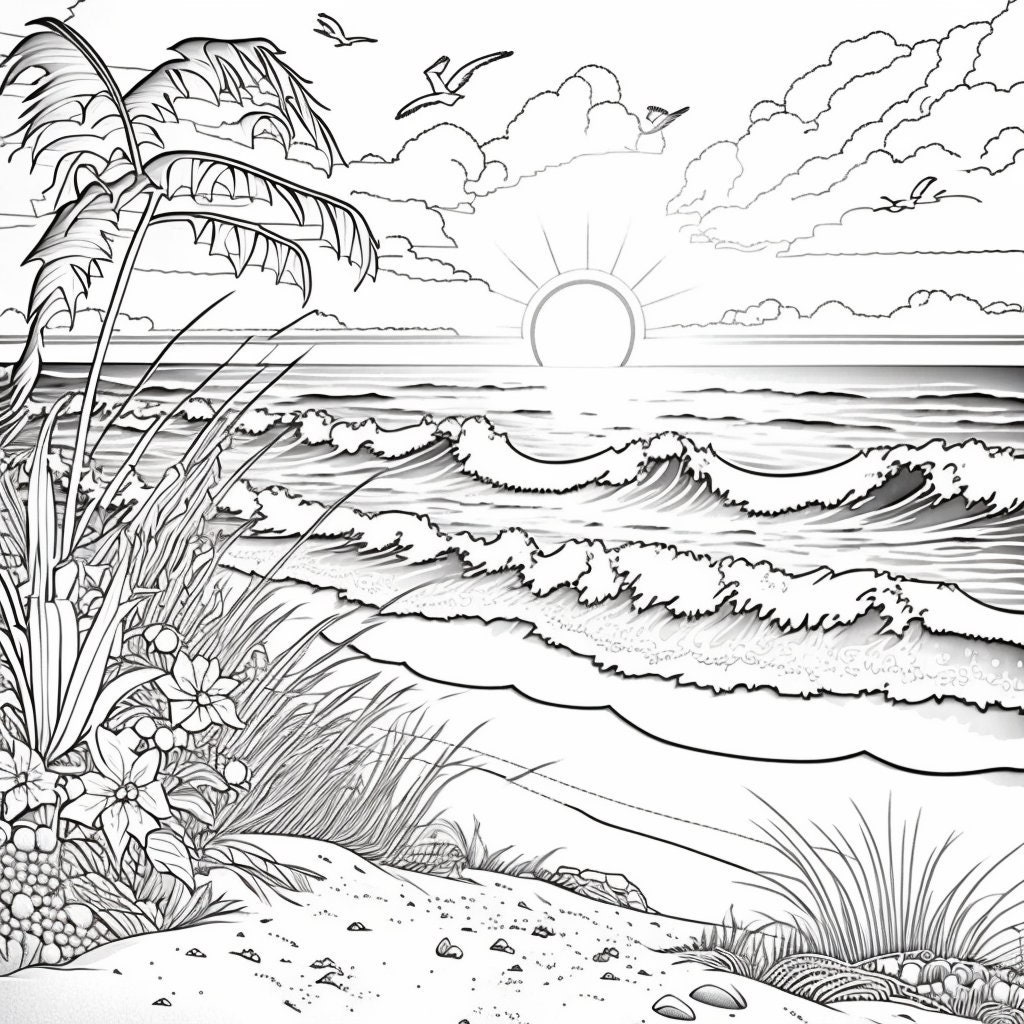
Vivid Colouring Software Picture Digital Art
Explore this high-quality colouring software image, perfect for enhancing your desktop or mobile wallpaper.

Gorgeous Colouring Software Image for Desktop
Find inspiration with this unique colouring software illustration, crafted to provide a fresh look for your background.

Detailed Colouring Software Image Concept
Transform your screen with this vivid colouring software artwork, a true masterpiece of digital design.
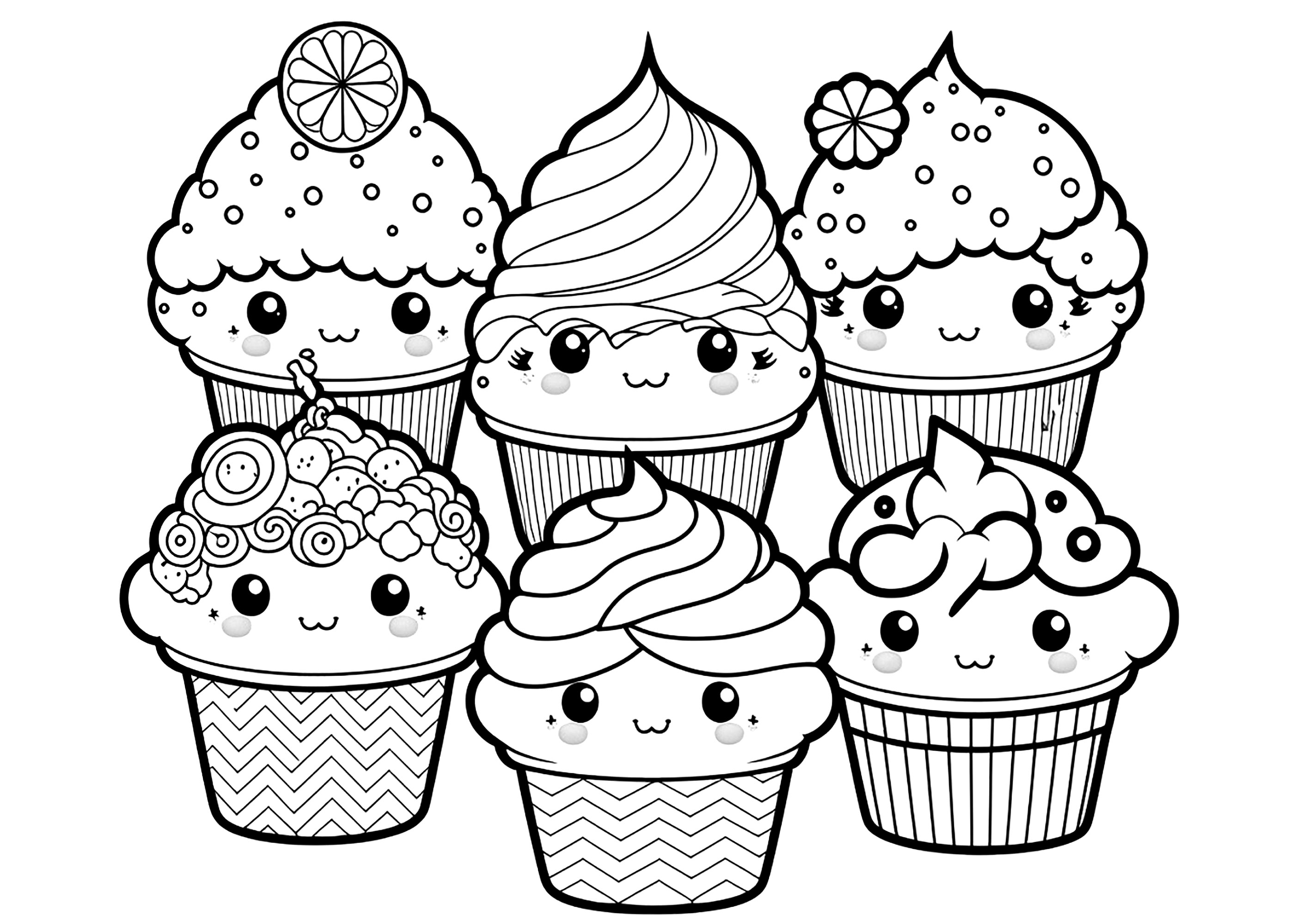
Amazing Colouring Software Capture Nature
Experience the crisp clarity of this stunning colouring software image, available in high resolution for all your screens.
Download these colouring software wallpapers for free and use them on your desktop or mobile devices.