Crayola Software
Crayola Software: Unleashing Digital Creativity for Kids (and Adults!)
If you grew up with the scent of waxy crayons and markers, the name Crayola likely brings back wonderful memories of childhood creativity. But did you know that the magic of Crayola hasn't stayed confined to paper? For decades, Crayola Software has bridged the gap between traditional art supplies and the limitless potential of digital creation.
Whether you are a parent looking for educational apps, a nostalgic adult, or an educator seeking engaging digital tools, understanding the world of Crayola's digital offerings is crucial. This article will guide you through the history, types, and benefits of using official Crayola digital products, helping you decide which software is right for your budding artist.
Let's dive into how this iconic brand translated its commitment to color and imagination into the digital realm!
A Trip Down Memory Lane: The History of Crayola Software
The journey of Crayola Software began long before tablets and smartphones dominated the scene. In the mid-to-late 1990s, as home computing became common, Crayola recognized the need to adapt their brand for the CD-ROM generation. These early programs were often developed in partnership with major software companies, aiming to replicate the fun of coloring with added digital interactivity.
These initial releases were groundbreaking. They offered features that were impossible with traditional crayons, such as instant undo buttons, glitter effects, and 3D modeling environments. This early foray established Crayola as a major player in the emerging field of educational digital entertainment.
The Golden Age of CD-ROMs
Titles like "Crayola Magic 3D Coloring Book" and various digital studio kits became staples on family PCs. These programs focused heavily on simple, intuitive interfaces, ensuring that even young children could navigate the creative process without frustration. They included hundreds of templates and printable activities, merging digital creation with tangible results.
The goal wasn't just to replace physical crayons, but to augment them. Users could experiment freely, learning about symmetry, perspective, and color mixing in a low-stakes environment. Ultimately, the early successes of these titles paved the way for the sophisticated apps we see today.
Types of Modern Crayola Digital Tools
Today, Crayola Software is primarily found in the mobile ecosystem, though they also offer web-based tools and specialized educational kits. The current suite of products is designed to be highly accessible and constantly updated, reflecting modern digital standards.
The current offerings usually fall into two main categories: specific, dedicated coloring/activity apps, and broader creative suites that mimic a full art studio. They often feature proprietary Crayola colors, ensuring that the digital experience feels authentic to the brand.
Focusing on Mobile and App Experiences
Mobile applications have become the core delivery method for Crayola's digital content. These apps are specifically optimized for touch screens, making them ideal for younger users who are learning basic digital navigation skills. Titles like "Crayola Color & Play" often blend 2D coloring with interactive animations and games, adding an extra layer of engagement.
Furthermore, many apps integrate augmented reality (AR) features. This allows children to color physical pages and then scan them into the app, watching their creations pop up in 3D. This clever integration ensures that the physical art experience remains connected to the digital world.
Digital Coloring Books vs. Freeform Art
When selecting a Crayola digital tool, you'll encounter two main styles of creative interaction. Digital Coloring Books provide structure, offering line art where the focus is on color choice and placement. This is excellent for teaching concentration and color theory.
On the other hand, Freeform Art apps provide a blank canvas, offering tools that mimic paint, pencils, and the signature Crayola crayon texture. These tools encourage open-ended creative exploration and are fantastic for older children or adults who want to sketch and design without limitations. Often, the best Crayola software offerings seamlessly transition between these two modes.
Why Choose Crayola Software for Educational Play?
Beyond being fun, Crayola Software is designed with educational principles in mind, focusing on skills development crucial for early learners. It provides a safe, non-messy environment where experimentation is encouraged.
The digital format offers unique advantages that physical materials simply cannot match. For instance, the ability to zoom in helps refine fine motor control, even when using a fingertip or stylus. The integration of gaming elements also keeps children engaged for longer periods, promoting focus.
Here are several key developmental benefits offered by these digital tools:
- Risk-Free Experimentation: Unlike physical drawing, mistakes can be instantly undone or completely erased, encouraging users to take creative risks without fear of ruining their work.
- Motor Skills Development: Using styluses or precise finger movements helps develop fine motor skills and hand-eye coordination necessary for writing and other detailed tasks.
- Introduction to Digital Literacy: Familiarity with painting tools, menus, and saving files prepares children for using more complex professional design software later in life.
- Accessibility and Variety: A limitless supply of colors, textures (glitter, fuzz, patterns), and tools means creativity is never hampered by a missing crayon or a dried-out marker.
Furthermore, many Crayola apps adhere to strict privacy guidelines, giving parents peace of mind about the content their children are interacting with.
Getting Started: Tips and Resources
Ready to try out the digital coloring world? Getting started with Crayola products is easy, but a few tips can help maximize the experience, especially if you are transitioning a child from physical art supplies to a screen.
First, check device compatibility. While most current Crayola Software is available on iOS and Android, older versions of operating systems might not be supported. Always look for the official Crayola developer listing in the app store to ensure you are downloading legitimate software.
Consider investing in a basic stylus. While finger painting is fun, a simple stylus can drastically improve the precision of the artwork, more closely mimicking the experience of holding a physical crayon or pencil. This is a game-changer for older children working on detailed projects.
Finally, don't overlook the collaborative features. Some apps allow users to share their artwork easily, fostering a sense of community and encouraging constructive feedback among friends or classmates.
Recommended Resources for Parents and Educators
Crayola's official website often provides educational resources that complement their software. These resources include lesson plans, printable activities that integrate with the digital apps (like the AR coloring pages), and guides for using color theory in creative projects.
If you are an educator, many Crayola products are designed specifically for classroom use, offering bulk purchasing options or site licenses. Look for curriculum guides that link the software activities directly to learning objectives in art and technology.
Conclusion
From the early days of bulky CD-ROMs to today's sleek, interactive mobile apps, Crayola Software has consistently delivered high-quality, engaging tools that nurture creativity. It successfully blends the nostalgic reliability of the Crayola brand with the modern demands of the digital world.
Choosing Crayola means choosing educational value, accessibility, and most importantly, fun. Whether your child is filling in the lines of a digital coloring book or designing their own animated world, these software offerings prove that the power of color is truly limitless. We encourage you to explore the latest apps and unleash the digital artist within your family!
Frequently Asked Questions About Crayola Software (FAQ)
- What devices support Crayola Software?
- Most current Crayola digital products are optimized for modern tablets and smartphones running recent versions of iOS (Apple) and Android operating systems. Older desktop software (CD-ROMs) may require specific emulation or compatibility checks for modern Windows or macOS systems.
- Is Crayola Software free to use?
- This varies greatly. Some apps offer basic features for free but require in-app purchases or subscriptions to unlock the full range of colors, tools, and content templates. Always check the app store listing for pricing details before downloading.
- How does Crayola ensure the apps are safe for children?
- Crayola is committed to child safety. Their official apps typically adhere to strict privacy standards (like COPPA compliance in the US), meaning they generally do not collect personal information and are free from inappropriate external advertising.
- Can I print my artwork created using Crayola Software?
- Yes, most Crayola Software applications include a feature that allows users to save their finished projects as high-resolution images (like JPEGs or PNGs) which can then be easily printed at home or shared digitally.
Crayola Software
Crayola Software Wallpapers
Collection of crayola software wallpapers for your desktop and mobile devices.
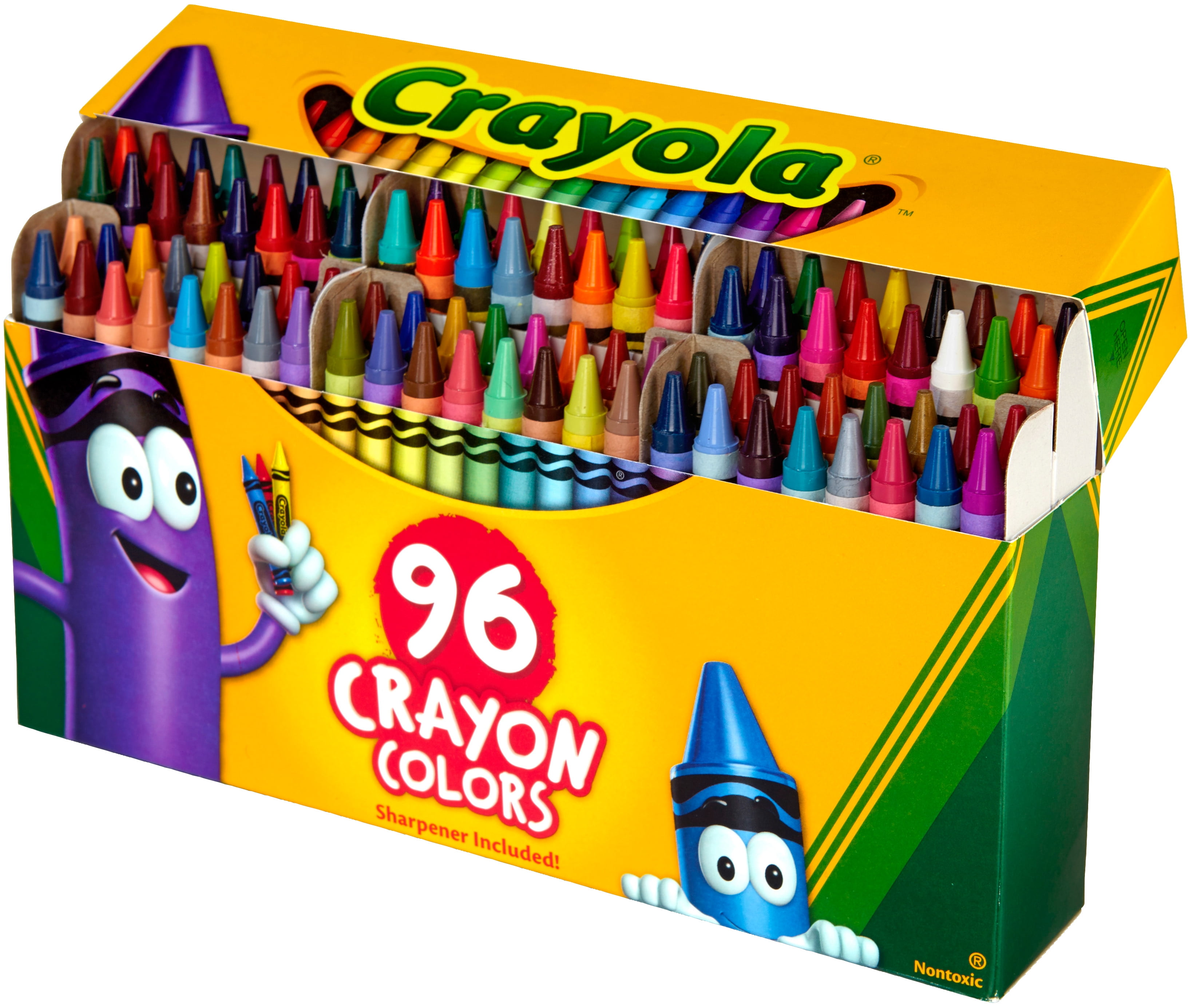
Mesmerizing Crayola Software Artwork Digital Art
Transform your screen with this vivid crayola software artwork, a true masterpiece of digital design.

Crisp Crayola Software Moment Photography
This gorgeous crayola software photo offers a breathtaking view, making it a perfect choice for your next wallpaper.
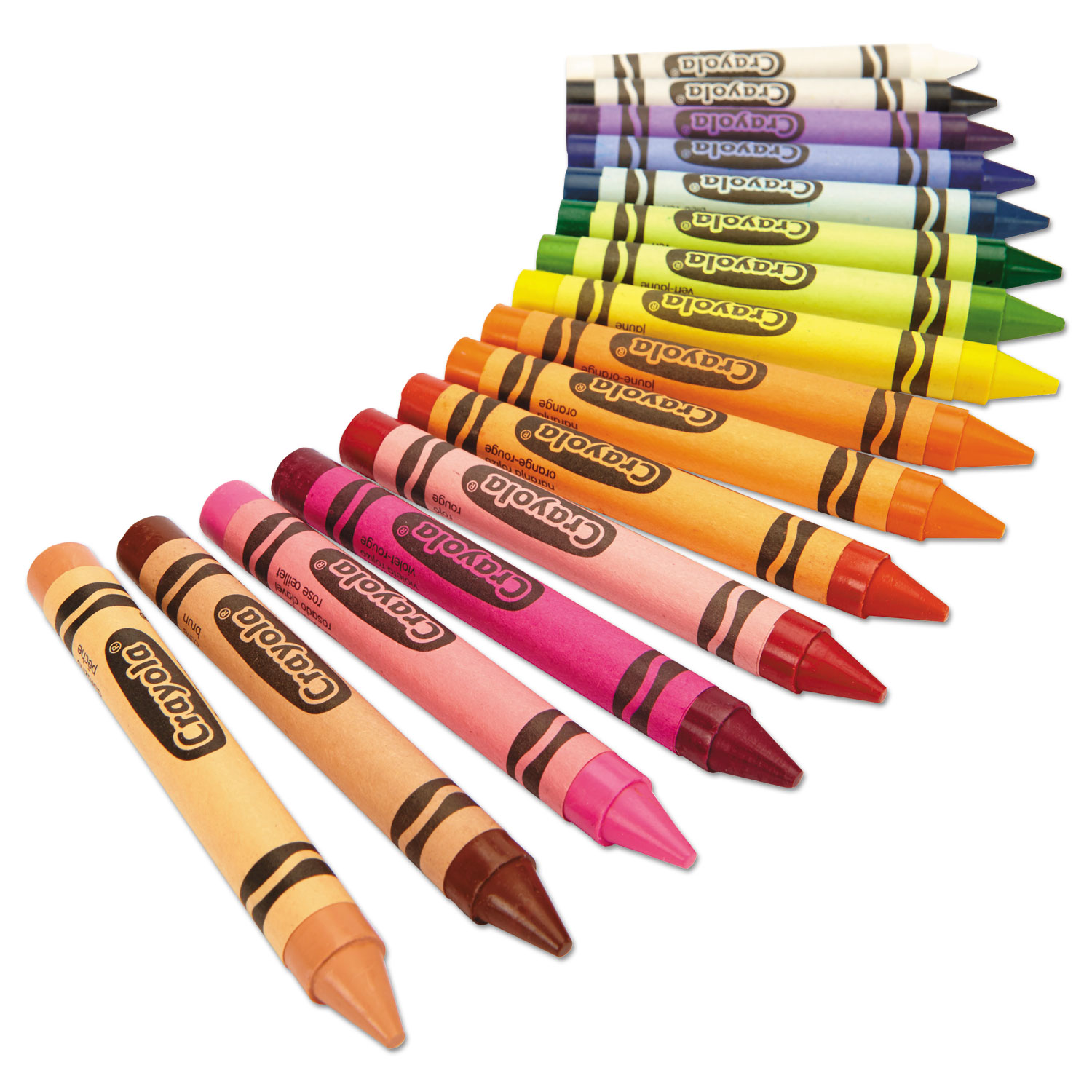
High-Quality Crayola Software Moment Digital Art
Experience the crisp clarity of this stunning crayola software image, available in high resolution for all your screens.
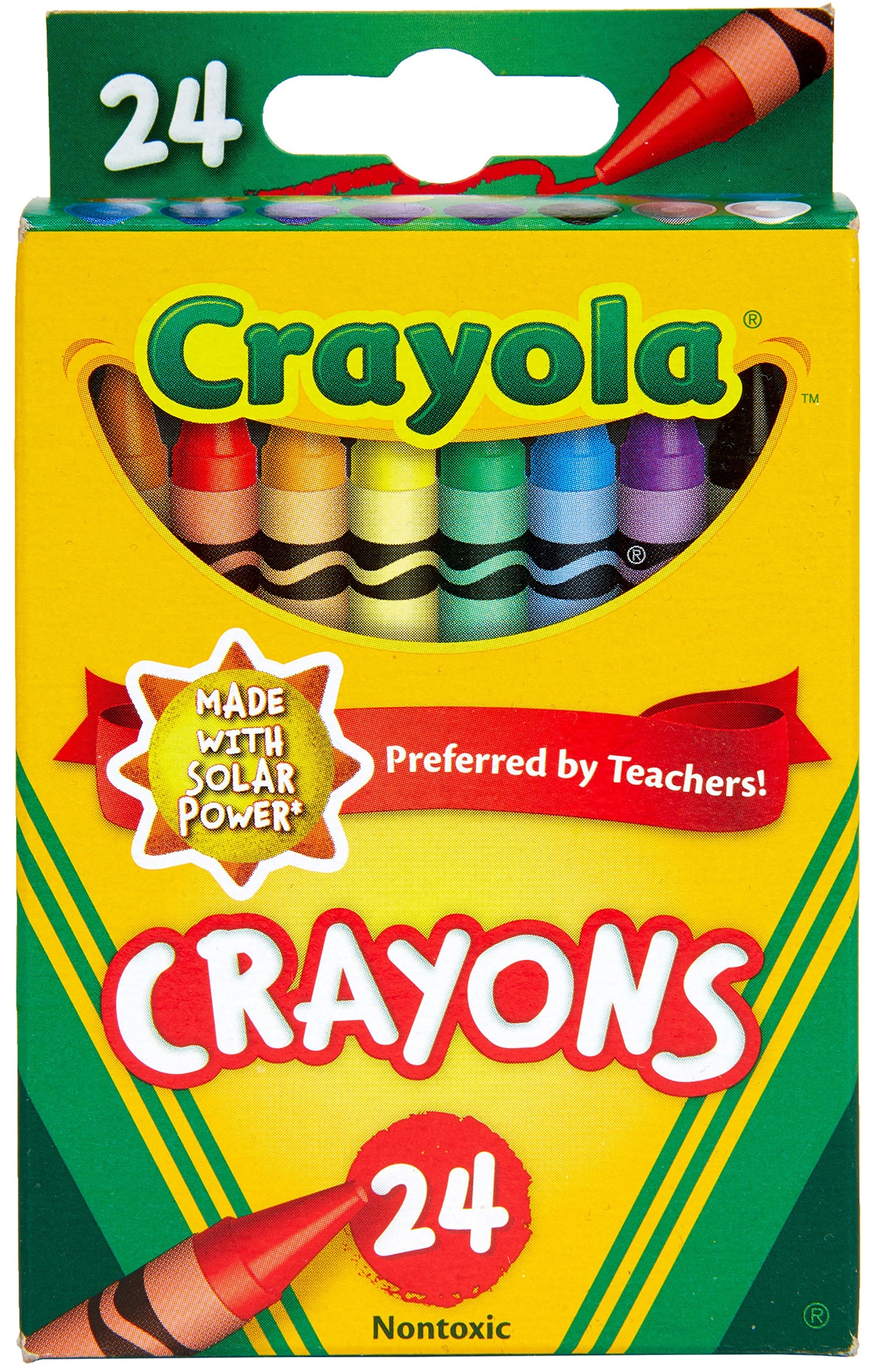
Exquisite Crayola Software View for Your Screen
A captivating crayola software scene that brings tranquility and beauty to any device.
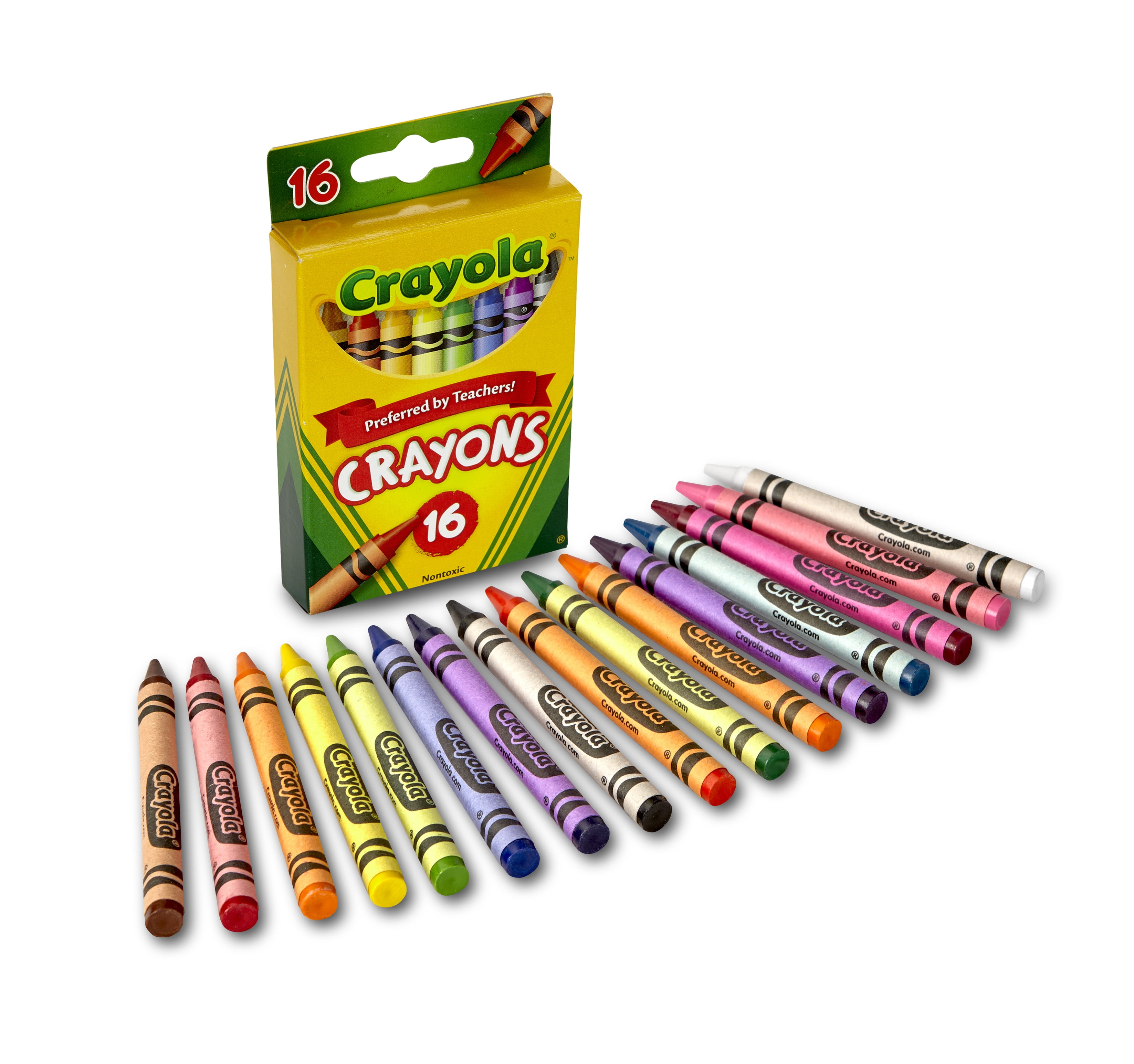
Vivid Crayola Software Capture in HD
Experience the crisp clarity of this stunning crayola software image, available in high resolution for all your screens.

Lush Crayola Software Design Photography
A captivating crayola software scene that brings tranquility and beauty to any device.
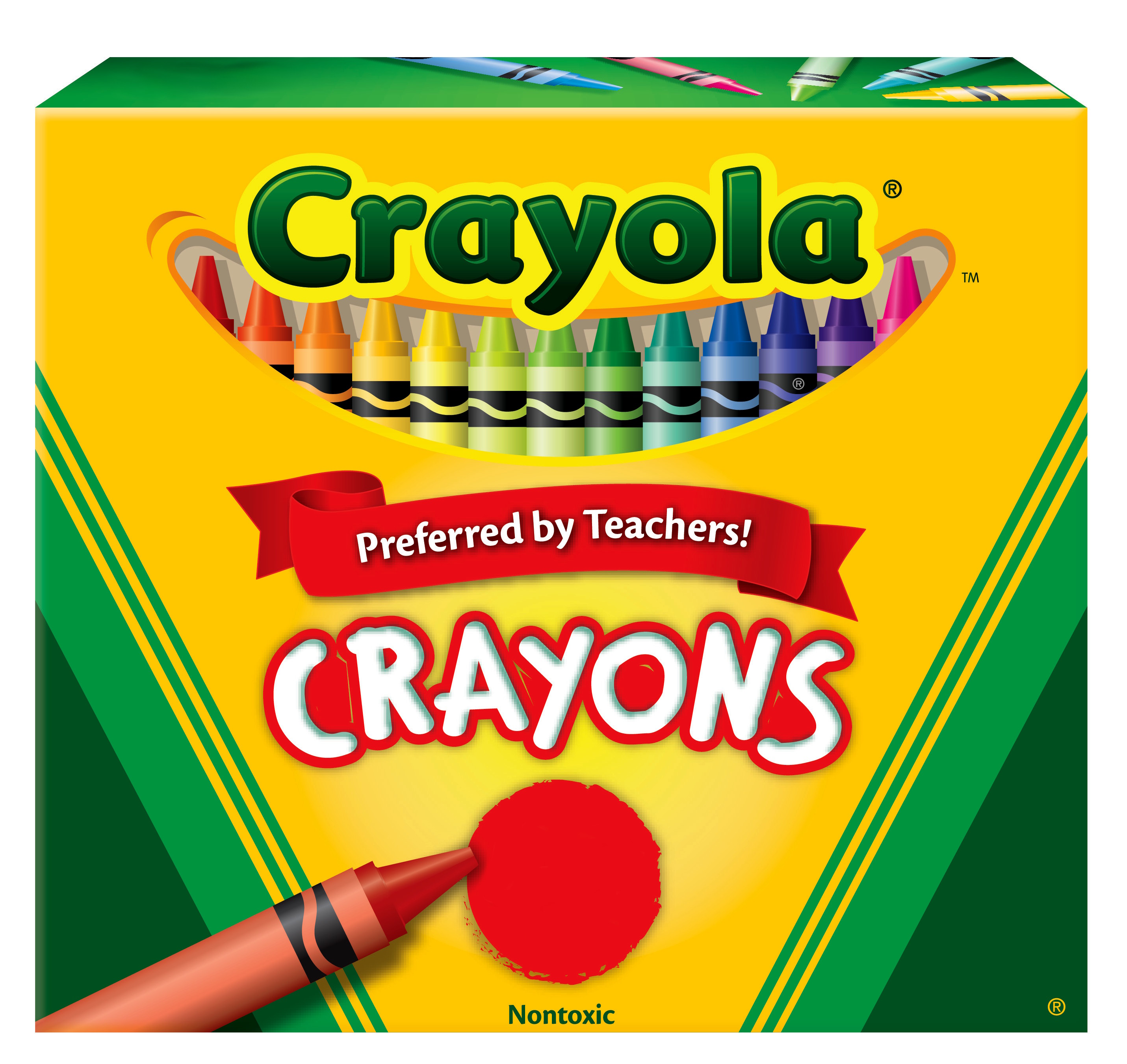
Lush Crayola Software Artwork Concept
This gorgeous crayola software photo offers a breathtaking view, making it a perfect choice for your next wallpaper.

Stunning Crayola Software Artwork for Mobile
This gorgeous crayola software photo offers a breathtaking view, making it a perfect choice for your next wallpaper.
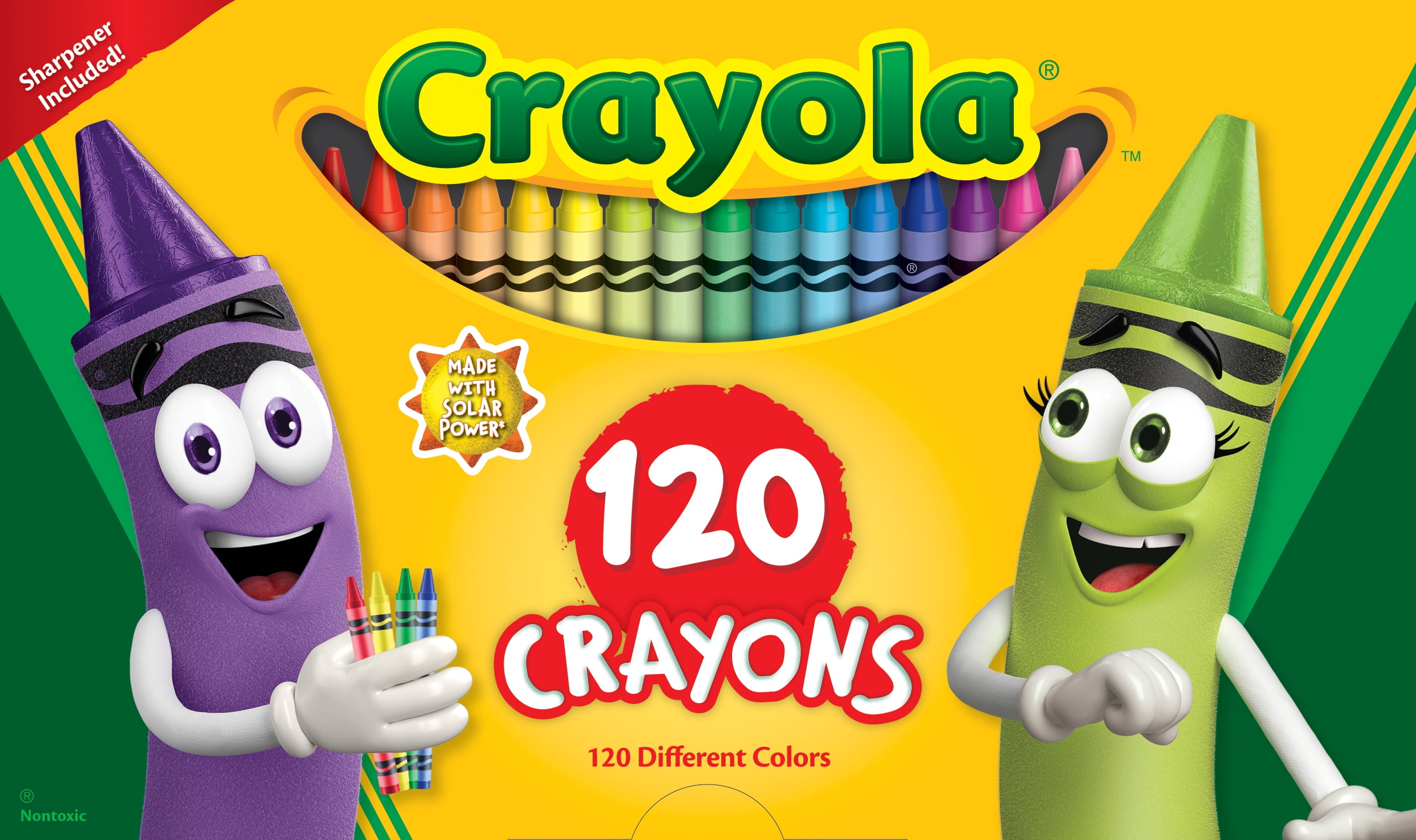
Vivid Crayola Software View in 4K
Transform your screen with this vivid crayola software artwork, a true masterpiece of digital design.
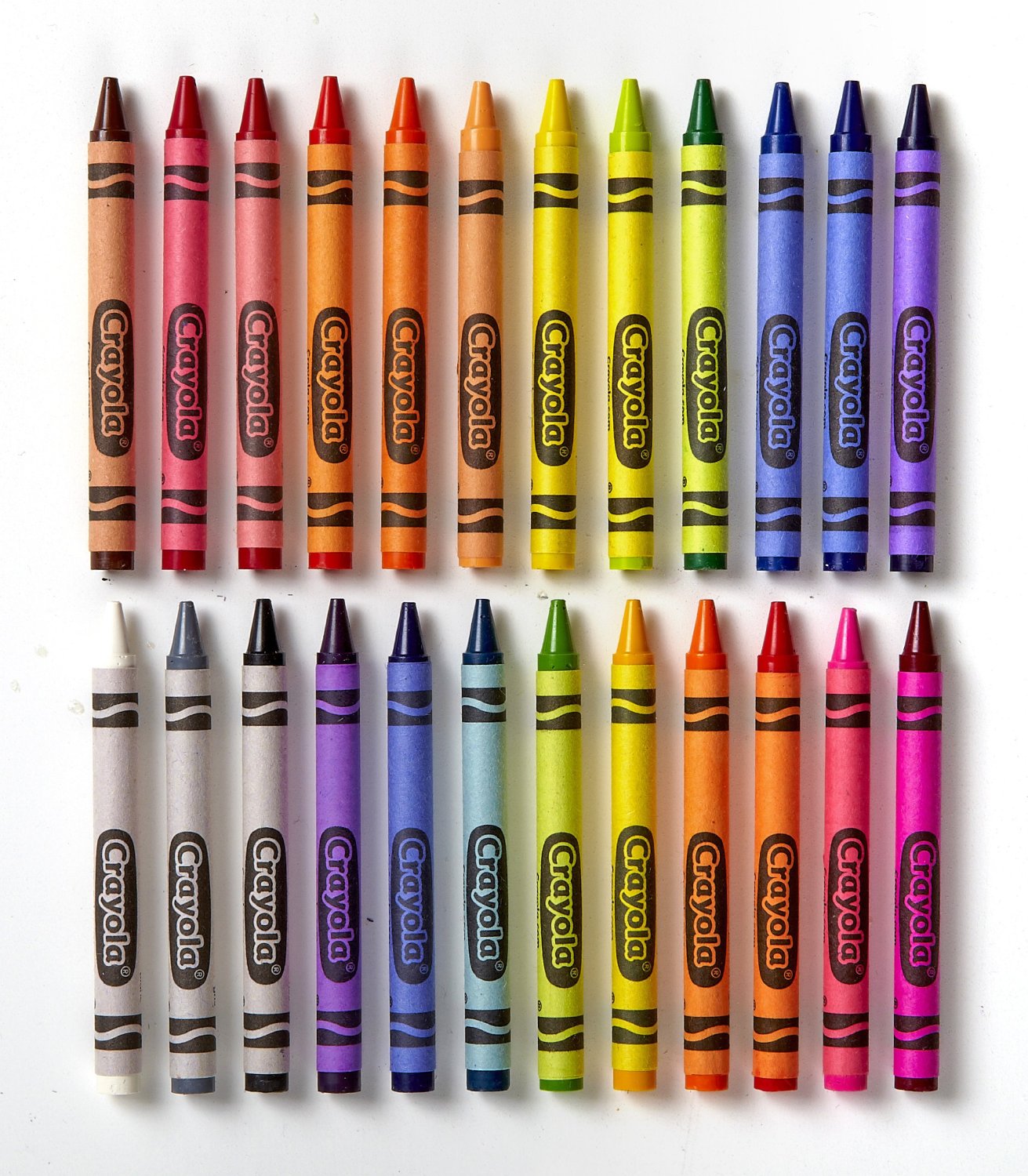
Lush Crayola Software Image for Desktop
This gorgeous crayola software photo offers a breathtaking view, making it a perfect choice for your next wallpaper.
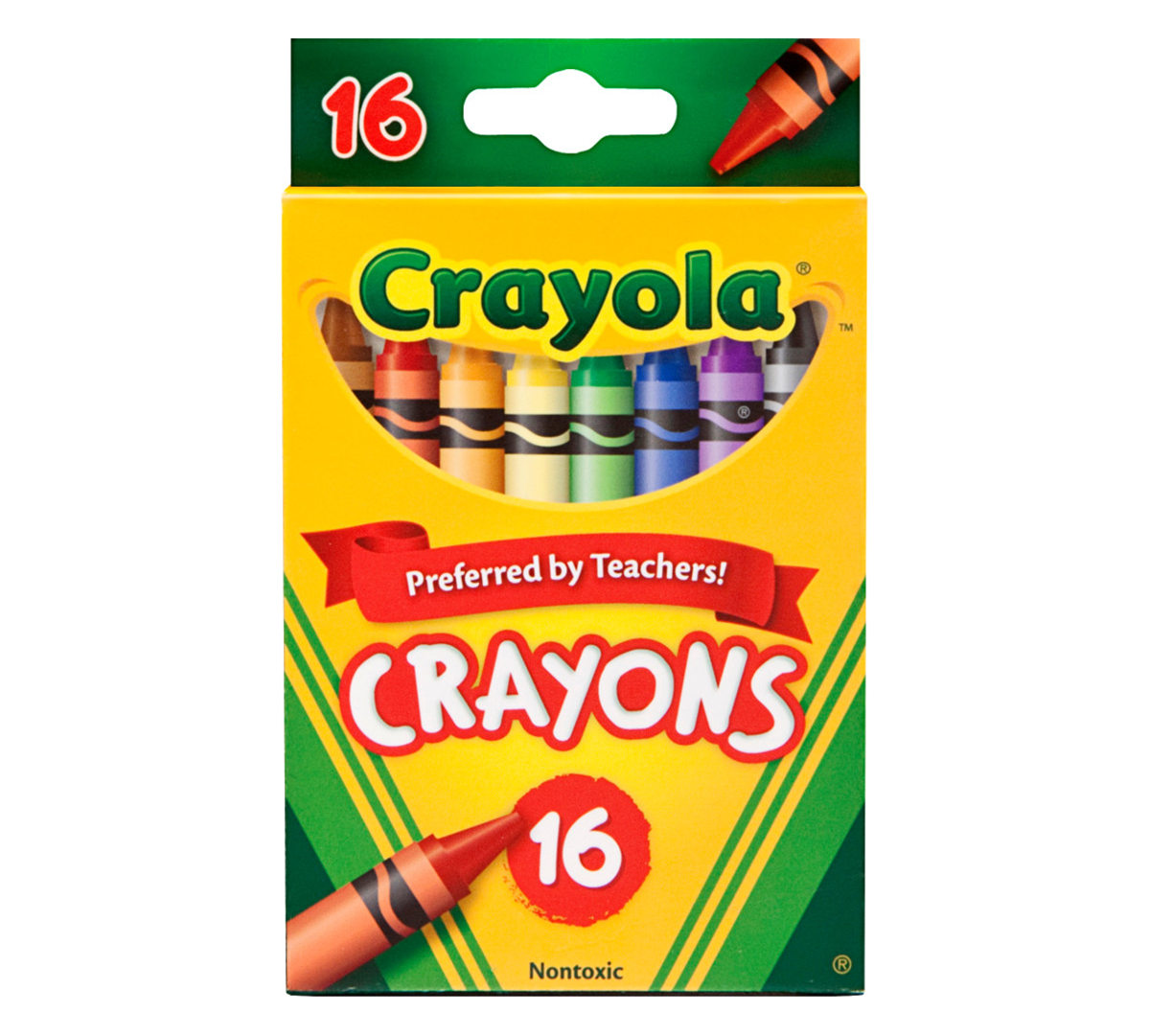
Gorgeous Crayola Software Wallpaper for Desktop
Immerse yourself in the stunning details of this beautiful crayola software wallpaper, designed for a captivating visual experience.

Gorgeous Crayola Software Picture Illustration
This gorgeous crayola software photo offers a breathtaking view, making it a perfect choice for your next wallpaper.
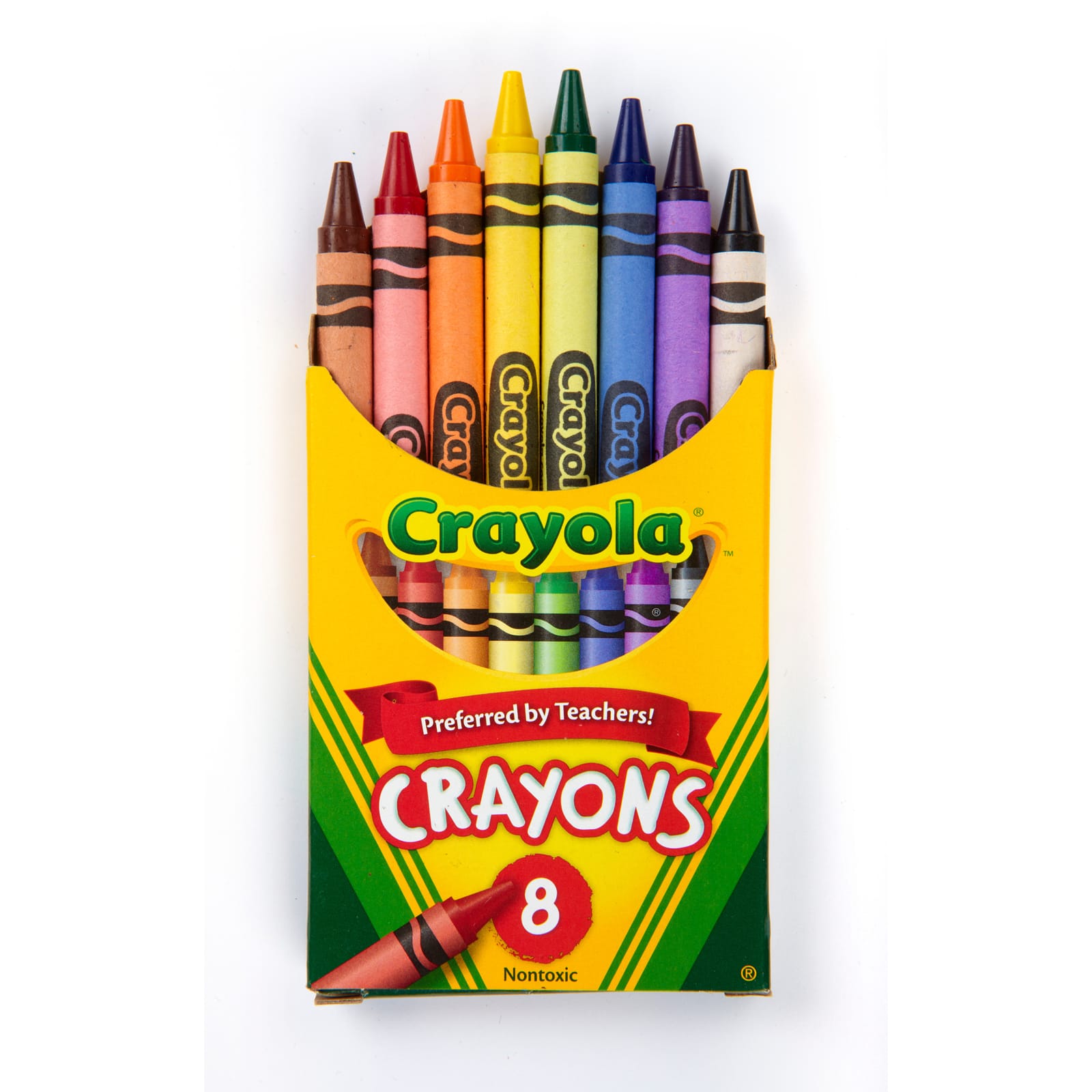
Artistic Crayola Software Artwork Photography
A captivating crayola software scene that brings tranquility and beauty to any device.
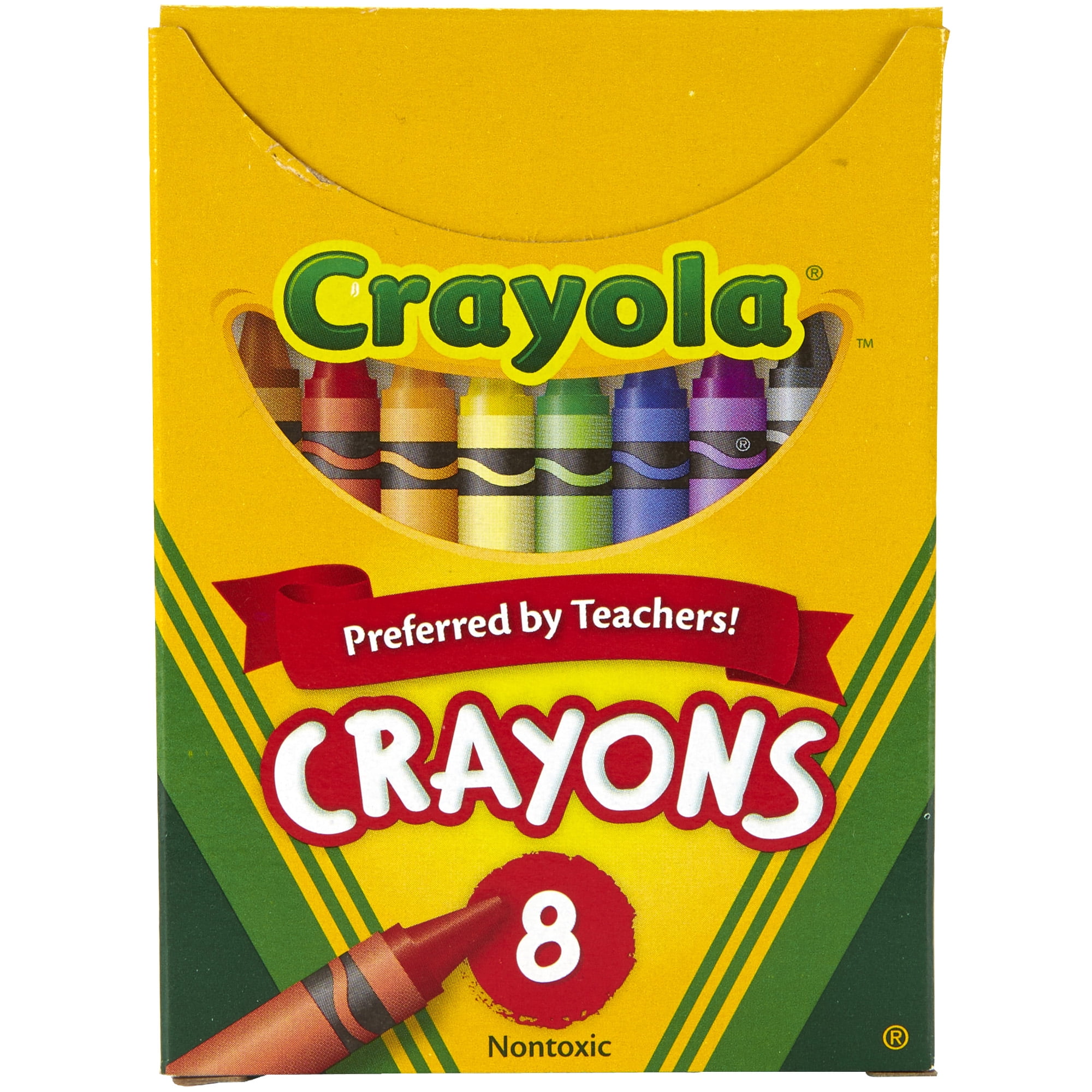
Crisp Crayola Software Capture Digital Art
A captivating crayola software scene that brings tranquility and beauty to any device.

Dynamic Crayola Software Wallpaper in HD
Find inspiration with this unique crayola software illustration, crafted to provide a fresh look for your background.
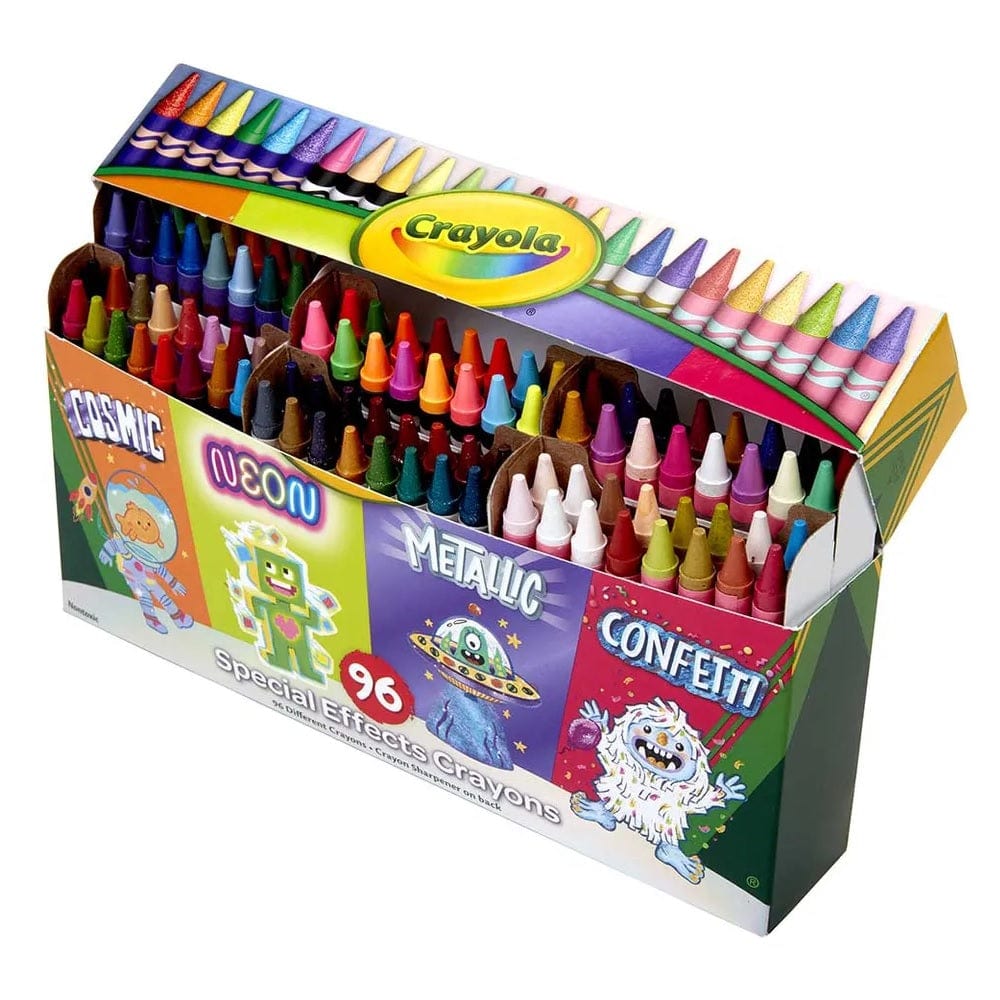
Exquisite Crayola Software Moment Nature
This gorgeous crayola software photo offers a breathtaking view, making it a perfect choice for your next wallpaper.
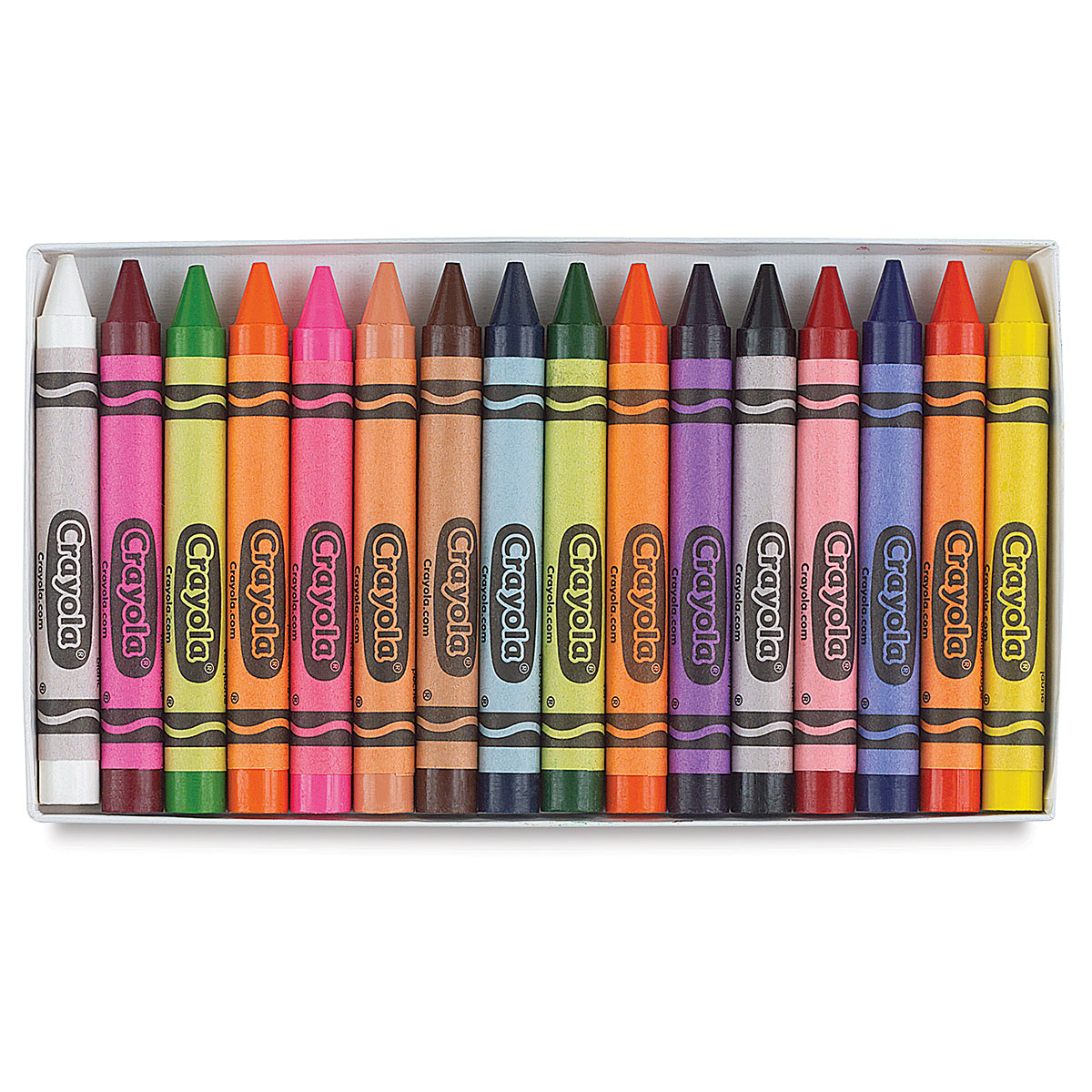
High-Quality Crayola Software Landscape Art
Transform your screen with this vivid crayola software artwork, a true masterpiece of digital design.
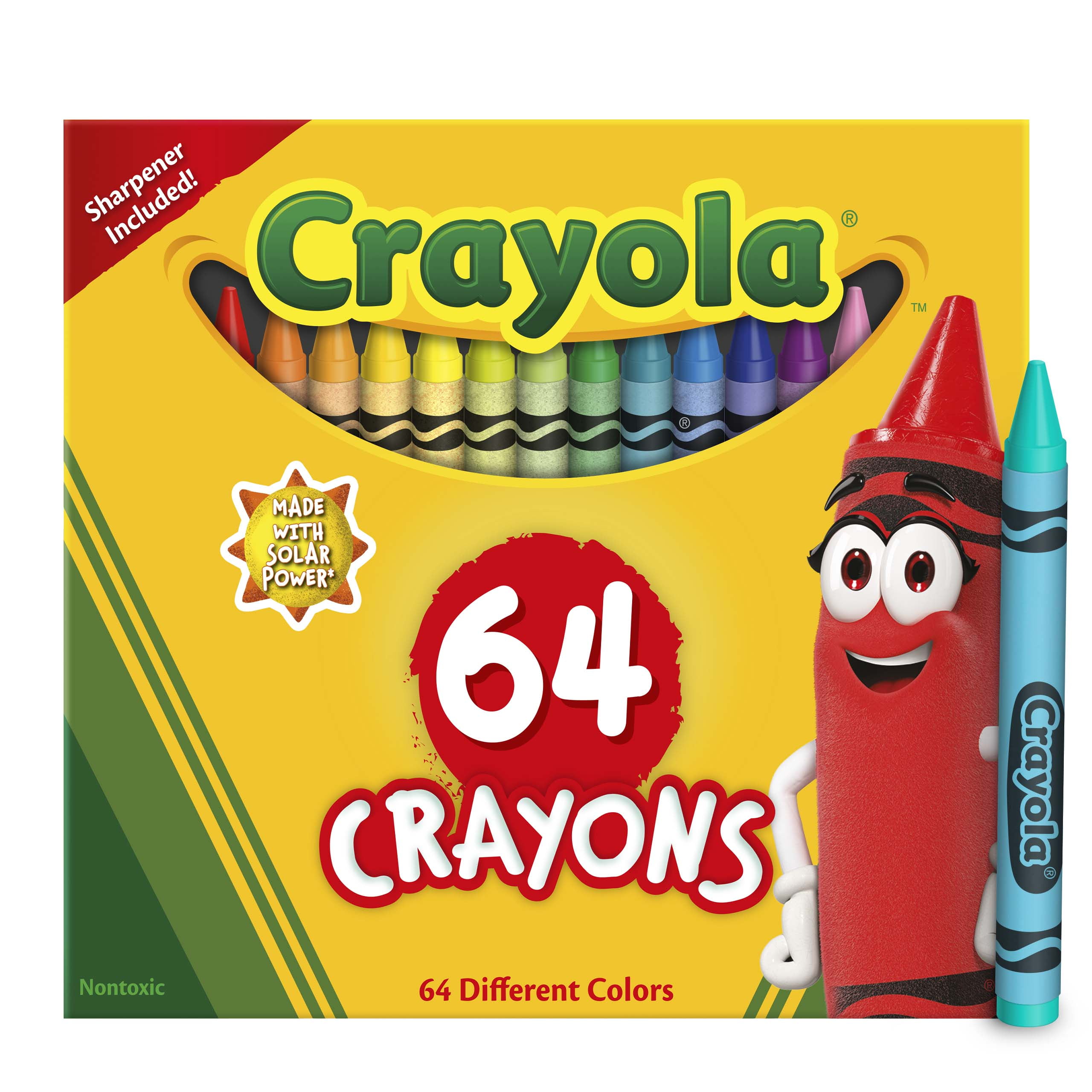
Breathtaking Crayola Software Image Art
Discover an amazing crayola software background image, ideal for personalizing your devices with vibrant colors and intricate designs.
/GettyImages-1055965132-9989ff7a5fb94515b1d1982bdfc69b62.jpg "Amazing Crayola Software Landscape Nature")
Amazing Crayola Software Landscape Nature
Experience the crisp clarity of this stunning crayola software image, available in high resolution for all your screens.

Captivating Crayola Software Capture Photography
This gorgeous crayola software photo offers a breathtaking view, making it a perfect choice for your next wallpaper.
Download these crayola software wallpapers for free and use them on your desktop or mobile devices.