Crayola Story Studio
The Ultimate Guide to Crayola Story Studio: Unleash Your Child's Imagination!
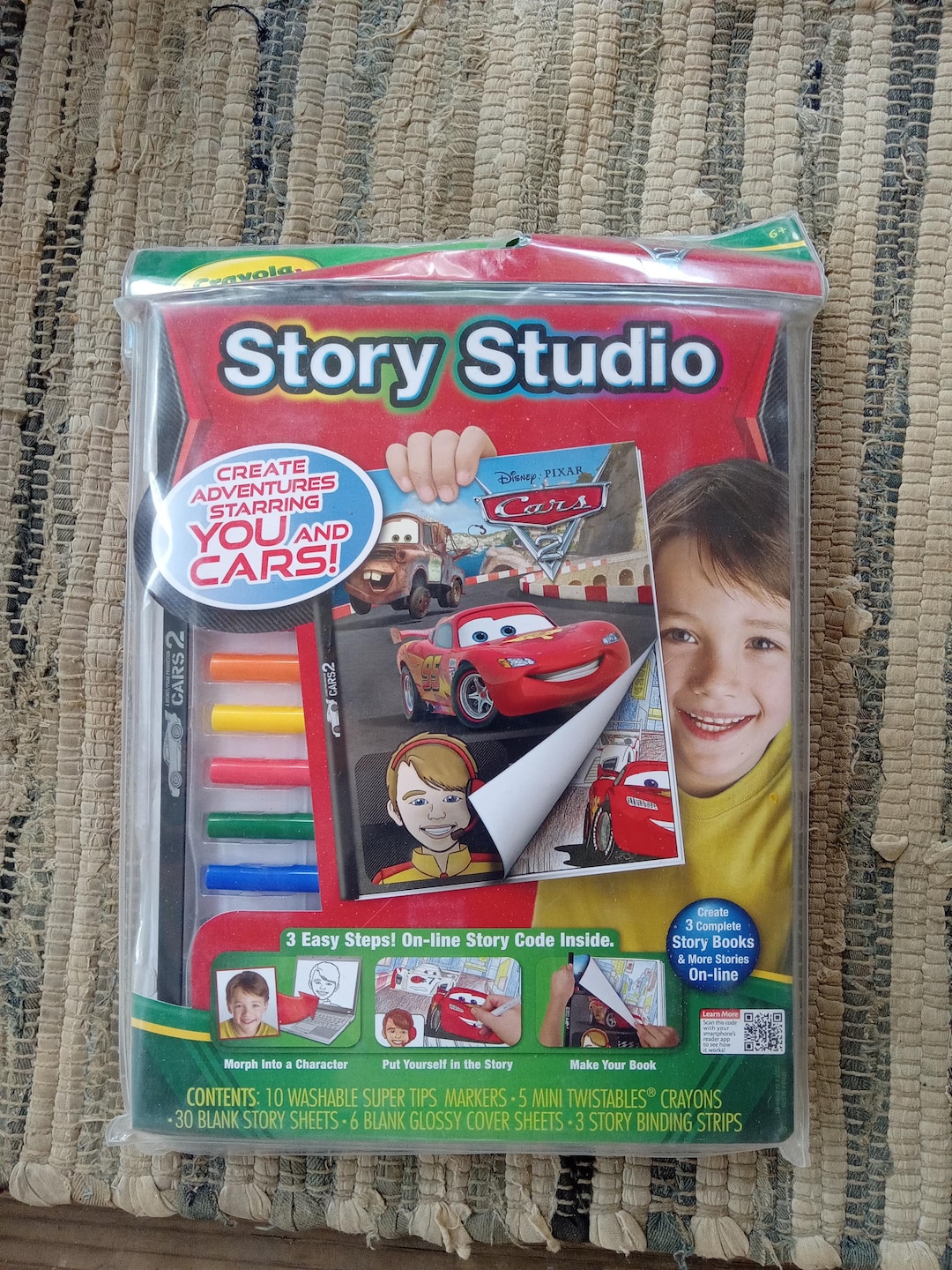
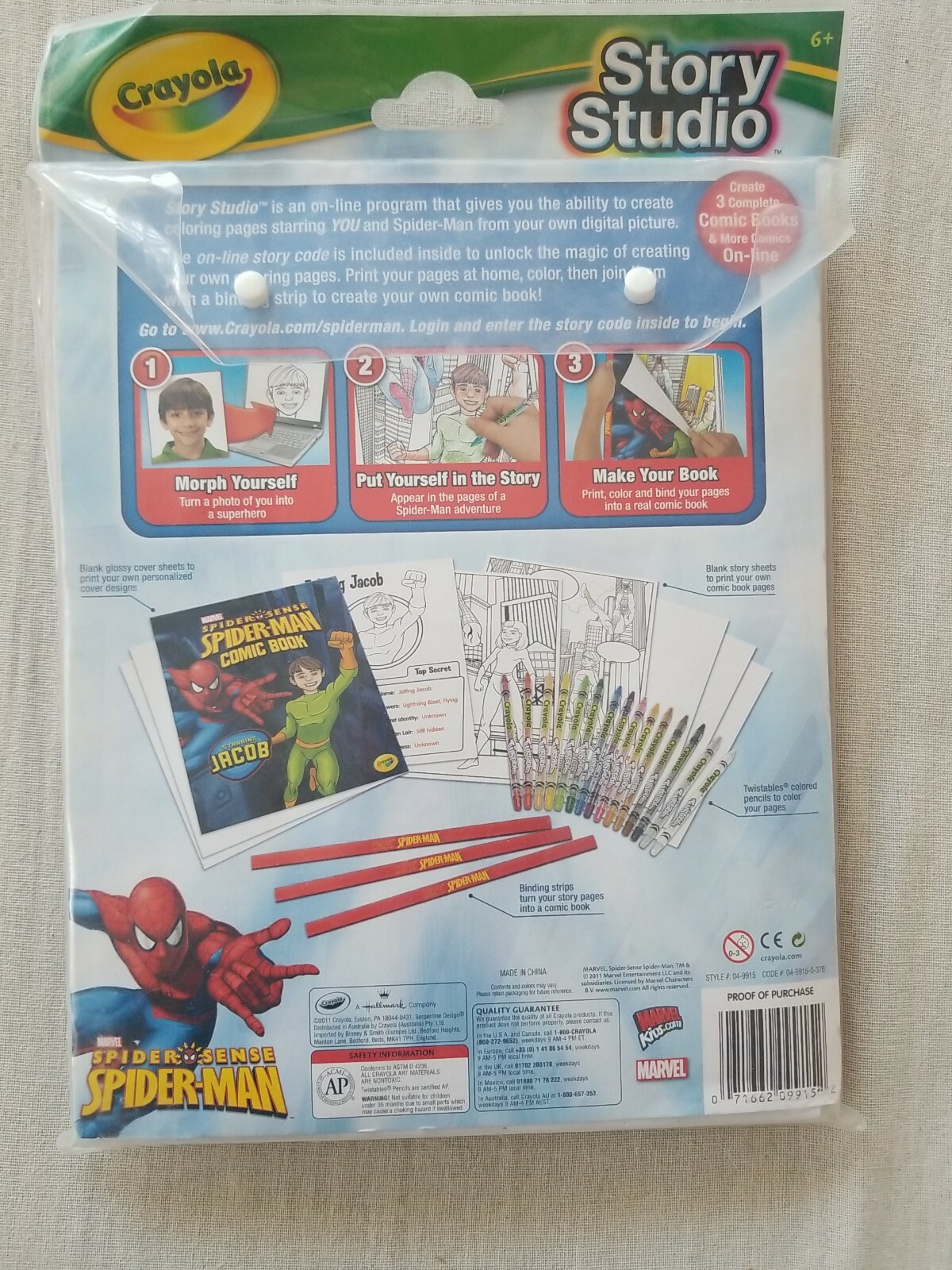
Are you searching for a fantastic way to bridge the gap between traditional drawing and modern digital play for your children? Look no further! The Crayola Story Studio is an innovative creative kit that transforms static drawings into dynamic, animated stories.
This product isn't just another coloring set; it's a fully immersive storytelling experience. It encourages kids to become writers, artists, directors, and animators all at once. If you've been curious about how this magical studio works, what comes in the box, and whether it's worth the investment, you've come to the right place. Let's dive deep into everything you need to know about the amazing Crayola Story Studio.
What Exactly is the Crayola Story Studio?
The Crayola Story Studio is essentially a hybrid toy that blends physical coloring and drawing with digital animation technology. It is designed for children typically aged six and up, offering them tools to create their own original animated short films.
It works by utilizing a special scanning device, templates, and a free dedicated app. When your child draws and colors characters or backgrounds on the provided paper, the device and app work together to lift those creations off the page and place them into an interactive digital world. It truly feels like bringing drawings to life!
The Physical Components You Get
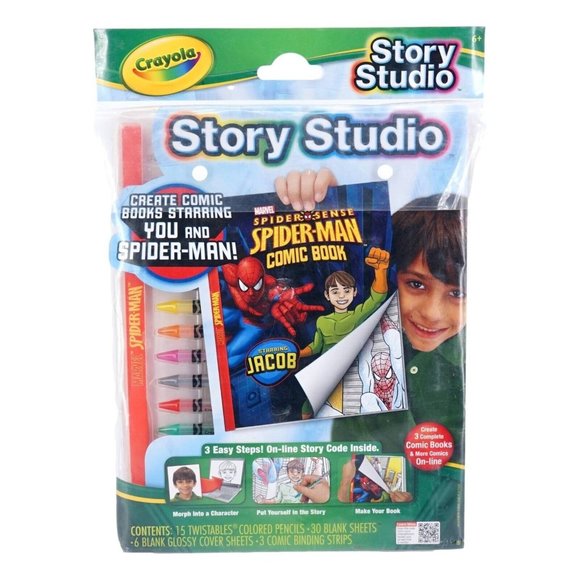
When you unbox the Crayola Story Studio, you will find a curated collection of essential items designed to get the creative process started immediately. These components are durable and designed specifically for small hands.
Here is what is typically included in the standard kit:
- A set of premium Crayola colored pencils or markers.
- Character and background templates (special paper sheets with outlines).
- A foldable Story Studio case or platform, which serves as the backdrop and scanning station.
- The Story Studio scanning accessory (often a simple platform or bracket for a tablet/smartphone).
- Instructions and inspiration guides.
These components ensure that kids have everything they need to start coloring and building their world right out of the box, offering fantastic immediate play value.
How the Digital App Integrates
The magic truly happens within the accompanying free app, available on most major mobile platforms (iOS and Android). The app is user-friendly and intuitive, perfect for young creators.
The app allows children to capture their colored templates using their device's camera. It uses sophisticated recognition technology to identify the outlines and lift the unique coloring and texture applied by the child. Furthermore, the app provides tools for:
- Selecting pre-set background animations or importing their own colored backgrounds.
- Recording dialogue or voiceovers for their characters.
- Adding special sound effects and background music.
- Assembling the scenes into a cohesive short film that can be saved and shared.
This seamless integration means that the child's physical artwork dictates the look and feel of their final digital production.
Setting Up the Storytelling Stage
Getting started with the Crayola Story Studio is remarkably easy, designed to minimize parent frustration and maximize immediate creativity. You don't need to be a tech wizard to set up the system.
The most important step is ensuring you have a compatible device (a smartphone or tablet) and have downloaded the latest version of the official Crayola Story Studio app. Once that is done, the physical setup takes just a minute or two.
Step-by-Step Setup Guide
Follow these quick steps to get your child animating their first masterpiece:
- Unfold the Studio: Assemble the foldable cardboard or plastic studio platform. This provides a stable base and consistent lighting for scanning.
- Secure the Device: Place your tablet or smartphone securely in the designated holder on the studio platform. Make sure the camera is aligned with the scanning area.
- Launch the App: Open the Crayola Story Studio app and navigate to the "Scan" function.
- Color Your Character: Have your child color their chosen character or background template. Encourage them to be bold with their color choices!
- Scan and Animate: Place the finished artwork in the center of the scanning area. The app will automatically capture the image, rendering it digitally.
- Start Storytelling: Drag the newly digitized character onto a digital background, add voices and sounds, and hit record!
It's a straightforward process that quickly moves from coloring to production, maintaining the child's focus and excitement.
Why Parents Love the Crayola Story Studio
Beyond the "wow" factor of seeing drawings move, the Crayola Story Studio offers significant educational and developmental benefits. Parents appreciate toys that are not only fun but also contribute positively to their child's growth.
This kit naturally encourages children to engage in higher-level creative thinking. They are not just passively consuming media; they are actively designing and directing their own narratives.
Fostering Crucial Skills
The process of creating a story requires a surprisingly broad range of cognitive skills. The Story Studio helps sharpen several key areas:
- Narrative Development: Children must think logically about plot, character motivations, and sequencing events to create a coherent story.
- Fine Motor Skills: Coloring the intricate templates helps refine hand-eye coordination and pencil grip—traditional skills that remain important.
- Digital Literacy: They learn basic concepts of digital animation, video editing, and sound design in a safe, guided environment.
- Communication: Recording voiceovers encourages clear articulation and confident speaking.
Ultimately, the Crayola Story Studio is a fantastic educational tool disguised as a highly entertaining toy.
Combining Screen Time with Hands-On Play
Many parents worry about the amount of time their kids spend staring at screens. The beauty of the Crayola Story Studio lies in its balanced approach. It requires the child to spend significant time away from the screen, engaged in physical coloring and preparation, before transitioning back to the tablet for the final assembly.
This structure prevents passive consumption. The screen time component is active and productive, used solely as a tool to enhance the physical art they already created. This makes the experience feel less like digital gaming and more like an exciting mixed-media project.
Tips and Tricks for Maximum Creativity
Ready to take your storytelling to the next level? Here are a few expert tips to help your young animator get the most out of their Crayola Story Studio experience:
- Experiment with Textures: While the kit comes with pencils, encourage kids to use different Crayola mediums, like markers or even thin paint, to see how the texture translates when scanned.
- Use Custom Backgrounds: Don't limit the story to the provided templates. The app allows you to import photos or backgrounds that your child has drawn freely on blank paper, offering endless setting possibilities.
- Think About Movement: When planning the story, discuss simple animation concepts. What will the character do? How will they move across the screen? Simple movements are the easiest to animate effectively.
- Practice Voice Acting: Encourage exaggeration when recording voices! Different tones and accents can instantly bring a character to life and make the finished film hilarious and engaging.
- Collaborative Storytelling: Make it a family activity. One child can handle the coloring, another can write the script, and a parent can help with the final editing to produce truly complex and imaginative short films.
Remember, the goal is fun and self-expression. There are no right or wrong ways to use the Crayola Story Studio, only creative ones!
The combination of tactile art and digital animation makes the Story Studio a standout product in the educational toy market today. It empowers children to see their physical effort result in a polished digital product they can proudly share.
Conclusion: Bringing Ideas to Life with Crayola Story Studio
The Crayola Story Studio is more than just a toy; it is a gateway to dynamic creativity and important developmental skills. By seamlessly integrating the classic joy of coloring with the exciting world of digital animation, Crayola has created a unique product that resonates deeply with modern kids and their creative inclinations.
Whether your child dreams of being a cartoonist, a director, or just loves to tell a good tale, this studio provides the perfect platform. It proves that the best screen time is often the kind that starts with a sheet of paper and a box of crayons. If you are looking for an engaging, educational, and genuinely fun creative outlet, the Crayola Story Studio should certainly be at the top of your list.
Ultimately, this kit transforms passive viewers into active producers, ensuring that their fantastic imagination is finally rendered visible on the screen for the world to enjoy.
Frequently Asked Questions (FAQ) about Crayola Story Studio
- Is the Crayola Story Studio compatible with all tablets and smartphones?
- The companion app is generally compatible with most devices running recent versions of iOS or Android. However, it's always best to check the product specifications or the app store listing for the most up-to-date compatibility requirements before purchasing.
- Do I need special Crayola products to use the Story Studio?
- While the kit usually includes basic coloring tools, the scanning technology recognizes colors applied by most standard Crayola crayons, markers, and colored pencils. The key requirement is using the special templates provided in the kit.
- What age range is the Crayola Story Studio recommended for?
- The recommended age range is typically 6 years and older. Younger children may enjoy the coloring aspect, but the narrative development and use of the animation app are best suited for early elementary age and up.
- Can I save and share the animated stories my child creates?
- Yes! One of the best features of the Crayola Story Studio app is the ability to save the final animated short film (usually as an MP4 file) directly to your device. This allows for easy sharing with family and friends.
Crayola Story Studio
Crayola Story Studio Wallpapers
Collection of crayola story studio wallpapers for your desktop and mobile devices.
Detailed Crayola Story Studio Landscape in 4K
Explore this high-quality crayola story studio image, perfect for enhancing your desktop or mobile wallpaper.

Exquisite Crayola Story Studio Artwork Photography
Immerse yourself in the stunning details of this beautiful crayola story studio wallpaper, designed for a captivating visual experience.

Breathtaking Crayola Story Studio Image in HD
Discover an amazing crayola story studio background image, ideal for personalizing your devices with vibrant colors and intricate designs.
Stunning Crayola Story Studio Background Art
Immerse yourself in the stunning details of this beautiful crayola story studio wallpaper, designed for a captivating visual experience.

Dynamic Crayola Story Studio Artwork Collection
A captivating crayola story studio scene that brings tranquility and beauty to any device.
Vibrant Crayola Story Studio Picture in 4K
Experience the crisp clarity of this stunning crayola story studio image, available in high resolution for all your screens.

Exquisite Crayola Story Studio Landscape Photography
Find inspiration with this unique crayola story studio illustration, crafted to provide a fresh look for your background.
Gorgeous Crayola Story Studio Design for Mobile
A captivating crayola story studio scene that brings tranquility and beauty to any device.
Artistic Crayola Story Studio Background Nature
Find inspiration with this unique crayola story studio illustration, crafted to provide a fresh look for your background.
Gorgeous Crayola Story Studio Picture Art
Find inspiration with this unique crayola story studio illustration, crafted to provide a fresh look for your background.

Spectacular Crayola Story Studio Background for Your Screen
Immerse yourself in the stunning details of this beautiful crayola story studio wallpaper, designed for a captivating visual experience.
Captivating Crayola Story Studio Abstract Nature
Immerse yourself in the stunning details of this beautiful crayola story studio wallpaper, designed for a captivating visual experience.
Gorgeous Crayola Story Studio Wallpaper Nature
Immerse yourself in the stunning details of this beautiful crayola story studio wallpaper, designed for a captivating visual experience.
Spectacular Crayola Story Studio Photo for Mobile
Find inspiration with this unique crayola story studio illustration, crafted to provide a fresh look for your background.
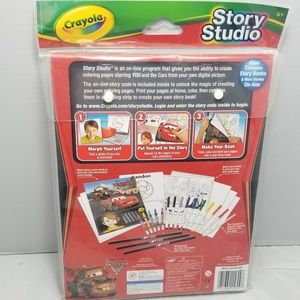
Amazing Crayola Story Studio Picture Nature
Explore this high-quality crayola story studio image, perfect for enhancing your desktop or mobile wallpaper.
Artistic Crayola Story Studio Landscape in HD
A captivating crayola story studio scene that brings tranquility and beauty to any device.
Serene Crayola Story Studio Image in 4K
Experience the crisp clarity of this stunning crayola story studio image, available in high resolution for all your screens.
Exquisite Crayola Story Studio Landscape Illustration
A captivating crayola story studio scene that brings tranquility and beauty to any device.

Spectacular Crayola Story Studio Design Photography
Immerse yourself in the stunning details of this beautiful crayola story studio wallpaper, designed for a captivating visual experience.

Mesmerizing Crayola Story Studio Background Collection
Explore this high-quality crayola story studio image, perfect for enhancing your desktop or mobile wallpaper.
Download these crayola story studio wallpapers for free and use them on your desktop or mobile devices.