Crayola Studio
Welcome to the Digital Canvas: Discovering the Magic of Crayola Studio
Are you looking for a safe, engaging, and incredibly fun platform where creativity knows no bounds? Then let us introduce you to Crayola Studio! Gone are the days when art was solely limited to paper and physical crayons. This innovative digital platform bridges the gap between traditional art supplies and the limitless potential of technology, making it the perfect playground for artists of all ages.
Whether you're a parent seeking educational entertainment for your children or an educator hoping to integrate digital art into your curriculum, Crayola Studio offers a robust and intuitive experience. We're here to take a deep dive into everything this platform has to offer, guiding you through its features, benefits, and how you can maximize your artistic journey.
What Exactly is Crayola Studio?
In essence, Crayola Studio is a comprehensive digital art application designed by the beloved company known for its commitment to color and creativity. It functions as a virtual sketchbook, offering users access to a sprawling selection of Crayola's signature tools—all without the worry of sticky fingers or marker stains on the carpet!
This platform isn't just about drawing; it's about immersive creative exploration. It allows users to experiment with textures, colors, and effects that might be difficult or impossible to achieve in the physical world. Furthermore, the environment is meticulously crafted to be user-friendly, ensuring that even the youngest budding artists can easily navigate the interface and start creating immediately.
The core philosophy behind Crayola Studio is accessibility. It seeks to democratize the art process, offering high-quality tools that inspire confidence rather than confusion. It's truly a game-changer for digital creative expression in the family space.
Key Features of Crayola Studio
When you first log into Crayola Studio, you'll be greeted by an impressive array of tools and functionality. These features are designed not only for creation but also for learning and sharing. Let's look at some of the standout components that make this platform so valuable:
- Authentic Tools Simulation: Experience the true feel of Crayola crayons, markers, and colored pencils, complete with realistic texture and color blending.
- Guided Activities: Access hundreds of templates, coloring pages, and step-by-step drawing tutorials suitable for various skill levels.
- Layering Capabilities: For more advanced users, the ability to work with layers allows for complex compositions and easy edits.
- Saving and Exporting: Artwork can be saved directly within the app or easily exported as image files to share with family and friends.
- Interactive Challenges: Regular creative prompts and challenges keep the content fresh and encourage users to step outside their artistic comfort zone.
Digital Art Tools Exploration
The heart of Crayola Studio lies in its toolset. Unlike generic painting apps, this studio meticulously recreates the experience of using actual Crayola products. You can almost smell the wax!
Imagine the smooth glide of a broad-tip marker or the distinct, slightly textured laydown of a crayon. The software incorporates physics simulations to mimic how these mediums interact with the digital canvas. Furthermore, users are not just limited to standard colors; they can explore specialty packs like glitter crayons, neon markers, and metallic effects, adding a dazzling dimension to their projects.
Project Sharing and Community
Sharing your creations is often as rewarding as making them. Crayola Studio understands this deeply and provides safe, moderated ways for users to showcase their work. This communal aspect is crucial for building confidence and fostering a sense of accomplishment.
While sharing features vary slightly depending on the version (e.g., app vs. web platform), most allow users to upload their finished pieces to a gallery. This community interaction is carefully filtered to ensure age appropriateness and safety, making it a comfortable space for children to receive positive feedback. It is an excellent way to see what others are doing and draw inspiration for your next masterpiece.
Who is Crayola Studio For?
While Crayola has always been synonymous with childhood, Crayola Studio possesses appeal that stretches across age demographics. Its primary audience is typically children aged 5 to 12, who benefit immensely from its playful yet structured environment. However, teens and even adults often find themselves drawn to its nostalgic simplicity and powerful tools for quick sketching and ideation.
The platform's design is inclusive. Beginners love the easy-to-use coloring pages and simple brush controls, while those with more experience appreciate the customizable brushes and layering options. If you seek a low-barrier-to-entry digital art program, you've found it.
Benefits for Parents and Educators
For parents and teachers, Crayola Studio is more than just entertainment; it's an educational resource. It promotes several key developmental skills that are essential both inside and outside the classroom. The non-mess factor is, of course, a huge bonus!
Here are several ways the studio supports learning:
- Fine Motor Skill Development: Using a stylus or finger on a screen helps improve precision and control, crucial skills often overlooked in digital environments.
- Color Theory Introduction: The extensive color palette and mixing tools allow users to understand how colors interact and complement each other intuitively.
- Sequential Instruction: Step-by-step drawing guides teach children how to break down complex tasks into manageable sequences.
- Digital Literacy: Familiarizing children with creative software prepares them for future design and technology tools.
Using Crayola Studio in a classroom setting offers unique opportunities for collaborative projects or even digital journaling.
Getting Started: Tips and Tricks
Ready to jump in? While Crayola Studio is straightforward, a few insider tips can elevate your experience and unlock even greater creative potential. Don't be afraid to click every button; experimentation is the best way to learn!
Maximizing the Color Palette
The sheer volume of colors available in Crayola Studio can be overwhelming. Instead of relying on the predefined color sets, try mixing your own custom hues. The ability to save these custom colors means you can maintain consistency across multi-part projects.
A great technique is to select a base color, then use a textured brush (like the crayon) to lightly overlay a slightly darker or lighter shade. This simple layering technique adds depth and realism to your digital drawings, making them look far more dynamic than flat coloring.
Utilizing Templates
For those struggling with blank canvas anxiety, the pre-loaded templates and coloring pages are your best friends. These aren't just for younger children; they serve as excellent practice sheets for exploring different textures and color combinations without the pressure of composition.
Try using a coloring page template and commit to using only one tool, like the watercolor brush, to practice blending. Or, use the templates as a starting point, adding your own background elements or foreground details to make the picture uniquely yours. They provide the perfect structured environment for low-stress creative play.
Conclusion: Unlock Your Imagination with Crayola Studio
Crayola Studio stands out as a powerful yet friendly digital art platform. It successfully merges the nostalgic comfort of physical Crayola products with the advanced capabilities of modern technology. From its extensive, realistic toolset to its engaging community features, the studio provides endless opportunities for creative growth and entertainment.
Whether your goal is to practice drawing skills, learn about color theory, or simply enjoy a mess-free creative outlet, this platform delivers. We highly recommend giving Crayola Studio a try—it's time to unlock the digital artist within you!
Frequently Asked Questions (FAQ) About Crayola Studio
- Is Crayola Studio available on all devices?
- Crayola Studio is generally available across multiple platforms, including iOS (iPad/iPhone), Android, and often as a web-based application accessible via common browsers. Check the official Crayola website or relevant app stores for specific compatibility requirements.
- Is there a cost associated with using Crayola Studio?
- Availability and pricing models vary. Some versions of Crayola Studio offer a basic free version with in-app purchases or a subscription model (Crayola Studios Premium) for full access to all tools, templates, and content updates. Review the platform's pricing tier before subscribing.
- Is the platform safe for young children?
- Yes, safety is a priority. Crayola Studio typically adheres to strict child safety guidelines. Community and sharing features are usually moderated, and there is generally no direct communication or personal information exchange between users, making it a very secure environment.
- How realistic are the digital tools compared to real Crayola products?
- Crayola has invested heavily in simulating the real-life texture and color payoff of their products. While digital art is always slightly different from physical art, users consistently praise the realistic feel of the crayons, markers, and paint tools within Crayola Studio, making the transition seamless.
Crayola Studio
Crayola Studio Wallpapers
Collection of crayola studio wallpapers for your desktop and mobile devices.
Stunning Crayola Studio Background Art
Immerse yourself in the stunning details of this beautiful crayola studio wallpaper, designed for a captivating visual experience.
Gorgeous Crayola Studio Picture Art
Find inspiration with this unique crayola studio illustration, crafted to provide a fresh look for your background.
Stunning Crayola Studio Image Art
Immerse yourself in the stunning details of this beautiful crayola studio wallpaper, designed for a captivating visual experience.
Vivid Crayola Studio Image Digital Art
Explore this high-quality crayola studio image, perfect for enhancing your desktop or mobile wallpaper.
Artistic Crayola Studio Landscape in HD
A captivating crayola studio scene that brings tranquility and beauty to any device.
Artistic Crayola Studio Artwork for Mobile
Find inspiration with this unique crayola studio illustration, crafted to provide a fresh look for your background.
Amazing Crayola Studio Picture Illustration
Discover an amazing crayola studio background image, ideal for personalizing your devices with vibrant colors and intricate designs.
Vibrant Crayola Studio Abstract in 4K
Experience the crisp clarity of this stunning crayola studio image, available in high resolution for all your screens.
Mesmerizing Crayola Studio Photo Nature
Discover an amazing crayola studio background image, ideal for personalizing your devices with vibrant colors and intricate designs.
Vivid Crayola Studio View Art
Discover an amazing crayola studio background image, ideal for personalizing your devices with vibrant colors and intricate designs.
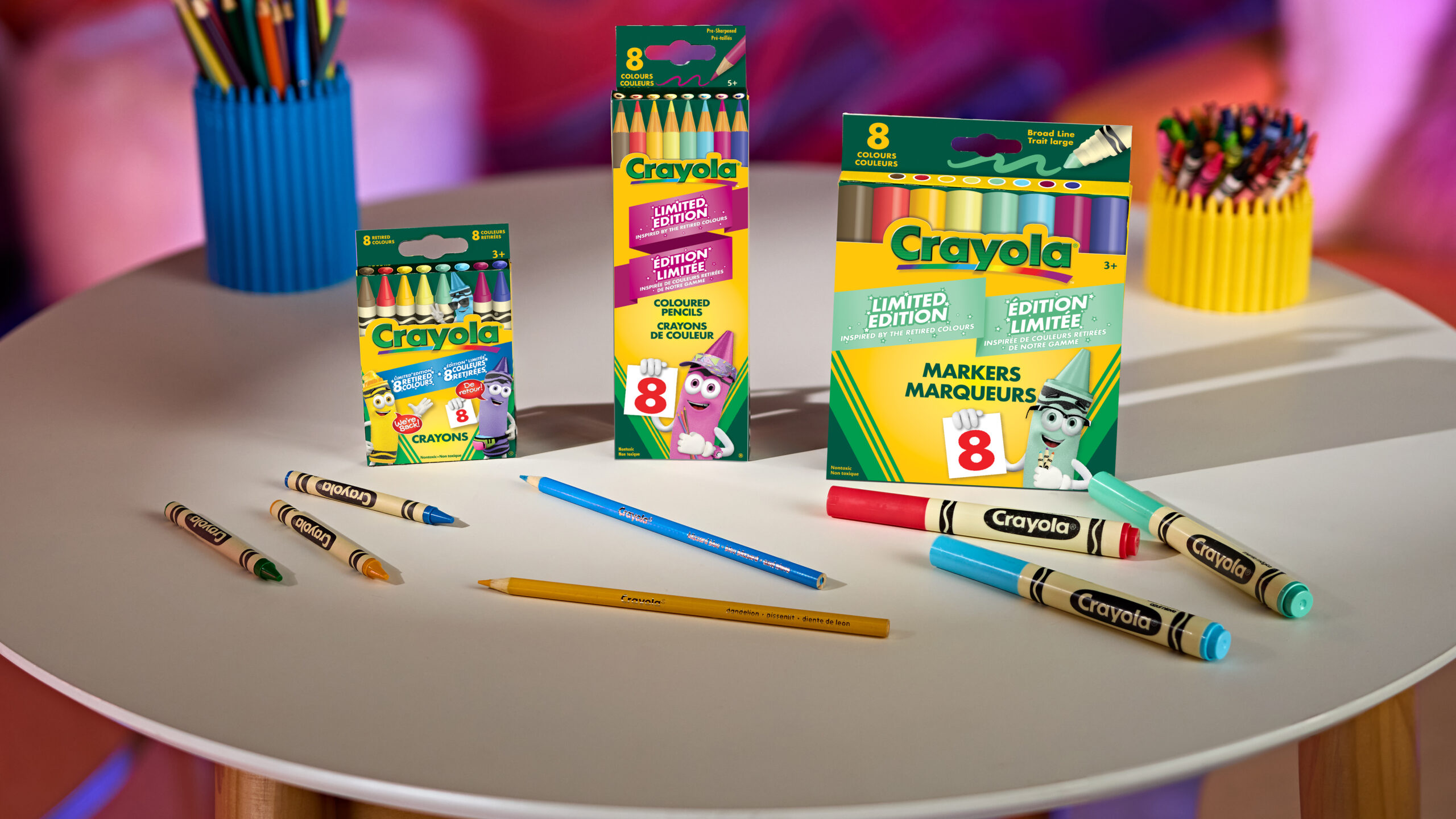
Captivating Crayola Studio Abstract Nature
Immerse yourself in the stunning details of this beautiful crayola studio wallpaper, designed for a captivating visual experience.
Captivating Crayola Studio Scene Concept
Find inspiration with this unique crayola studio illustration, crafted to provide a fresh look for your background.
Spectacular Crayola Studio Photo for Mobile
Find inspiration with this unique crayola studio illustration, crafted to provide a fresh look for your background.
Vivid Crayola Studio Photo Digital Art
Transform your screen with this vivid crayola studio artwork, a true masterpiece of digital design.
Artistic Crayola Studio Abstract for Desktop
This gorgeous crayola studio photo offers a breathtaking view, making it a perfect choice for your next wallpaper.
High-Quality Crayola Studio Landscape Collection
Experience the crisp clarity of this stunning crayola studio image, available in high resolution for all your screens.
Lush Crayola Studio Photo for Mobile
A captivating crayola studio scene that brings tranquility and beauty to any device.
Mesmerizing Crayola Studio Scene Illustration
Experience the crisp clarity of this stunning crayola studio image, available in high resolution for all your screens.
Stunning Crayola Studio Image Digital Art
A captivating crayola studio scene that brings tranquility and beauty to any device.
Gorgeous Crayola Studio Design for Mobile
A captivating crayola studio scene that brings tranquility and beauty to any device.
Download these crayola studio wallpapers for free and use them on your desktop or mobile devices.