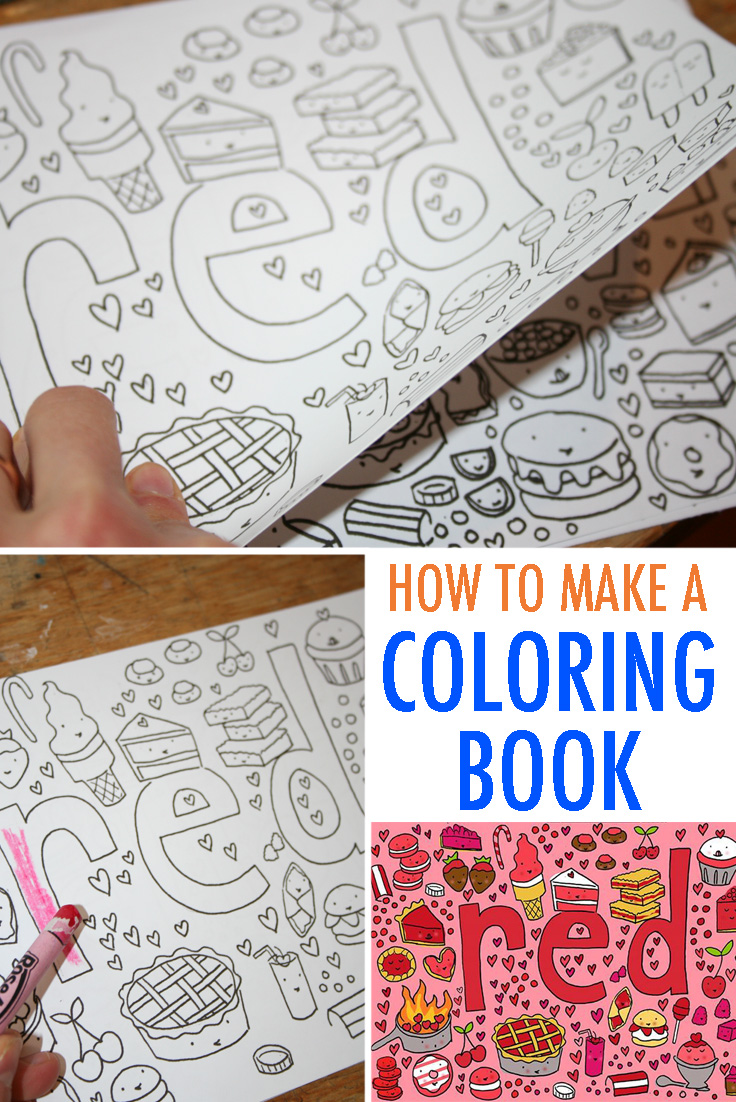
Create Coloring Book Pages
Unleash Your Inner Artist: How to Create Coloring Book Pages Effortlessly
Have you ever dreamed of designing your own world, one filled with intricate lines just waiting to be brought to life by color? Coloring books are not just for kids anymore; they are a fantastic way to de-stress, explore creativity, and even build a passive income stream. If you're ready to jump into this exciting creative journey, you'll be thrilled to learn that it's easier than ever to Create Coloring Book Pages, whether you are a seasoned artist or a complete beginner.
This comprehensive guide will walk you through the necessary steps, tools, and pro tips needed to turn your creative vision into beautiful, printable coloring pages. We will explore the best methods, from traditional sketching to advanced digital techniques, ensuring your final product is professional and satisfying to color. Let's get started!
Choosing Your Path: Traditional Drawing vs. Digital Tools
The first big decision you need to make when you decide to Create Coloring Book Pages is whether you prefer the tactile experience of pencil and paper or the precision of digital software. Both methods have their unique advantages and workflows, catering to different styles and preferences.
There is no right or wrong answer, as long as the end product is a high-resolution black and white image ready for printing. Many creators find that a hybrid approach—starting traditionally and finishing digitally—offers the best balance of creativity and technical refinement.
The Classic Approach: Drawing by Hand
If you love the feel of a physical pencil, start by sketching your design lightly on clean, white paper. Use basic geometric shapes to block out the composition before moving into detail work. Focus on creating bold, distinct outlines. Remember, coloring pages rely heavily on strong line art to define the areas meant for coloring, so avoid soft pencil shading.
Once the sketch is finalized, go over your lines using permanent ink pens or fine-liners. Varying the thickness of your lines can add dynamic interest. After the ink is completely dry, you will need a reliable way to get the image onto your computer.
Cleaning Up Your Scanned Line Art
The next crucial step is digitizing your artwork. A high-resolution scanner is your best friend here. Scanning at 300 DPI (dots per inch) is generally recommended, but 600 DPI is even better for detailed line art to ensure sharp prints. Save the file as a PNG or TIFF initially.
After scanning, you will almost always need software like Adobe Photoshop, GIMP, or even your tablet's native editor for cleanup. Use image editing tools to adjust the contrast, ensuring the background is pure white and the lines are solid black. This step is vital if you want a professional-looking page ready for commercial printing.
Creating Coloring Pages Using Digital Software
Digital creation offers unparalleled precision and flexibility. You can easily duplicate elements, fix errors with the Undo button, and instantly adjust line weight, making the entire process far less messy than traditional methods. If you aim to Create Coloring Book Pages that are highly scalable (meaning they can be printed large or small without losing quality), digital is the way to go.
Many professional artists prefer vector-based programs because they produce infinitely scalable line art. This means if you create a small design, you can blow it up to poster size, and the lines will remain perfectly crisp.
Essential Digital Tools for Line Art
Here are some popular software choices that make the creation process straightforward, catering to different skill levels and budget requirements:
- Adobe Illustrator (Vector): Excellent for crisp, clean, professional lines that can be resized without losing quality. This is the industry standard for scalable graphics.
- Procreate (Raster): Fantastic for artists who enjoy drawing directly on an iPad; offers great brushes for creating diverse line textures. You must set your canvas size correctly from the start.
- Inkscape (Vector, Free): A powerful, open-source alternative to Illustrator, perfect if you are working on a budget but still need high-quality vector graphics.
- Affinity Designer (Vector/Raster): A highly capable, one-time purchase software that rivals the features of Adobe products, offering both vector precision and raster painting capabilities.
Design Principles: What Makes a Page Fun to Color?
A coloring page isn't just any drawing; it's an interactive template. To truly engage the person coloring it, you must follow specific design principles that ensure the experience is enjoyable and satisfying. Think about the user: are they coloring with thick markers, fine pencils, or a digital app?
These rules ensure your artwork transitions effectively from a static drawing to a dynamic coloring template. Adhering to these guidelines is crucial if you want your audience to keep coming back to your work.
Here are the key principles you should follow:
- Vary Line Weight: Use thicker lines for the main contours of the subject and thinner lines for internal details. This is paramount, as it helps give the drawing depth and structural definition, guiding the eye.
- Avoid Shading: Unlike traditional drawing, true grayscale shading is generally avoided in coloring pages. If you need to indicate texture or shadow, use line-based techniques like cross-hatching, stippling patterns, or parallel lines instead of gradients.
- Ensure Clear Boundaries: Every shape needs a closed loop. Open gaps are extremely frustrating for colorists, especially those who rely on digital coloring apps that use the "fill" tool, or younger children struggling to stay within the lines.
- Manage Complexity: While adult coloring pages benefit from intricacy (like detailed mandalas), ensure there are also some larger areas that allow for simple coloring. This prevents the user from feeling overwhelmed and provides a satisfying break from complex detail work.
Finalizing and Exporting Your Art
Once your beautiful line art is complete, you must format it correctly for commercial or personal use. If the resolution is too low or the file format is incorrect, the lines will appear blurry or jagged when printed. Proper resolution and file type are crucial for printing quality.
If you are creating a full coloring book, ensure there is adequate margin space, especially the 'gutter' margin (the inside edge where the book binds) so the coloring subject is not lost when bound.
Best Export Settings for Print Quality
For standard US letter size (8.5 x 11 inches) or A4 size, make sure your canvas dimensions match. If you are creating large pages, always start with a large canvas size. The key is DPI (dots per inch), which dictates the sharpness when printed.
You should always export your finished coloring pages with these parameters:
- Minimum DPI: 300 DPI. For vector-based art, this is less critical, but for raster images, 300 DPI is the absolute baseline. 600 DPI is ideal for ensuring lines are razor sharp.
- Color Mode: Grayscale or pure black and white (monochrome). Avoid having any RGB or CMYK color data, which can sometimes result in lighter, less impactful printed lines.
- File Format: PDF is the gold standard for print-ready documents. High-quality JPEG or PNG (if you need a transparent background) are also acceptable, especially for digital downloads.
Ready to Share? Monetizing Your Creative Pages
Once you master how to Create Coloring Book Pages, you might decide to sell them! The Low Content publishing industry is booming, and coloring pages—both digital printables and physical books—are consistently top sellers. This is a fantastic opportunity to turn your hobby into a reliable revenue stream.
Before launching, determine your niche. Are you focused on complex nature scenes, humorous animals, specific holiday themes, or highly detailed geometric patterns? Finding a unique niche will help you stand out in a crowded market.
There are several popular platforms where you can list and sell your individual pages or complete books:
- Etsy: Ideal for selling digital downloads instantly. Buyers love unique, niche designs and the immediate satisfaction of downloading a printable file.
- Amazon KDP (Kindle Direct Publishing): Perfect for creating and selling physical, bound coloring books globally with zero upfront inventory costs. KDP handles the printing and shipping.
- Creative Market/Gumroad: Great for selling commercial-use licenses (e.g., selling line art assets or bundles to other designers or small business owners).
- Your Own Website: While it requires initial effort, setting up your own e-commerce platform means you retain 100% of the profits and have full control over branding and pricing.
Always remember to define your licensing terms clearly. Specify whether the buyer can only use the page for personal enjoyment or if they are granted commercial rights to use your design on other merchandise.
Conclusion: Starting Your Journey to Create Coloring Book Pages
Learning how to Create Coloring Book Pages is a profoundly rewarding endeavor that successfully combines technical skill with pure imagination. It offers a low-cost entry point into creative entrepreneurship and a wonderful outlet for personal artistic expression.
Whether you prefer the organic, tactile feel of traditional drawing coupled with subsequent scanning, or the razor-sharp precision of digital vector tools, the possibilities for unique designs are truly limitless. By focusing on clear, defined line art, varying line weights appropriately, and adhering to high-resolution standards, you are well on your way to producing stunning coloring pages that people will absolutely love to color.
Go ahead, choose your favorite theme, pick up your pencil or stylus, and start creating that first masterpiece today!
Frequently Asked Questions About Creating Coloring Pages (FAQ)
- Q: What resolution (DPI) is best for coloring pages?
- A: For high-quality, professional printing, you should aim for a minimum of 300 DPI (dots per inch). However, 600 DPI is often recommended for detailed black and white line art to ensure crisp, clean edges that won't blur when enlarged slightly.
- Q: Can I use AI tools to generate coloring pages?
- A: Yes, AI tools like Midjourney or Stable Diffusion can generate complex images that can then be converted into refined line art using graphic software (often requiring manual cleanup). Always review the commercial licensing terms of the AI tool and your chosen platform before attempting to sell the results.
- Q: Should I use raster or vector software?
- A: Vector software (like Illustrator or Inkscape) is generally preferred because the lines are mathematically defined. This means you can scale the page to any size without losing quality, making it ideal for books that might need different print formats. Raster software (like Procreate or Photoshop) works well too, but requires careful management of the initial high resolution.
- Q: How can I make sure my lines are perfectly black?
- A: When working digitally, set your line color to 100% K (Key/Black) in CMYK mode, or pure black (#000000) in RGB mode. When exporting, choose a grayscale or monochrome option to eliminate subtle color data that could make your lines look slightly gray when printed.
Create Coloring Book Pages
Create Coloring Book Pages Wallpapers
Collection of create coloring book pages wallpapers for your desktop and mobile devices.

Artistic Create Coloring Book Pages Image Nature
This gorgeous create coloring book pages photo offers a breathtaking view, making it a perfect choice for your next wallpaper.
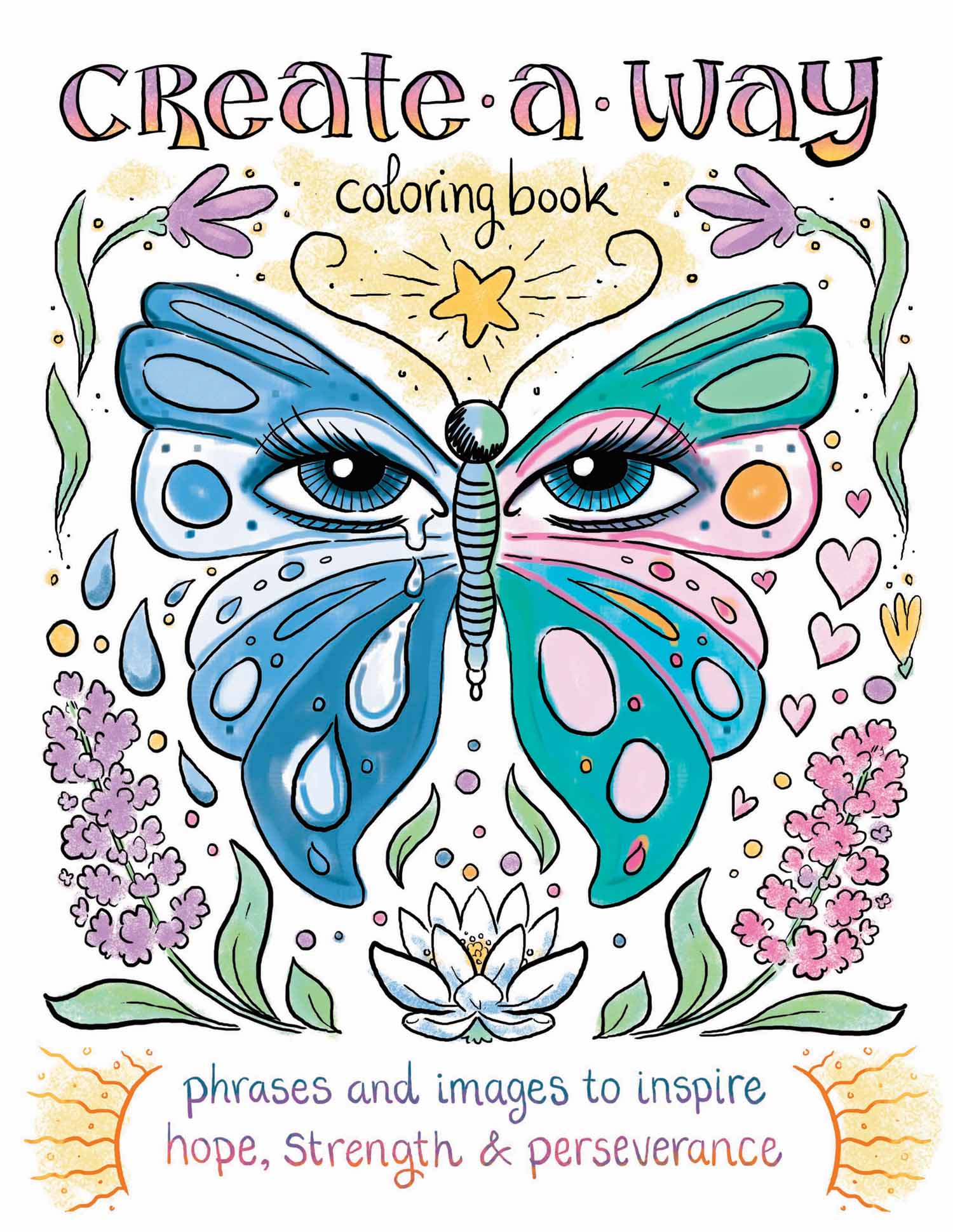
Beautiful Create Coloring Book Pages View for Mobile
Discover an amazing create coloring book pages background image, ideal for personalizing your devices with vibrant colors and intricate designs.

Exquisite Create Coloring Book Pages Wallpaper for Your Screen
Find inspiration with this unique create coloring book pages illustration, crafted to provide a fresh look for your background.
Breathtaking Create Coloring Book Pages Wallpaper for Desktop
Experience the crisp clarity of this stunning create coloring book pages image, available in high resolution for all your screens.
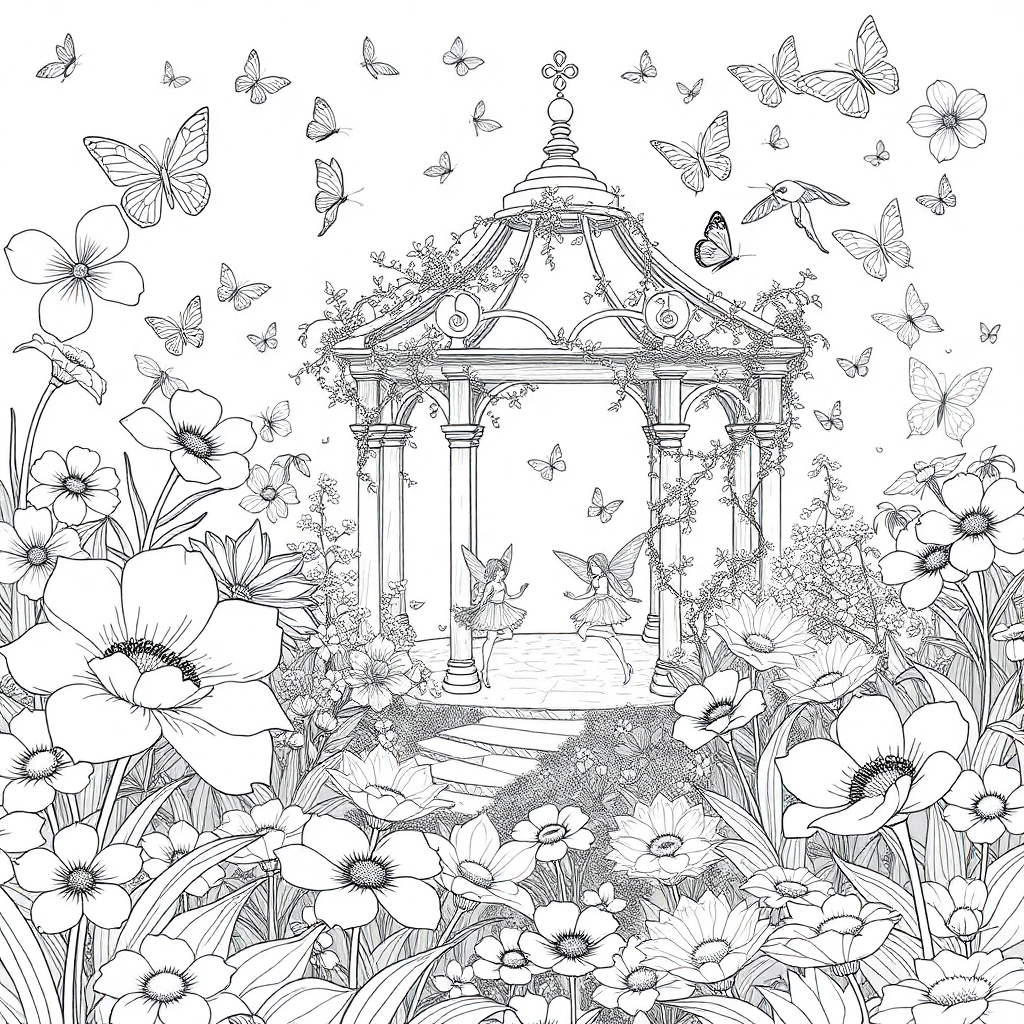
Mesmerizing Create Coloring Book Pages Photo for Your Screen
Transform your screen with this vivid create coloring book pages artwork, a true masterpiece of digital design.

Gorgeous Create Coloring Book Pages Abstract Collection
Find inspiration with this unique create coloring book pages illustration, crafted to provide a fresh look for your background.
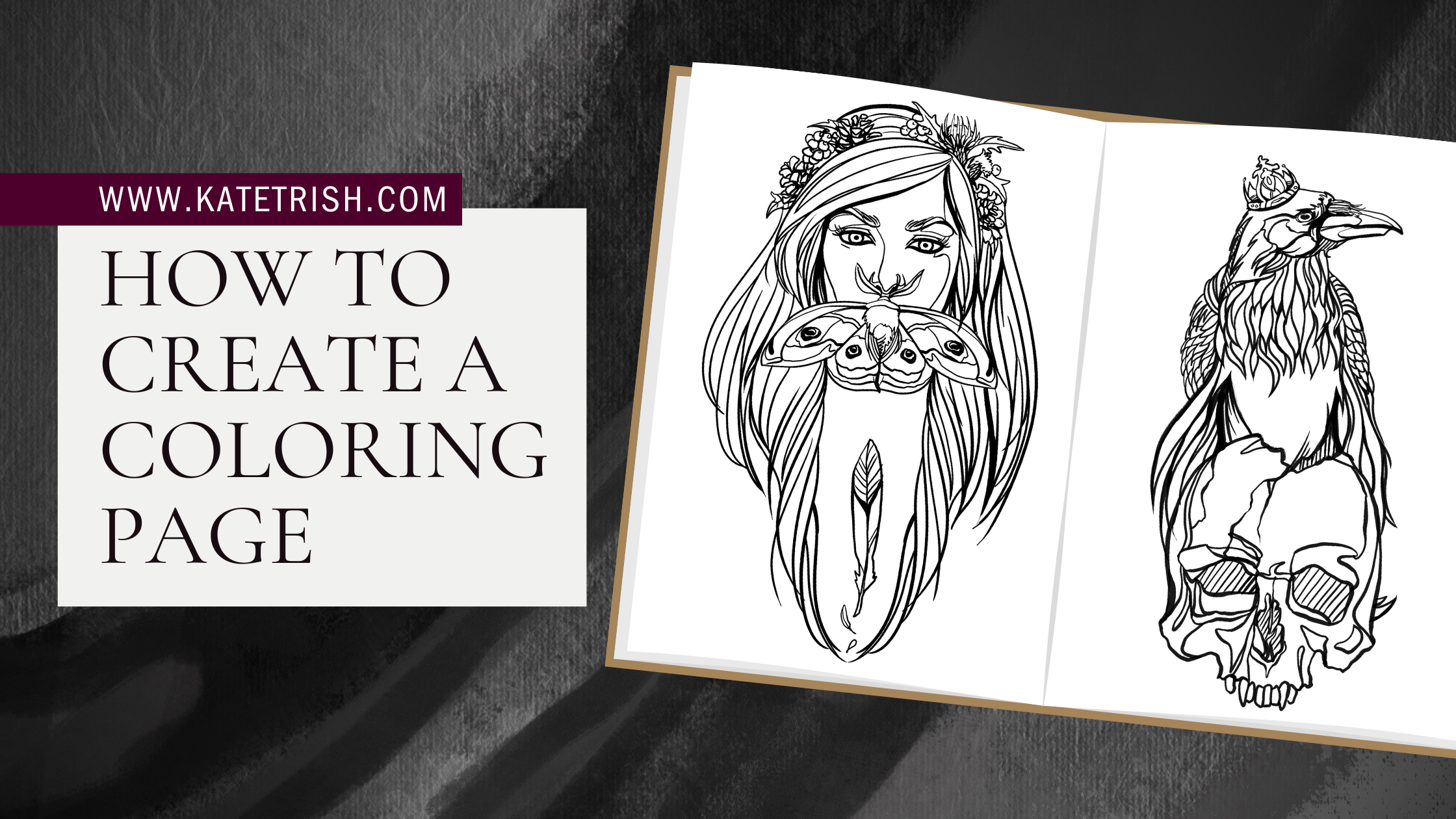
Vivid Create Coloring Book Pages Image for Your Screen
Experience the crisp clarity of this stunning create coloring book pages image, available in high resolution for all your screens.

Gorgeous Create Coloring Book Pages Abstract Collection
Find inspiration with this unique create coloring book pages illustration, crafted to provide a fresh look for your background.

Captivating Create Coloring Book Pages Image Collection
Immerse yourself in the stunning details of this beautiful create coloring book pages wallpaper, designed for a captivating visual experience.

Exquisite Create Coloring Book Pages Design Digital Art
Immerse yourself in the stunning details of this beautiful create coloring book pages wallpaper, designed for a captivating visual experience.

Stunning Create Coloring Book Pages View Digital Art
A captivating create coloring book pages scene that brings tranquility and beauty to any device.
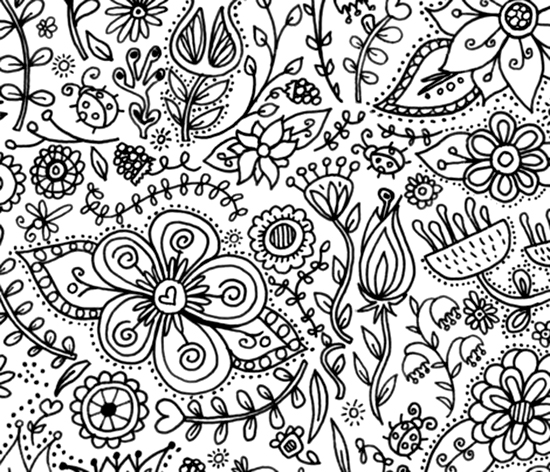
Dynamic Create Coloring Book Pages Design in HD
Immerse yourself in the stunning details of this beautiful create coloring book pages wallpaper, designed for a captivating visual experience.

Spectacular Create Coloring Book Pages Picture Art
This gorgeous create coloring book pages photo offers a breathtaking view, making it a perfect choice for your next wallpaper.

Dynamic Create Coloring Book Pages Moment Collection
A captivating create coloring book pages scene that brings tranquility and beauty to any device.
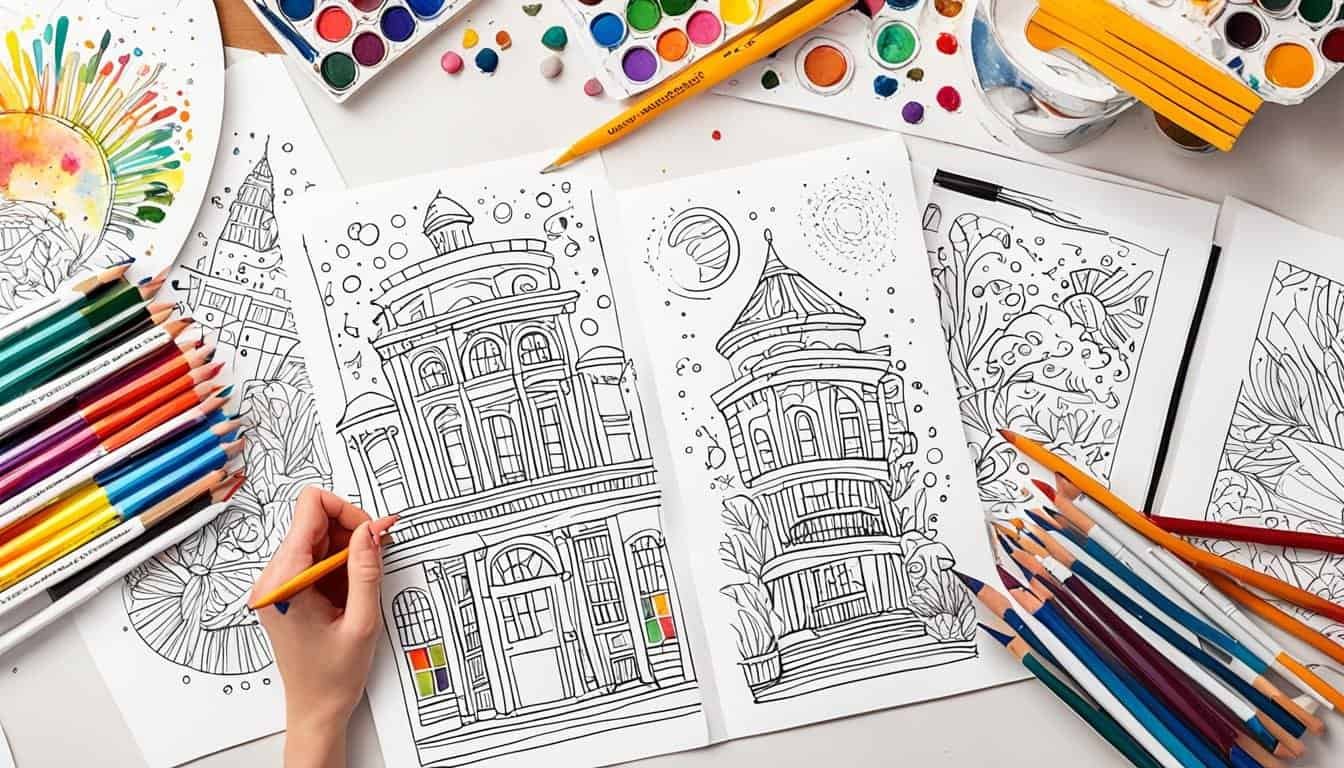
Dynamic Create Coloring Book Pages Moment in HD
Find inspiration with this unique create coloring book pages illustration, crafted to provide a fresh look for your background.
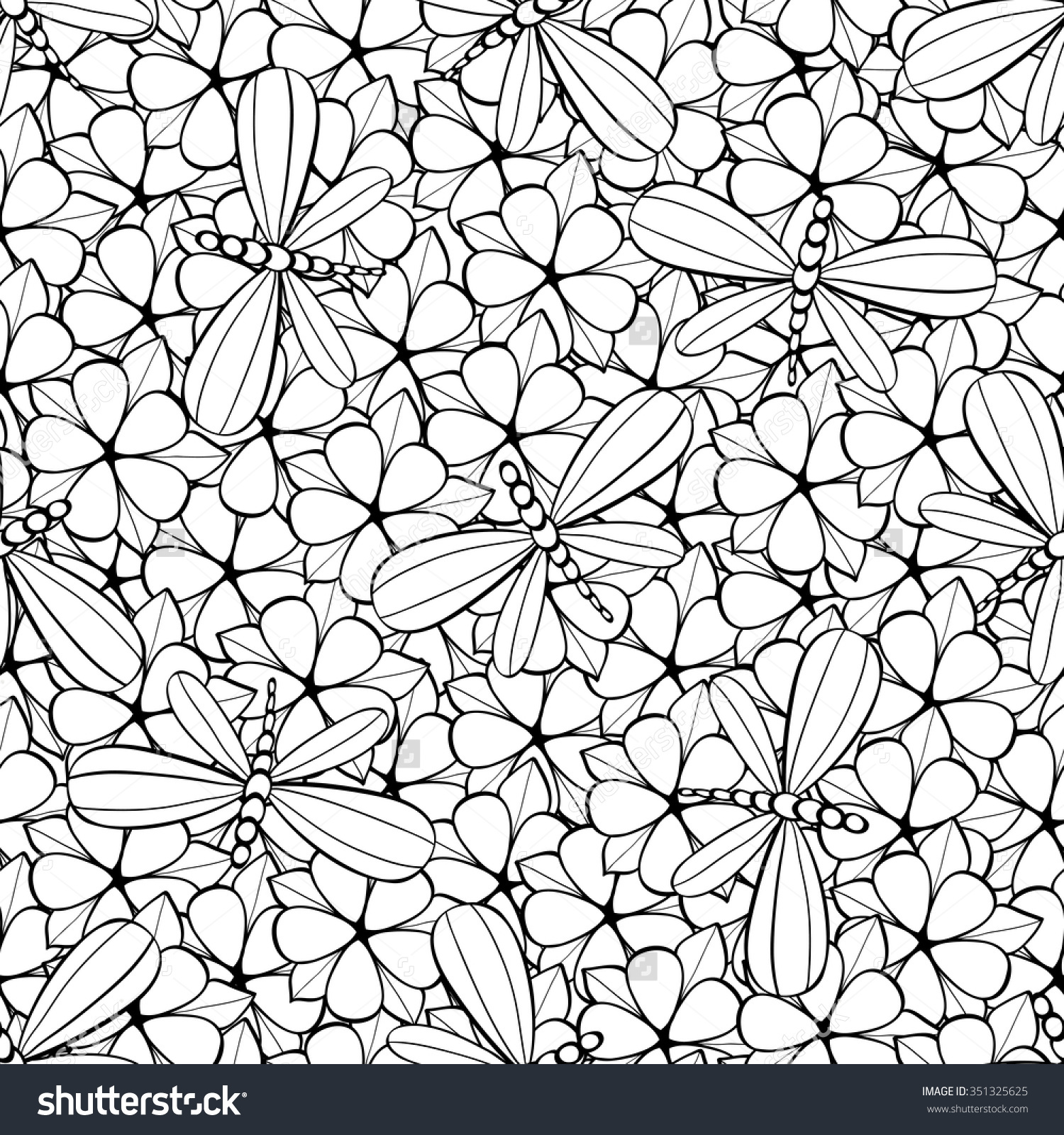
High-Quality Create Coloring Book Pages Photo for Desktop
Experience the crisp clarity of this stunning create coloring book pages image, available in high resolution for all your screens.

Breathtaking Create Coloring Book Pages Landscape Concept
Experience the crisp clarity of this stunning create coloring book pages image, available in high resolution for all your screens.

Beautiful Create Coloring Book Pages View Art
Explore this high-quality create coloring book pages image, perfect for enhancing your desktop or mobile wallpaper.