Make A Coloring Book With Your Own Pictures
Make A Coloring Book With Your Own Pictures: A Step-by-Step Guide
Have you ever looked at a favorite photograph—maybe a picture of your kids, your beloved pet, or a stunning landscape from a recent trip—and wished you could turn it into something interactive? Something truly unique?
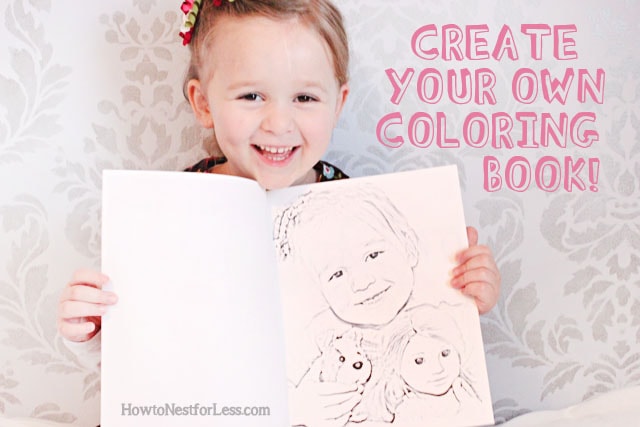
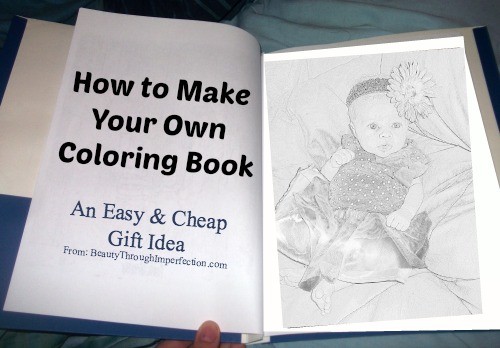
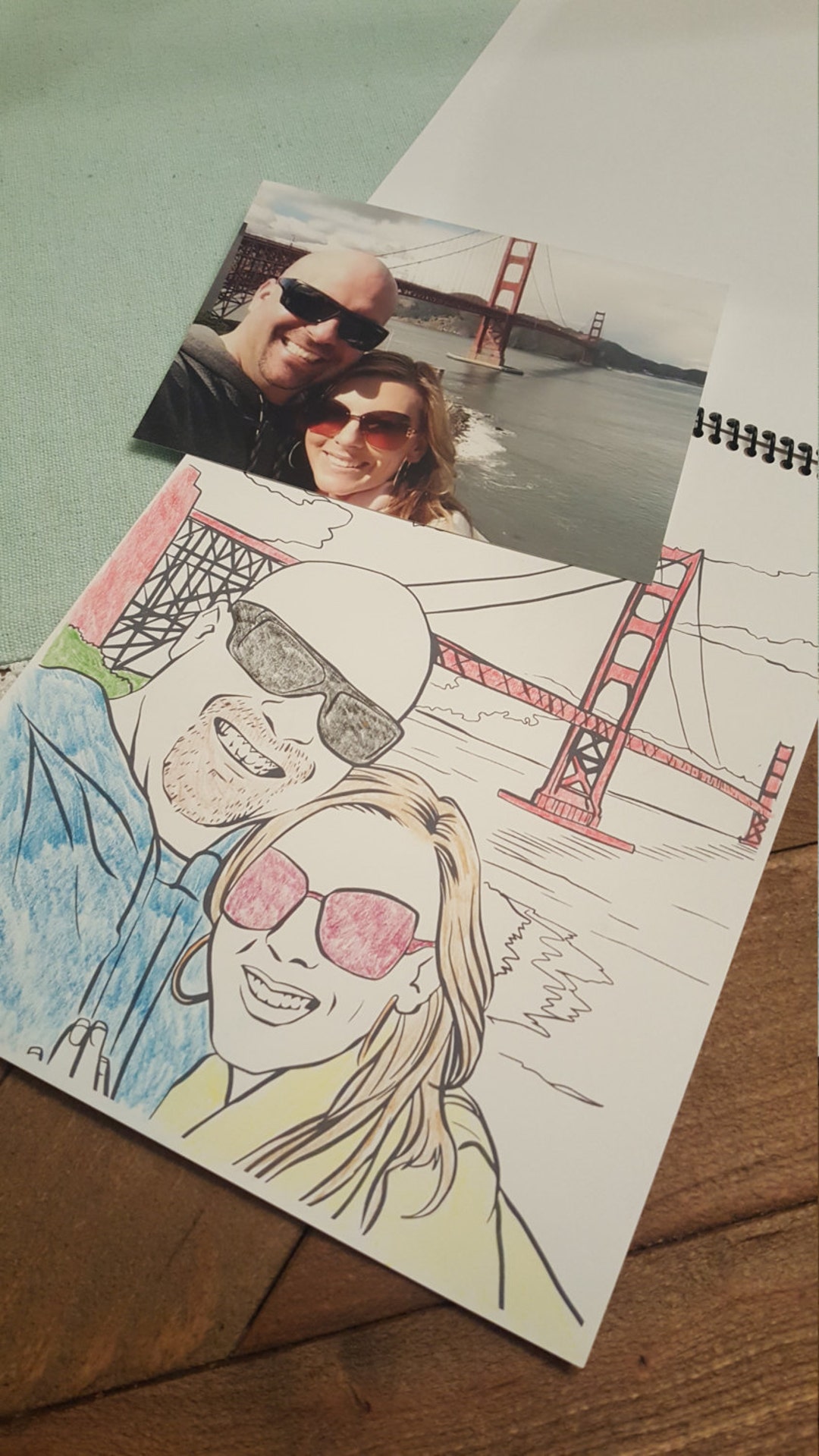
Imagine the joy of seeing those memories transformed into line art, ready to be brought back to life with crayons and colored pencils. The good news is that learning how to Make A Coloring Book With Your Own Pictures is easier than you think!
This comprehensive guide will walk you through the process, transforming treasured photos into personalized coloring pages perfect for gifts, party favors, or just a relaxing afternoon activity. Get ready to unlock your creativity and create a one-of-a-kind DIY coloring book!
Why Create a Personalized Coloring Book?
In a world saturated with generic products, personalized items hold immense value. A coloring book made from your own photos is incredibly meaningful, whether you are creating a gift for a grandparent, a unique activity for a classroom, or just documenting family milestones.
Furthermore, the process of converting these pictures helps you look at your memories from a whole new artistic perspective. It's a fantastic way to engage both kids and adults in a creative project.
Choosing the Right Pictures
Not every photo translates well into a line drawing. To ensure your project is a success, you need images that have clear subjects and defined edges.
Avoid photos that are blurry, overly cluttered, or too dark. High contrast is generally your best friend when looking to Make A Coloring Book With Your Own Pictures.
Here are some types of images that usually work great:
- Close-up portraits of people or pets.
- Architectural details or buildings.
- Simple, clear object shots (e.g., a single flower, a favorite toy).
- Landscape photos with clearly defined foreground and background elements.
The Essential Tools You Will Need
The beauty of this project is that you don't necessarily need expensive equipment. Most of the required items you likely already have at home or can access easily online.
- Digital Photos (High resolution is always better).
- A Computer or Tablet.
- Image Conversion Software (detailed below).
- A Printer and Paper (Cardstock is recommended for coloring pages).
- Binding Method (Stapler, hole punch and ribbon, or professional binding).
Software Options for Image Conversion
The biggest hurdle in this project is converting the full-color photo into clear, colorable line art. Luckily, there are several powerful tools available, ranging from free web apps to professional suites.
Using Simple Online Converters
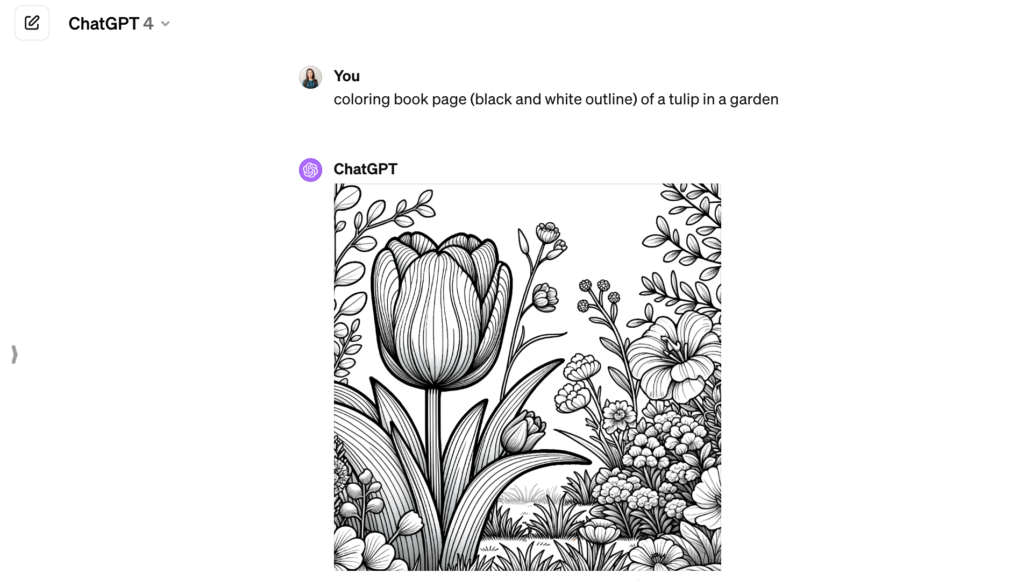
If you need quick results and don't want to download any software, simple online converters are perfect. Many websites offer "photo to sketch" or "photo to line art" tools that automate the heavy lifting.
While these tools are fast, they often lack control over fine details. They are best suited for pictures that are already very clear and simple.
Leveraging Advanced Photo Editors (Photoshop/GIMP)
For the highest quality results, using powerful editors like Adobe Photoshop or the free alternative, GIMP, is recommended. These programs allow manual manipulation of thresholds and filters, ensuring perfect line thickness.
This method takes slightly more effort but gives you full artistic control over how your image will look when you Make A Coloring Book With Your Own Pictures.
Step-by-Step Conversion Process
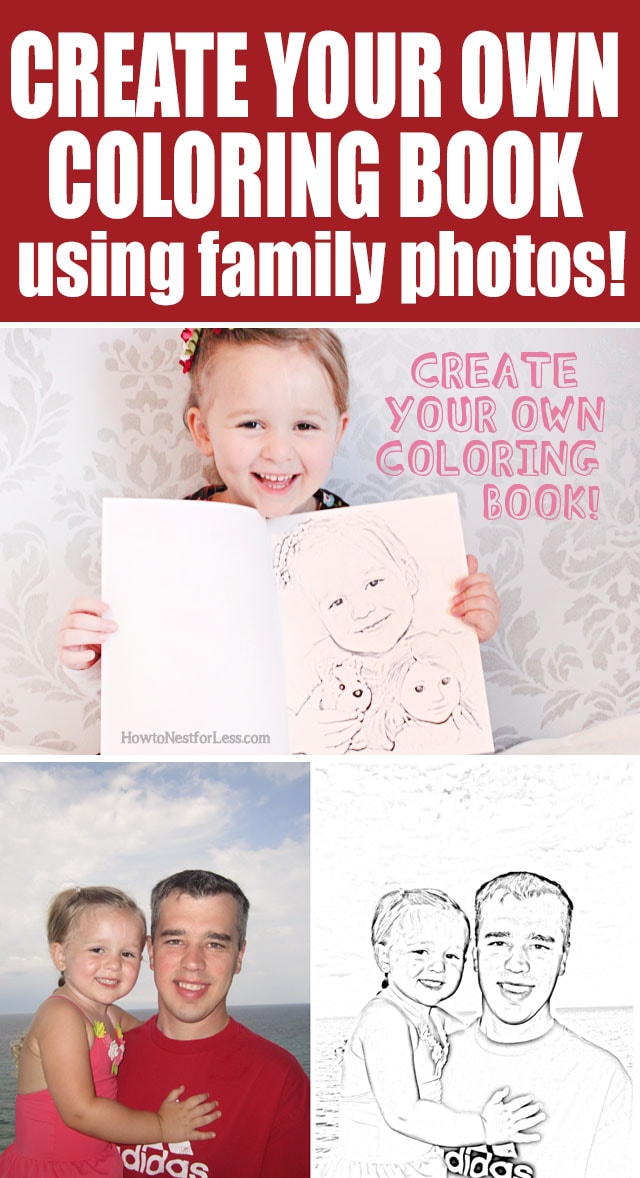
Regardless of the software you choose, the underlying technique for converting a photo to a coloring page involves several key steps. We are essentially removing all color and shading, leaving only stark black outlines.
Here is the general workflow:
- **Open Your Image:** Start with your selected high-resolution photograph.
- **Desaturate/Convert to Black and White:** Remove all color information. This is crucial as it prepares the image for edge detection.
- **Increase Contrast:** Sharply increase the contrast to define the difference between light and dark areas.
- **Apply the Line Art Filter (Find Edges/Threshold):** Use a filter specifically designed to find the edges of objects. In Photoshop, this is often done using the "Filter Gallery" or the "Threshold" adjustment layer. The goal is to reduce the image to pure black and white pixels.
- **Clean Up:** This is often the most time-consuming step.
Refining the Line Art
Automated conversion often leaves behind tiny speckles of black or faint lines that don't look good on a coloring page. This is where manual refinement comes in. You want thick, clear lines that are easy to color within.
Use an eraser tool to remove unwanted background noise or confusing small lines. Conversely, use a black paintbrush tool to thicken key outlines (like the perimeter of a person's face or the outline of a house) that might have been lost in the initial conversion.
Remember, less detail is sometimes better for a coloring book, especially if the audience is younger children. Simplify complex areas.
Arranging and Printing Your Pages
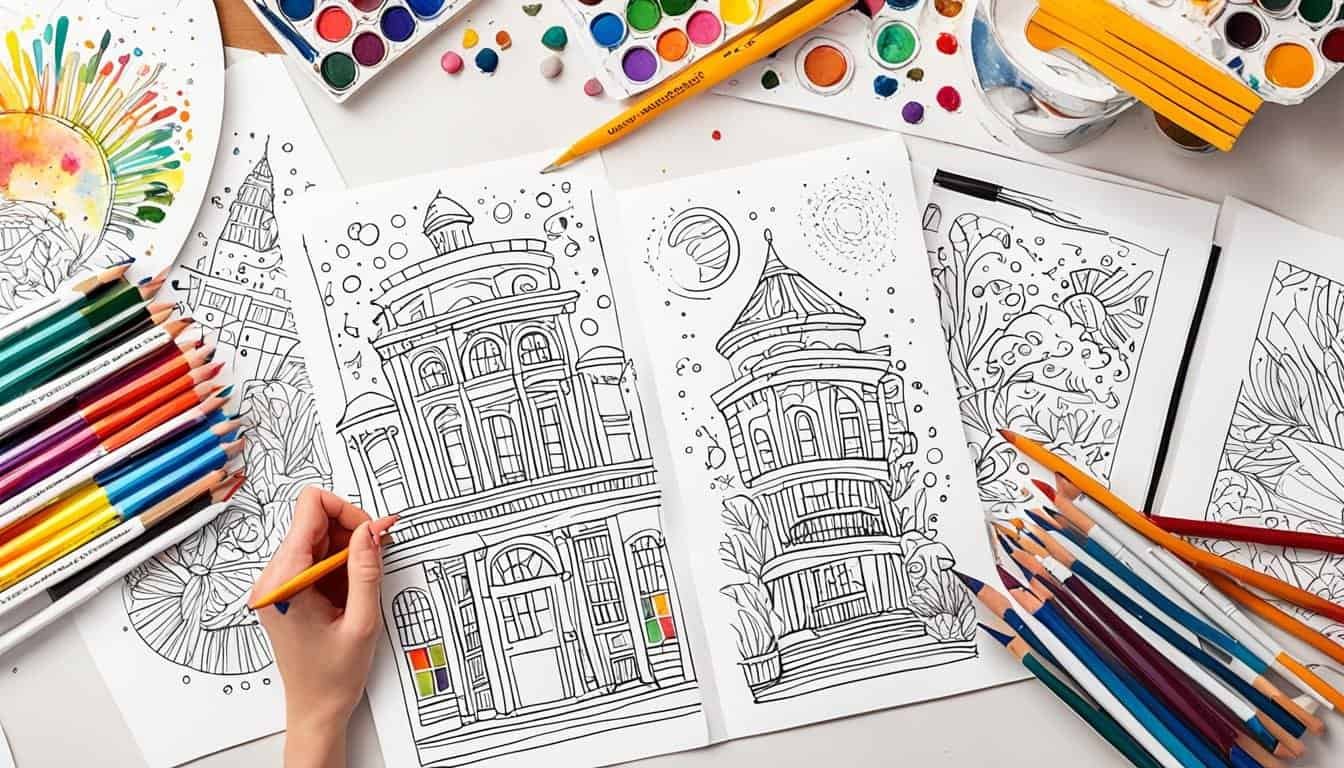
Once all your images are converted and cleaned up, you need to assemble them into a cohesive book format. Use a layout program (like Microsoft Word, Google Docs, or Canva) to place one image per page.
Ensure each image is centered and scaled appropriately—you don't want the drawing to run right off the edge of the paper. Adding a simple border or a title beneath the image (e.g., "Color Grandma's Garden") can add a nice touch.
When printing, use sturdy paper, like 65lb or 80lb cardstock, so crayons or markers won't bleed through the pages. After printing, decide on your binding method: simple staples for thin books, three-hole punching and tying with twine for a rustic look, or taking it to a local print shop for coil binding for a professional finish.
Conclusion: Start Creating Your Memory Masterpiece
Learning how to Make A Coloring Book With Your Own Pictures is a rewarding endeavor that combines technology, art, and personal memories. By selecting high-quality source photos, utilizing the right software tools, and dedicating time to refining the line art, you can easily create a beautiful, personalized product.
Whether you're crafting a heartfelt gift or simply indulging in a creative hobby, turning your favorite photos into coloring pages offers a unique way to revisit and share cherished moments. So go ahead, open that photo folder, and start the fun transformation today!
Frequently Asked Questions (FAQ) About Making Custom Coloring Books
- Can I use copyrighted images to make a coloring book?
- No. You should only use photos that you personally own or have permission to use. Since the goal is to Make A Coloring Book With Your Own Pictures, stick to your personal photo library to avoid copyright issues.
- Is a tablet or a computer better for conversion?
- A computer generally offers more precise control and access to professional software like GIMP or Photoshop, making it better for detailed cleanup. However, some advanced drawing apps on tablets (like Procreate) are excellent for manual tracing and refining.
- What kind of printer settings should I use?
- Always print your final black and white line art using the highest quality setting your printer allows. Ensure you are printing in pure black ink, not a mixed composite color, for the sharpest lines.
- What is the best way to convert a complex image (like a crowded group photo)?
- For very complex photos, automated conversion often fails. The best approach is often manual tracing. Upload the high-contrast photo into your editor, lower the opacity, and trace only the most essential outlines on a new layer using a solid black brush. This allows you to simplify the scene drastically.
- How many pages should my personalized coloring book be?
- The ideal length depends on the purpose. For gifts or small favors, 10–15 pages are perfect. For a comprehensive family memory book, you might aim for 20–30 pages. Make sure the pictures offer enough variety to keep the coloring engaging.
Make A Coloring Book With Your Own Pictures
Make A Coloring Book With Your Own Pictures Wallpapers
Collection of make a coloring book with your own pictures wallpapers for your desktop and mobile devices.
Artistic Make A Coloring Book With Your Own Pictures Image Nature
Immerse yourself in the stunning details of this beautiful make a coloring book with your own pictures wallpaper, designed for a captivating visual experience.
Artistic Make A Coloring Book With Your Own Pictures Scene for Mobile
Find inspiration with this unique make a coloring book with your own pictures illustration, crafted to provide a fresh look for your background.
Vivid Make A Coloring Book With Your Own Pictures Background for Mobile
Explore this high-quality make a coloring book with your own pictures image, perfect for enhancing your desktop or mobile wallpaper.
Captivating Make A Coloring Book With Your Own Pictures Capture for Mobile
This gorgeous make a coloring book with your own pictures photo offers a breathtaking view, making it a perfect choice for your next wallpaper.
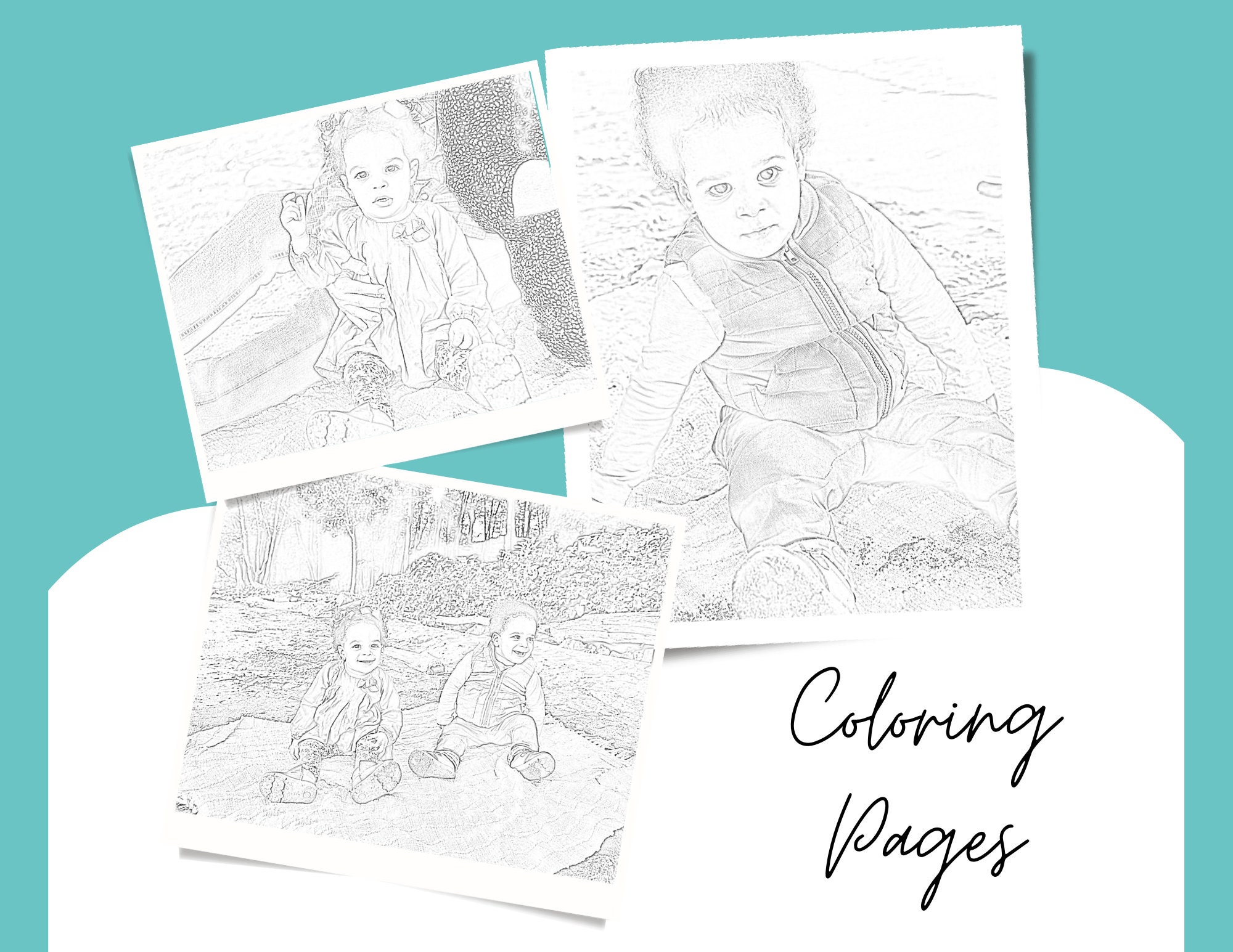
Detailed Make A Coloring Book With Your Own Pictures Scene in HD
Transform your screen with this vivid make a coloring book with your own pictures artwork, a true masterpiece of digital design.

Spectacular Make A Coloring Book With Your Own Pictures Picture Art
This gorgeous make a coloring book with your own pictures photo offers a breathtaking view, making it a perfect choice for your next wallpaper.
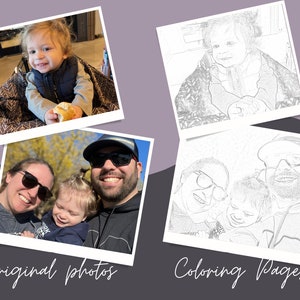
Beautiful Make A Coloring Book With Your Own Pictures Wallpaper Concept
Experience the crisp clarity of this stunning make a coloring book with your own pictures image, available in high resolution for all your screens.
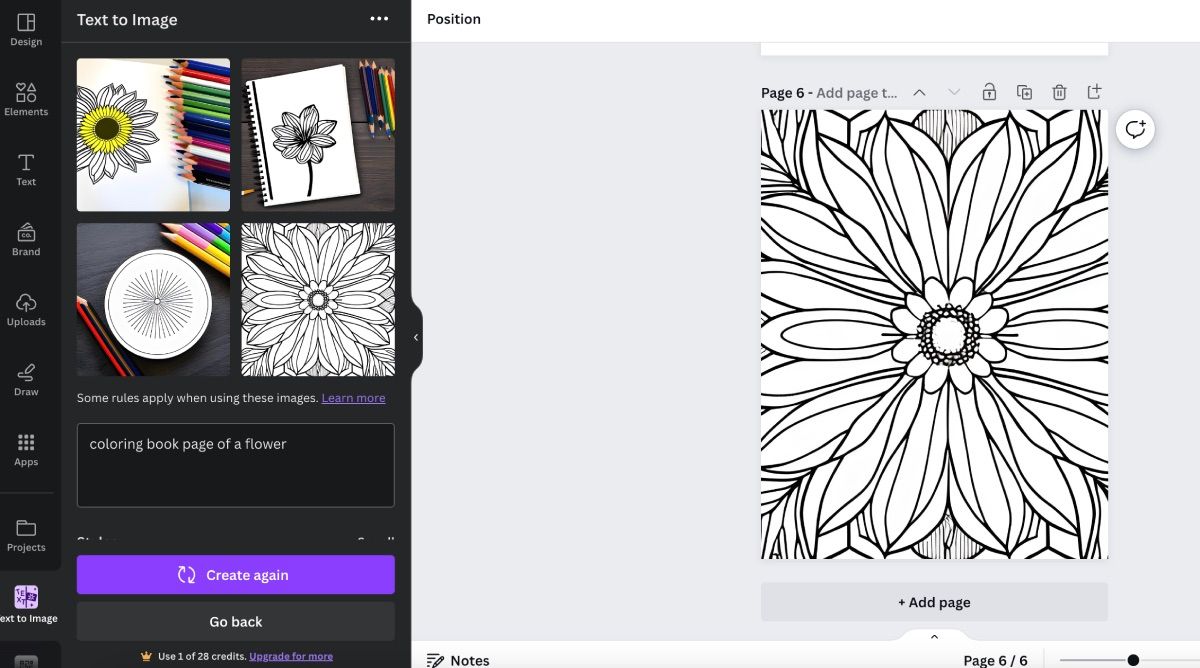
Detailed Make A Coloring Book With Your Own Pictures Artwork for Desktop
Explore this high-quality make a coloring book with your own pictures image, perfect for enhancing your desktop or mobile wallpaper.

Beautiful Make A Coloring Book With Your Own Pictures Scene Art
Experience the crisp clarity of this stunning make a coloring book with your own pictures image, available in high resolution for all your screens.

Mesmerizing Make A Coloring Book With Your Own Pictures View for Mobile
Transform your screen with this vivid make a coloring book with your own pictures artwork, a true masterpiece of digital design.

Mesmerizing Make A Coloring Book With Your Own Pictures Landscape for Desktop
Discover an amazing make a coloring book with your own pictures background image, ideal for personalizing your devices with vibrant colors and intricate designs.
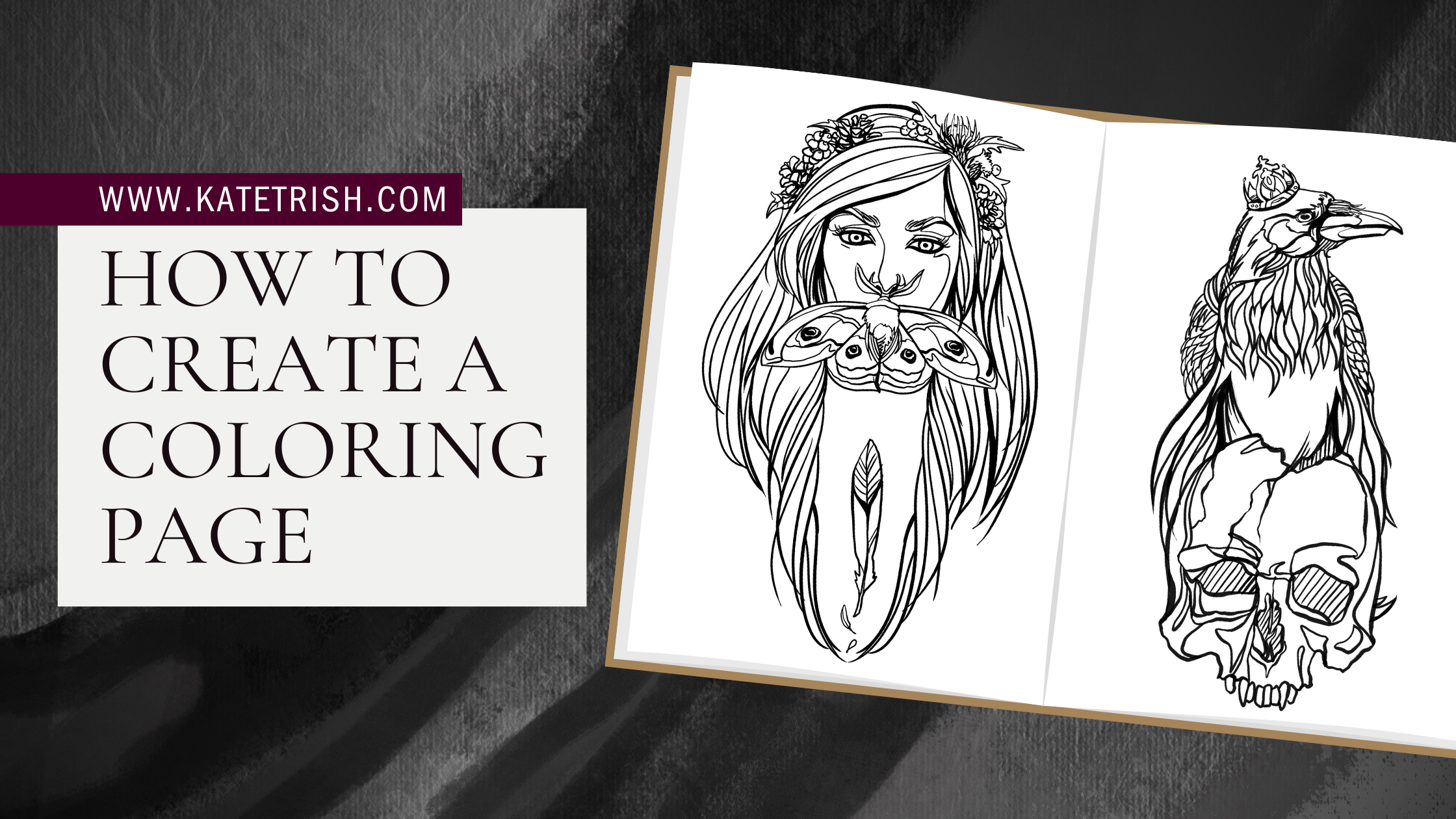
Vivid Make A Coloring Book With Your Own Pictures Image for Your Screen
Experience the crisp clarity of this stunning make a coloring book with your own pictures image, available in high resolution for all your screens.

Exquisite Make A Coloring Book With Your Own Pictures Wallpaper for Your Screen
Find inspiration with this unique make a coloring book with your own pictures illustration, crafted to provide a fresh look for your background.
Artistic Make A Coloring Book With Your Own Pictures Photo in 4K
Find inspiration with this unique make a coloring book with your own pictures illustration, crafted to provide a fresh look for your background.
High-Quality Make A Coloring Book With Your Own Pictures Capture Nature
Discover an amazing make a coloring book with your own pictures background image, ideal for personalizing your devices with vibrant colors and intricate designs.

Crisp Make A Coloring Book With Your Own Pictures Photo Collection
A captivating make a coloring book with your own pictures scene that brings tranquility and beauty to any device.
Dynamic Make A Coloring Book With Your Own Pictures Moment in HD
Find inspiration with this unique make a coloring book with your own pictures illustration, crafted to provide a fresh look for your background.

Vivid Make A Coloring Book With Your Own Pictures Capture in HD
Experience the crisp clarity of this stunning make a coloring book with your own pictures image, available in high resolution for all your screens.
Serene Make A Coloring Book With Your Own Pictures Image Nature
Explore this high-quality make a coloring book with your own pictures image, perfect for enhancing your desktop or mobile wallpaper.

Captivating Make A Coloring Book With Your Own Pictures Landscape Digital Art
Find inspiration with this unique make a coloring book with your own pictures illustration, crafted to provide a fresh look for your background.
Download these make a coloring book with your own pictures wallpapers for free and use them on your desktop or mobile devices.