Make A Coloring Sheet
Make A Coloring Sheet: Your Ultimate Guide to DIY Fun and Creativity
Do you love coloring but find standard coloring books a bit... restrictive? Maybe you need a custom activity for a birthday party, classroom lesson, or just want a personalized relaxation tool. Learning how to make a coloring sheet is easier than you think, blending creativity with simple digital or traditional skills. Imagine turning your favorite pet photo, a family memory, or a complex abstract idea into a beautiful line drawing ready for color!
This comprehensive guide will walk you through everything you need to know, from choosing the right tools to perfecting your printable design. Get ready to unleash your inner artist and start creating custom coloring sheets today!
Why You Should Make Your Own Coloring Sheets
Creating your own coloring pages offers immense flexibility and personal satisfaction that store-bought books simply cannot match. When you make a coloring sheet, you are tailoring the experience precisely to the user's age, interests, and skill level.
It's not just about drawing; it's about controlling the narrative. Whether you want complex mandalas for adult relaxation or simple, bold shapes for toddlers, the power is entirely in your hands.
Customization for Events and Education
One of the biggest advantages of making your own sheets is the ability to create hyper-specific content. Educators often find custom coloring pages invaluable for reinforcing lessons, while event planners use them to add a fun, personalized touch to gatherings.
Consider these uses:
- Birthday Parties: Coloring sheets featuring the birthday child, their favorite cartoon characters, or the party theme.
- Classroom Learning: Diagrams of historical events, scientific processes, or maps designed for coloring and labeling.
- Marketing/Branding: Custom pages featuring company mascots or product illustrations, perfect for trade show giveaways or customer engagement.
- Therapy and Relaxation: Personalized affirmations or images that resonate deeply with the individual for meditative coloring.
Tools and Techniques to Make A Coloring Sheet
You have two primary routes when you decide to make a coloring sheet: digital creation or traditional hand-drawing. Both methods produce excellent results, but they require different tools and workflows.
Going Digital: Using Software and Apps
Digital tools offer precision, easy editing, and instant duplication. They are the preferred method for creating professional, crisp line art.
Popular software choices include:
- Adobe Illustrator (Vector Graphics): Ideal for clean, scalable lines that will never look pixelated, no matter how large you print them. This is the professional standard for coloring book creation.
- Procreate/Clip Studio Paint (Raster Graphics): Excellent for artists who prefer the feel of drawing on paper but want digital editing capabilities. Great for organic lines and textures.
- Free Online Tools: Programs like GIMP or simple browser-based photo converters can get the job done for basic designs without the investment.
Converting Photos into Line Art
One of the quickest ways to make a coloring sheet from a real-life subject is by converting a photo. While many apps offer an "outline" filter, the best results come from a little manual clean-up.
Here's a simplified process using most photo editing software:
- Step 1: Desaturate. Convert the image to black and white.
- Step 2: Increase Contrast. Maximize the difference between the light and dark areas.
- Step 3: Apply Edge Detection/Threshold. This filter reduces the image to just stark black lines and white spaces.
- Step 4: Refine Manually. Use an eraser and a brush tool to smooth lines, remove distracting shadows, and close gaps where color might bleed through.
The Old-School Way: Drawing by Hand
If you prefer the tactile experience of pen and paper, traditional drawing is a fantastic route. The key here is clarity and high contrast.
Always use permanent black markers (like sharpies or technical pens) on white paper. Pencil sketches are too faint and will not scan well for reproduction. Focus on strong, closed lines.
Once your drawing is complete, you must digitize it. Use a high-quality scanner or take a well-lit photo from directly overhead. Then, import the image into simple editing software (even basic phone editors work) to adjust the brightness and contrast until the background is pure white and the lines are solid black.
Step-by-Step Guide: How to Design Your Masterpiece
Regardless of whether you use digital brushes or traditional pens, the underlying design principles for coloring sheets remain the same. The goal is to make the image inviting and easy to color.
Defining Your Subject and Style
Before you draw a single line, determine your target audience. Are these sheets for young children or adults? This decision dictates the complexity and line weight you should use.
- Children (Ages 2-6): Use very thick lines (heavy line weight) and large, simple areas for coloring. Avoid fine details or complex overlapping shapes.
- Older Children (Ages 7-12): Can handle medium line weights and slightly more detail, but still need clearly defined boundaries.
- Teens and Adults: Thinner lines are acceptable, and intricate patterns, shading lines, and very small spaces are encouraged for detailed coloring.
Remember that good coloring sheets rely on strong outlines. Unlike complex fine art, the interior details are often simplified or implied, leaving the colorist to add texture and depth.
Ensuring Optimal Print Quality
A beautiful digital file is useless if it prints poorly. You need to pay attention to resolution and file format.
If you are working digitally, always set your document size to standard printer paper dimensions (e.g., 8.5 x 11 inches or A4). Crucially, ensure the resolution (DPI) is high enough—aim for 300 DPI (dots per inch) minimum.
For file format, PNG or PDF are usually the best choices. PDF ensures that the dimensions and quality remain locked when printing, which is especially important if you are distributing the file.
Here are final checks before you hit 'print':
- Is the background pure white (not slightly gray)?
- Are all lines completely closed to prevent "color bleed" in digital coloring apps?
- Is the image centered and correctly sized for the paper?
- Have you tested a printout on standard printer paper?
By following these steps, you will successfully make a coloring sheet that is not only personalized but also professional and ready for endless coloring fun.
Conclusion
The ability to make a coloring sheet opens up a world of highly personalized fun, education, and artistic expression. Whether you prefer the precise control of digital drawing tools or the charm of hand-drawn art, the process is accessible to everyone. Start by identifying your audience, choosing the right tools for your skill level, and prioritizing clean, well-defined lines. Creating custom coloring pages is a rewarding process that guarantees you'll always have the perfect picture ready to be brought to life with color.
Frequently Asked Questions (FAQ)
- What is the best free tool to make a coloring sheet digitally?
- For photo conversion, many users rely on free browser-based image editors or simple mobile apps that have a 'posterize' or 'threshold' filter. For actual drawing, programs like GIMP or Krita offer advanced tools similar to professional software.
- Should I use vector or raster graphics?
- If you plan to scale the sheet or sell it commercially, vector graphics (created in software like Adobe Illustrator or Inkscape) are superior because they maintain crisp quality at any size. For personal use or simple designs, raster graphics (created in Photoshop or Procreate) are generally fine.
- How thick should the lines be?
- The line thickness (or stroke weight) depends entirely on the intended user. For toddlers, lines should be very thick (e.g., 5-8 pixels wide). For detailed adult coloring, you can use thin lines (e.g., 1-2 pixels) to allow for more shading and fine detail work within the outline.
- Can I use copyrighted images to make a coloring sheet?
- No. If you intend to sell or distribute your coloring sheets, you must only use images you have created yourself or images that are explicitly labeled as being in the public domain or covered by a creative commons license allowing commercial use. If it's for strictly private, non-commercial use (like printing one sheet for your own child), the rules are less strict, but reproducing branded characters is always risky.
- What is the ideal file size for a printable coloring sheet?
- A standard printable coloring sheet (8.5 x 11 inches) should be saved at a minimum resolution of 300 DPI. This results in a file size that is usually manageable (under 10 MB for a PNG or PDF) while ensuring high print quality.
Make A Coloring Sheet
Make A Coloring Sheet Wallpapers
Collection of make a coloring sheet wallpapers for your desktop and mobile devices.

Amazing Make A Coloring Sheet Moment Collection
Transform your screen with this vivid make a coloring sheet artwork, a true masterpiece of digital design.

Mesmerizing Make A Coloring Sheet Capture for Mobile
Explore this high-quality make a coloring sheet image, perfect for enhancing your desktop or mobile wallpaper.

Amazing Make A Coloring Sheet Design for Your Screen
Discover an amazing make a coloring sheet background image, ideal for personalizing your devices with vibrant colors and intricate designs.

Dynamic Make A Coloring Sheet View Nature
A captivating make a coloring sheet scene that brings tranquility and beauty to any device.
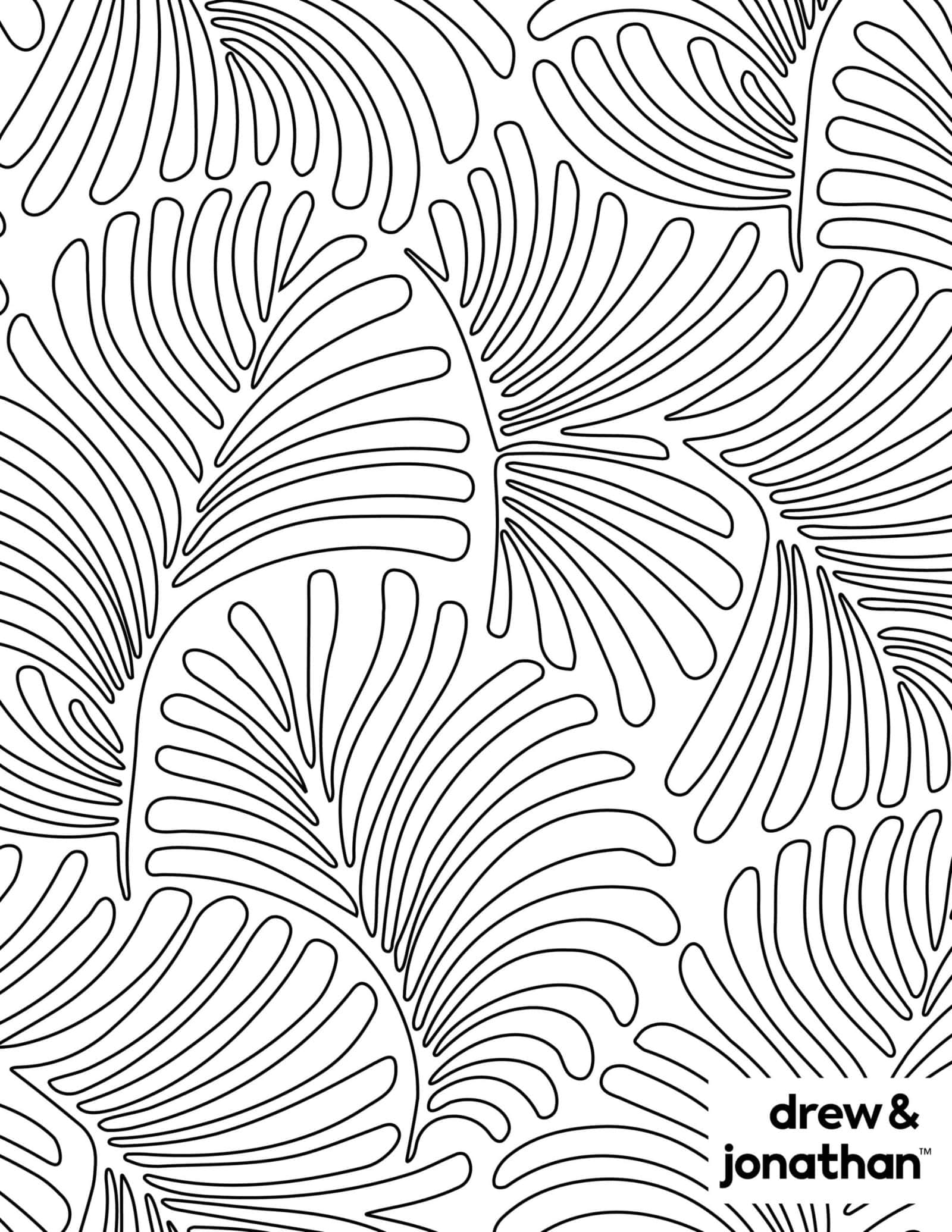
Captivating Make A Coloring Sheet Scene Photography
A captivating make a coloring sheet scene that brings tranquility and beauty to any device.

Vibrant Make A Coloring Sheet View Art
Transform your screen with this vivid make a coloring sheet artwork, a true masterpiece of digital design.

Detailed Make A Coloring Sheet Photo Nature
Experience the crisp clarity of this stunning make a coloring sheet image, available in high resolution for all your screens.

Artistic Make A Coloring Sheet Photo Illustration
A captivating make a coloring sheet scene that brings tranquility and beauty to any device.

Breathtaking Make A Coloring Sheet Landscape Concept
Experience the crisp clarity of this stunning make a coloring sheet image, available in high resolution for all your screens.

Mesmerizing Make A Coloring Sheet View Digital Art
Explore this high-quality make a coloring sheet image, perfect for enhancing your desktop or mobile wallpaper.

Dynamic Make A Coloring Sheet Image for Desktop
A captivating make a coloring sheet scene that brings tranquility and beauty to any device.

Artistic Make A Coloring Sheet Image Nature
This gorgeous make a coloring sheet photo offers a breathtaking view, making it a perfect choice for your next wallpaper.

Dynamic Make A Coloring Sheet Picture Photography
Immerse yourself in the stunning details of this beautiful make a coloring sheet wallpaper, designed for a captivating visual experience.
Breathtaking Make A Coloring Sheet Wallpaper for Desktop
Experience the crisp clarity of this stunning make a coloring sheet image, available in high resolution for all your screens.
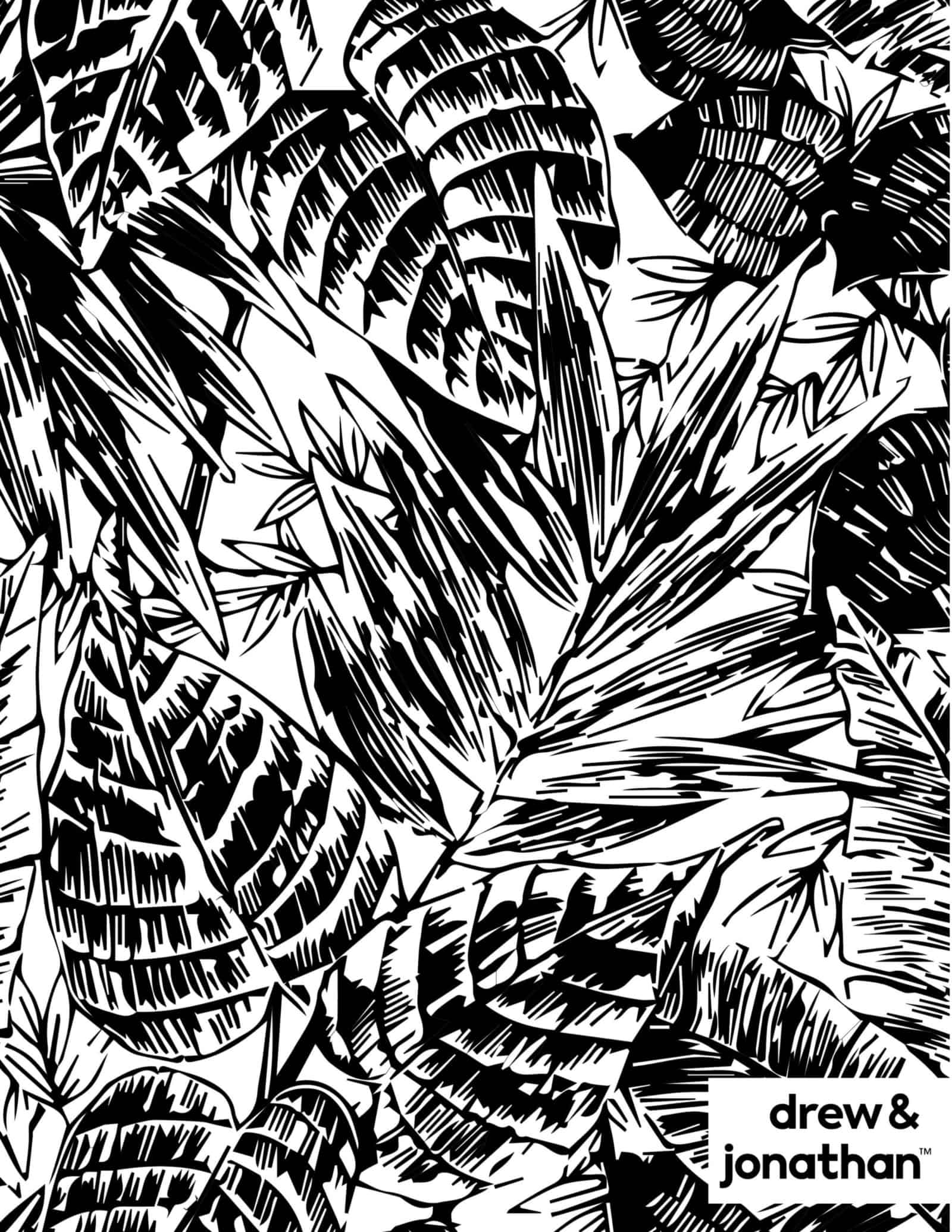
Stunning Make A Coloring Sheet Moment Art
Find inspiration with this unique make a coloring sheet illustration, crafted to provide a fresh look for your background.

Gorgeous Make A Coloring Sheet Capture Nature
Immerse yourself in the stunning details of this beautiful make a coloring sheet wallpaper, designed for a captivating visual experience.

Lush Make A Coloring Sheet Scene Concept
Find inspiration with this unique make a coloring sheet illustration, crafted to provide a fresh look for your background.

Spectacular Make A Coloring Sheet Picture Art
This gorgeous make a coloring sheet photo offers a breathtaking view, making it a perfect choice for your next wallpaper.
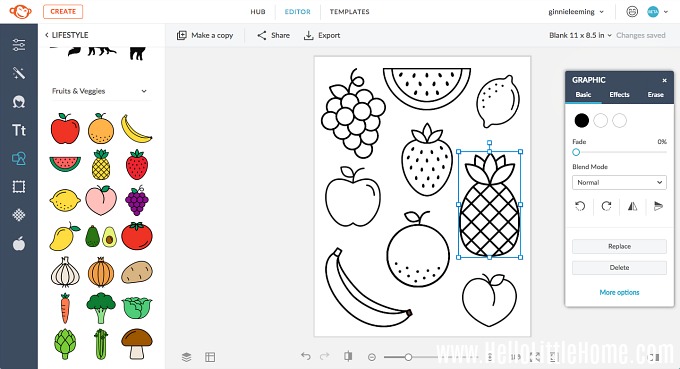
Breathtaking Make A Coloring Sheet Landscape Collection
Explore this high-quality make a coloring sheet image, perfect for enhancing your desktop or mobile wallpaper.

Serene Make A Coloring Sheet Design Concept
Discover an amazing make a coloring sheet background image, ideal for personalizing your devices with vibrant colors and intricate designs.
Download these make a coloring sheet wallpapers for free and use them on your desktop or mobile devices.