Make A Photo Into A Coloring Page
The Ultimate Guide: How to Easily Make A Photo Into A Coloring Page for Fun or Profit
Have you ever looked at a fantastic photo—maybe of your pet, your child, or a beautiful landscape—and thought, "Wouldn't that make an amazing personalized coloring sheet?" You're in luck! Learning how to make a photo into a coloring page is not only incredibly easy, but it opens up a world of creative possibilities, whether you're creating unique gifts or just looking for a new relaxation technique.
Gone are the days when you needed a degree in graphic design to pull off this transformation. Modern tools, both free and professional, make the process accessible to everyone. This comprehensive guide will walk you through the essential steps, tools, and tips you need to successfully make a photo into a coloring page that looks crisp and ready for crayons.
Why Convert Your Photos? Beyond Just Coloring
Before we dive into the technical details, let's explore why so many people are eager to make a photo into a coloring page. The applications extend far beyond simply keeping kids busy on a rainy day.
Converting personal images creates bespoke, meaningful art. Imagine giving a grandparent a coloring book filled with pages featuring their grandchildren! It's truly a heartfelt, one-of-a-kind present.
For educators and small businesses, the use cases are equally valuable. Teachers can convert images related to classroom subjects, while small businesses can offer branded coloring pages as free, fun downloads.
- **Personalized Gifts:** Create memorable, hands-on presents for holidays, birthdays, or anniversaries.
- **Educational Tools:** Use recognizable local landmarks or historical figures to enhance learning materials.
- **Therapy and Relaxation:** Coloring is a proven stress reducer, and working on a familiar image adds an extra layer of engagement.
- **Custom Party Favors:** Use a photo of the birthday guest of honor to create custom activity sheets.
Essential Tools to Make A Photo Into A Coloring Page
The right tools will make or break your coloring page conversion process. Depending on your budget and desired level of detail, you can choose between quick, automated online solutions or more robust, manual software that offers greater control over line thickness and detail extraction.
If you're looking for the absolute simplest method, a dedicated online converter might be your best bet. If you need professional quality—perhaps if you plan to sell these pages—you should stick with desktop software like Adobe Photoshop or GIMP.
Online Converters: The Quickest Fix
Online converters are fantastic for instant gratification. These tools use algorithms to automatically detect edges and convert the image into a black-and-white outline. You simply upload your image, click "convert," and download the resulting file.
While quick, these tools often struggle with complex details or shadows, sometimes leaving you with a slightly muddy or overly simplified output. They are perfect for portraits with clean backgrounds or simple objects.
Using Dedicated Software (Photoshop/GIMP)
For those serious about quality, dedicated photo editing software offers precision control. Programs like Adobe Photoshop (paid) or GIMP (free and open-source) allow you to manually adjust contrast, filter out noise, and selectively sharpen lines, ensuring the final output is perfect for coloring.
This method takes longer, but the ability to refine the image manually means you can turn almost any photograph into a high-quality coloring page. It gives you the maximum opportunity to make a photo into a coloring page with professional results.
Step-by-Step in Photoshop (The Professional Way)
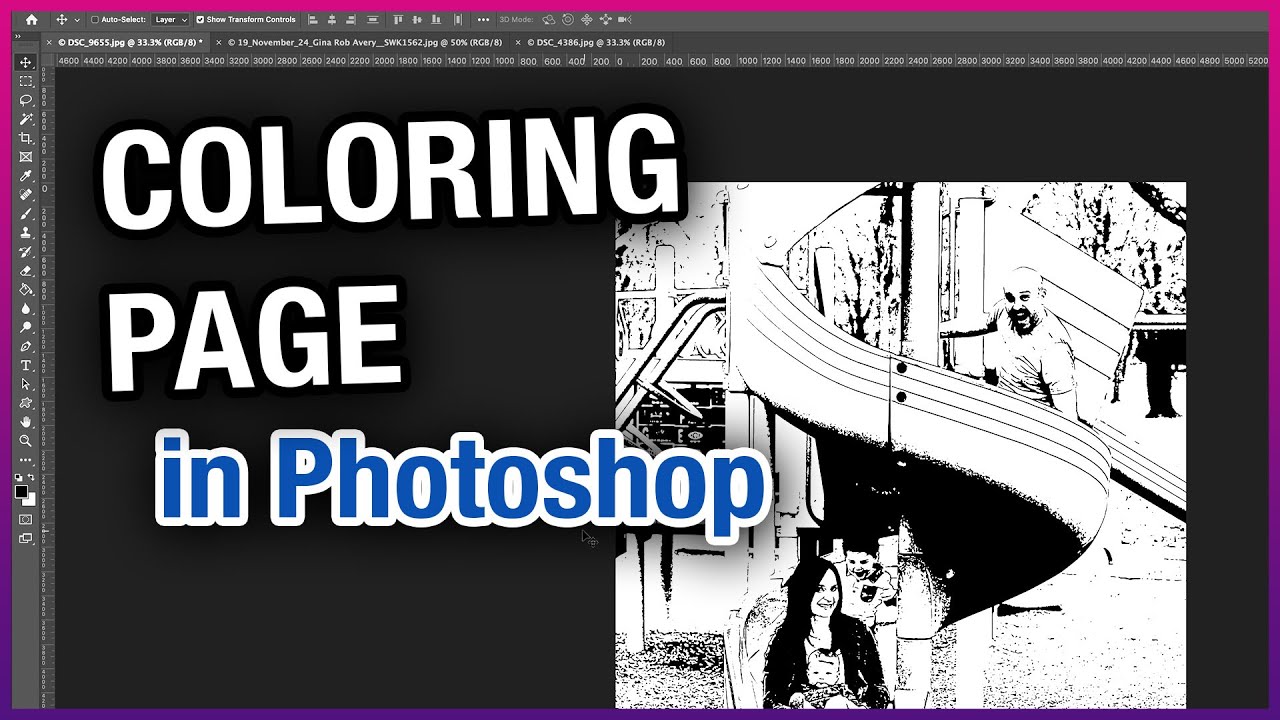
If you choose the professional route, follow these steps to achieve a clean, line-art effect using Adobe Photoshop or a similar program like GIMP. This method focuses on isolating the edges and eliminating all color and shading.
- **Duplicate and Desaturate:** Open your image and duplicate the background layer (Ctrl+J/Cmd+J). Then, desaturate the duplicated layer completely (Image > Adjustments > Desaturate, or Ctrl+Shift+U). This converts it to grayscale.
- **Invert the Colors:** With the grayscale layer selected, invert the colors (Image > Adjustments > Invert, or Ctrl+I/Cmd+I). The image should now look like a negative grayscale photograph.
- **Change the Blend Mode:** Change the blend mode of this inverted layer from "Normal" to "Color Dodge." Your image will likely turn almost completely white, which is exactly what we want.
- **Apply the Gaussian Blur:** Go to Filter > Blur > Gaussian Blur. Slowly increase the radius slider until black lines begin to appear, outlining the main features of your photo. The trick is to find the perfect balance: enough blur to show the edges, but not so much that the image becomes foggy.
- **Refine the Lines (Levels):** Merge the layers (optional). Then, use the Levels tool (Ctrl+L/Cmd+L) to make the lines sharper and darker. Drag the black slider (shadows) to the right and the white slider (highlights) to the left slightly. This increases the contrast, giving you bold lines suitable for coloring.
- **Clean Up:** Use the Eraser tool or a white brush to manually remove any unwanted gray areas or artifacts that remain in the background, leaving a pure white canvas with black outlines.
Tips for the Perfect Coloring Page Output
The success of your conversion largely depends on the original photo you select. Not every picture is suitable for transformation into line art. By choosing the right source material, you simplify the editing process significantly.
Always start with a high-resolution image. Low-resolution or blurry photos will result in jagged, indistinct lines once converted, making them frustrating to color.
- **Choose High Contrast:** Photos with strong separation between light and dark areas convert much cleaner than uniformly lit images.
- **Simplify the Background:** Busy backgrounds will create distracting lines and clutter your coloring page. Crop tightly around the subject or edit out the background before conversion.
- **Focus on Clear Edges:** Images of people or objects with distinct boundaries (like a clean silhouette or a sharp outline) work best, as the software relies on edge detection.
- **Test Print Before Sharing:** Always print a test copy on standard printer paper to check the line thickness. Lines that look good on screen might be too faint when printed.
Conclusion: Start Creating Your Custom Coloring Fun
Whether you opt for the lightning-fast convenience of an online tool or the detailed control of professional software, the ability to make a photo into a coloring page is a fantastic skill to add to your creative toolkit. This process transforms your most cherished memories into interactive art projects.
You now have the knowledge and steps necessary to begin creating personalized coloring pages for gifts, relaxation, or even small-scale commercial use. So go ahead, pick your favorite photograph, and start turning those pixels into outlines ready for color!
Frequently Asked Questions About How to Make A Photo Into A Coloring Page
- Can I use any photo to make a coloring page?
- While technically yes, not all photos produce good results. Photos with high contrast, sharp focus, and simple backgrounds yield the clearest, most enjoyable coloring pages. Avoid blurry or dimly lit images.
- Is it better to use an online tool or dedicated software?
- For quick, casual use, an online converter is great. However, if you need control over line quality, darkness, and background removal, dedicated software like GIMP or Photoshop is superior, allowing you to fine-tune the resulting line art.
- How do I ensure the lines are dark enough to color?
- In editing software, the key is using the Levels or Curves adjustment tools after applying the initial blur. By dragging the black input slider further right, you increase the contrast, making the thin gray lines turn into bold black outlines suitable for printing.
- What file format should I save the final coloring page in?
- Always save your coloring page as a high-resolution JPEG, PNG, or PDF. PDF is often preferred for printing because it ensures that the dimensions and line quality remain consistent across different devices.
- Can I turn complicated group photos into coloring pages?
- Group photos with many people tend to be too complicated, resulting in a cluttered page that is difficult to color. It is usually best to focus on one or two subjects per page to ensure clarity and detail.
Make A Photo Into A Coloring Page
Make A Photo Into A Coloring Page Wallpapers
Collection of make a photo into a coloring page wallpapers for your desktop and mobile devices.

Amazing Make A Photo Into A Coloring Page View Concept
Explore this high-quality make a photo into a coloring page image, perfect for enhancing your desktop or mobile wallpaper.
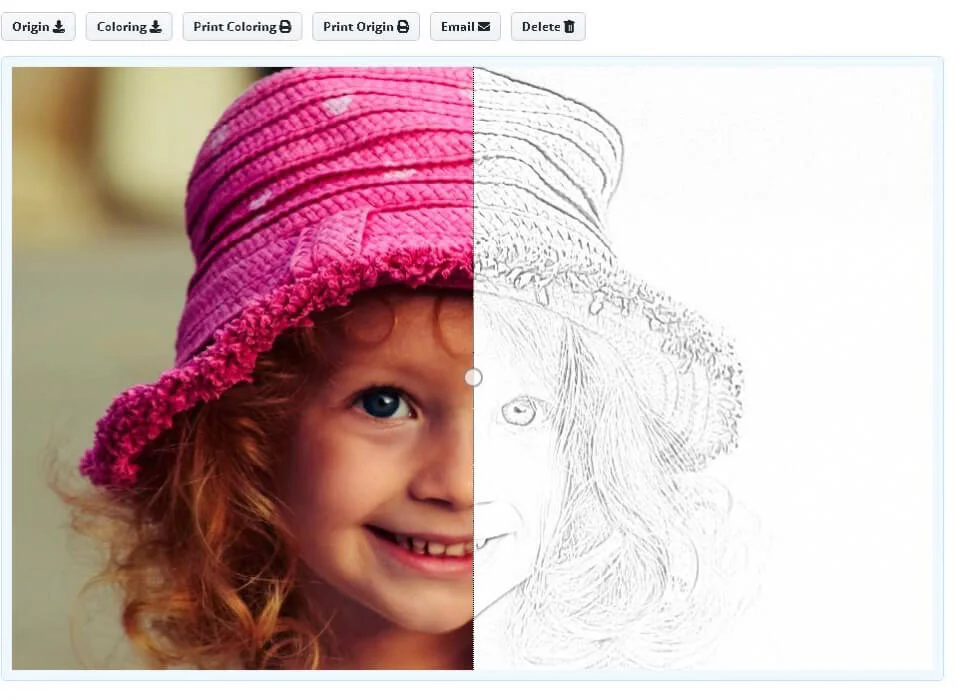
Serene Make A Photo Into A Coloring Page Background in HD
Discover an amazing make a photo into a coloring page background image, ideal for personalizing your devices with vibrant colors and intricate designs.

Detailed Make A Photo Into A Coloring Page Photo Art
Discover an amazing make a photo into a coloring page background image, ideal for personalizing your devices with vibrant colors and intricate designs.

Vivid Make A Photo Into A Coloring Page Design in HD
Experience the crisp clarity of this stunning make a photo into a coloring page image, available in high resolution for all your screens.

Exquisite Make A Photo Into A Coloring Page Artwork in HD
This gorgeous make a photo into a coloring page photo offers a breathtaking view, making it a perfect choice for your next wallpaper.
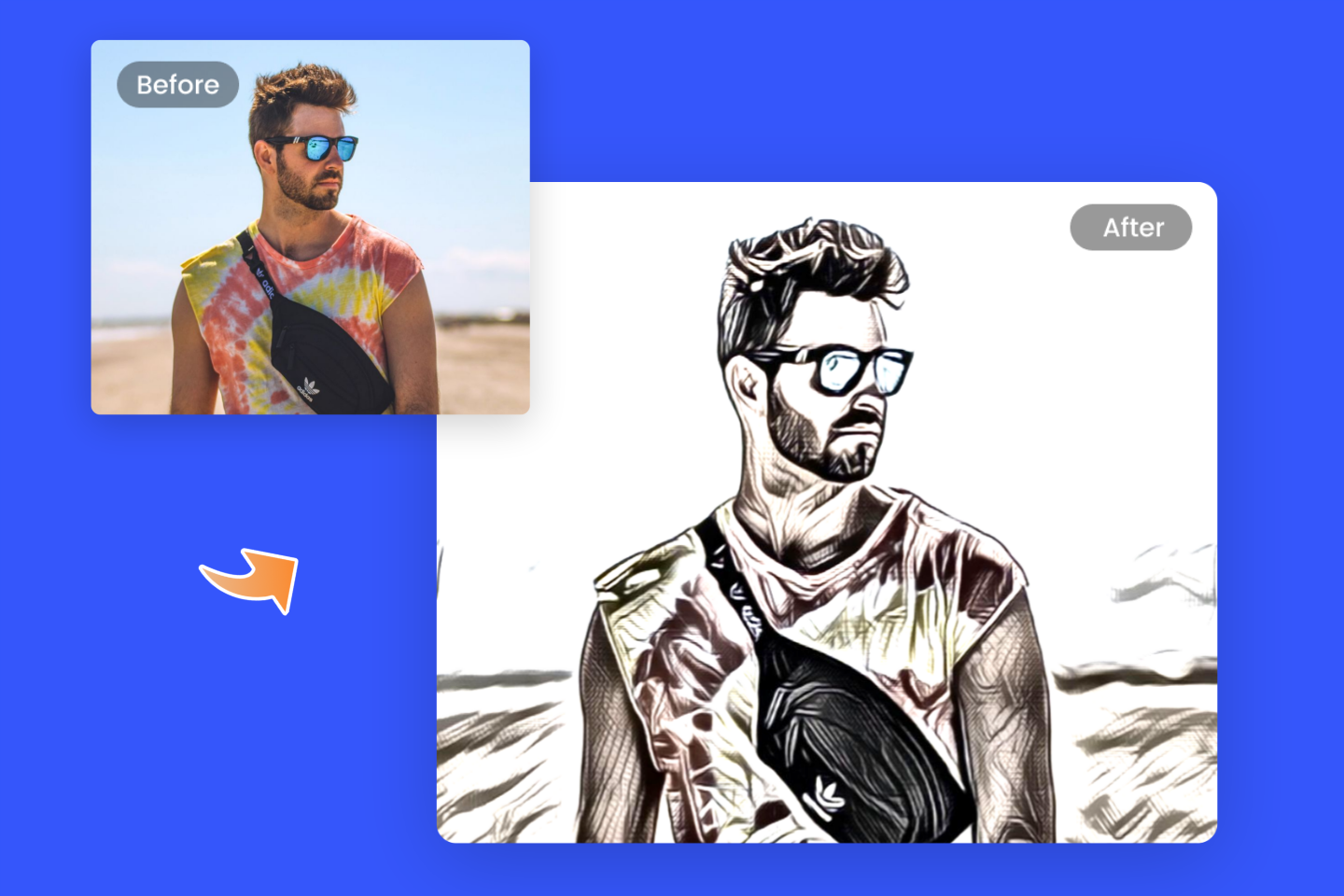
Beautiful Make A Photo Into A Coloring Page Design Nature
Experience the crisp clarity of this stunning make a photo into a coloring page image, available in high resolution for all your screens.

Artistic Make A Photo Into A Coloring Page Capture Digital Art
Find inspiration with this unique make a photo into a coloring page illustration, crafted to provide a fresh look for your background.
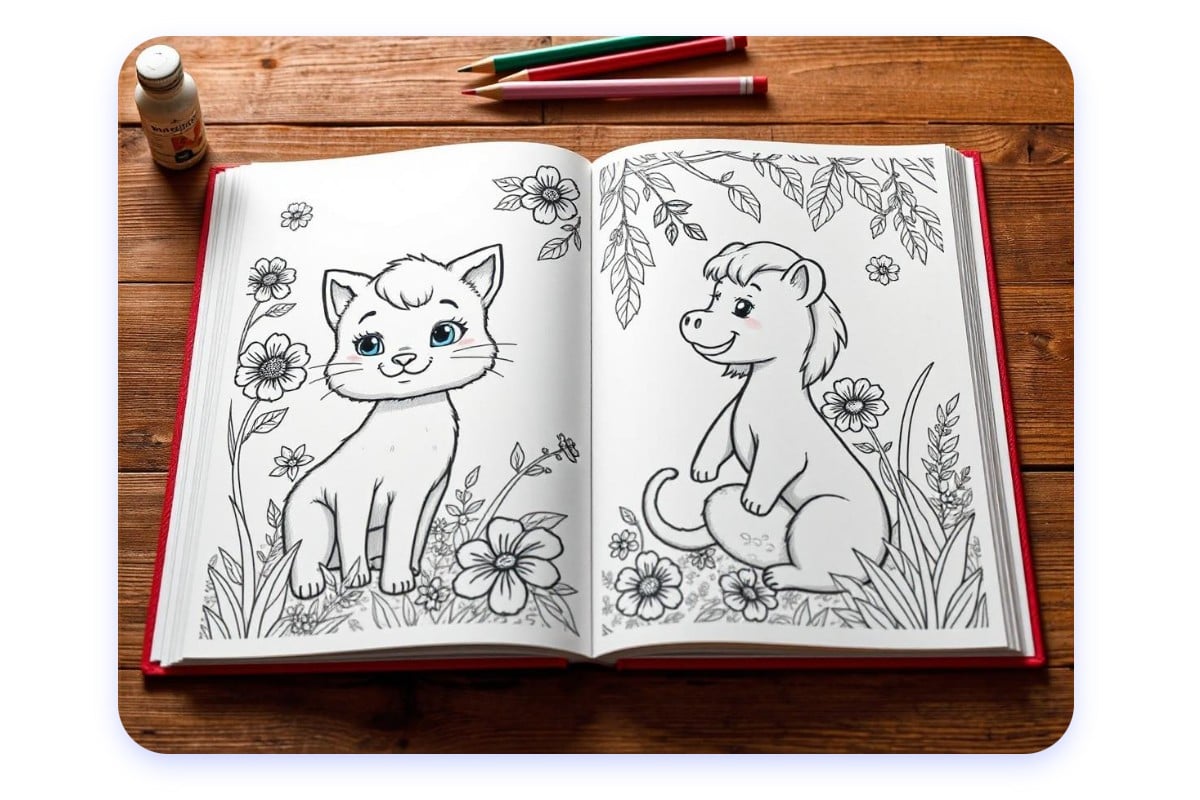
Dynamic Make A Photo Into A Coloring Page Abstract Collection
A captivating make a photo into a coloring page scene that brings tranquility and beauty to any device.
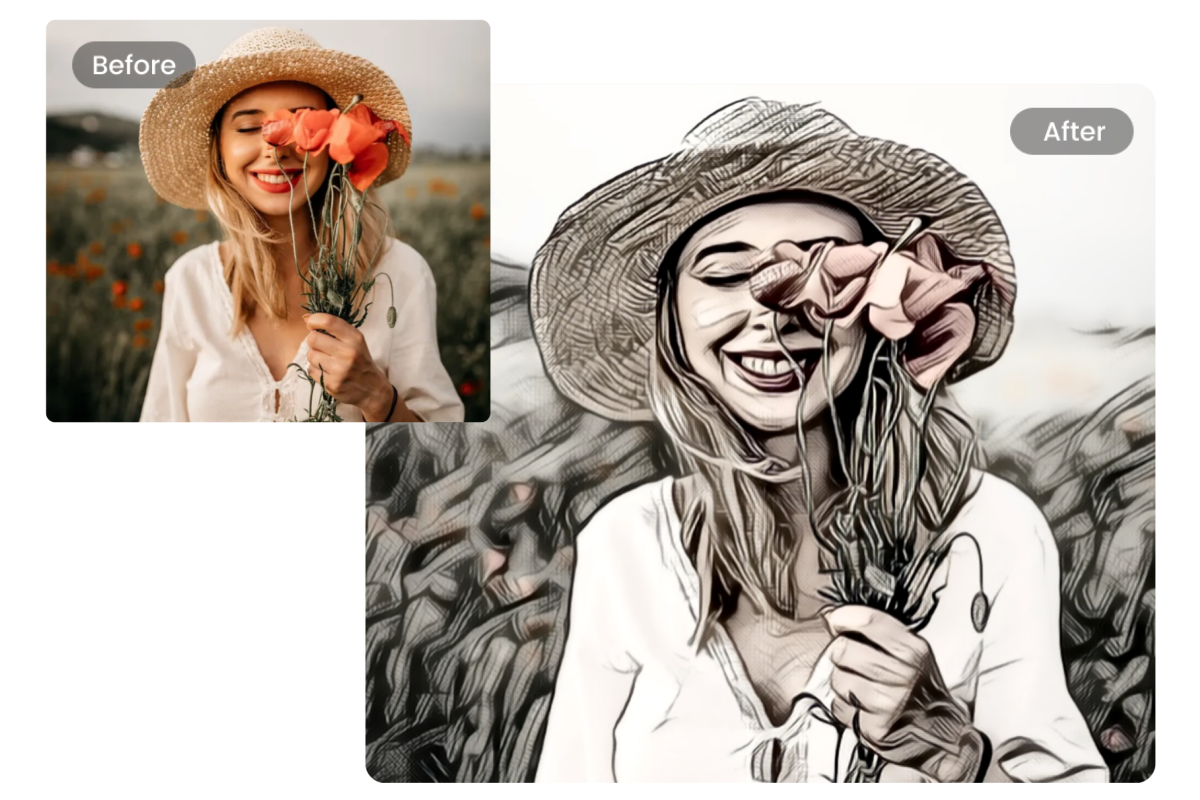
Mesmerizing Make A Photo Into A Coloring Page Photo Collection
Transform your screen with this vivid make a photo into a coloring page artwork, a true masterpiece of digital design.
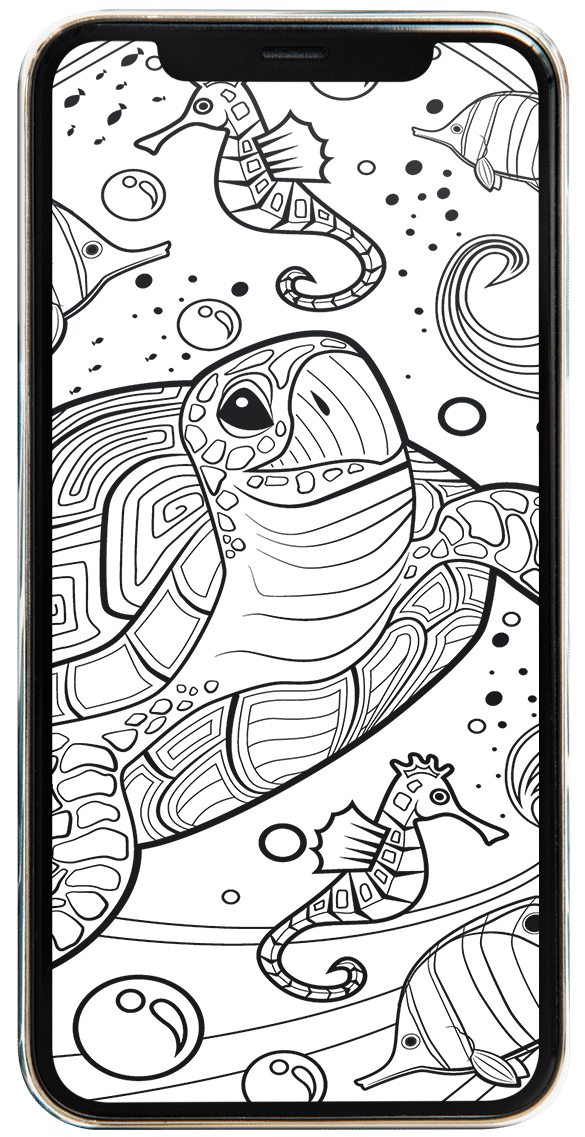
Crisp Make A Photo Into A Coloring Page Capture for Desktop
A captivating make a photo into a coloring page scene that brings tranquility and beauty to any device.
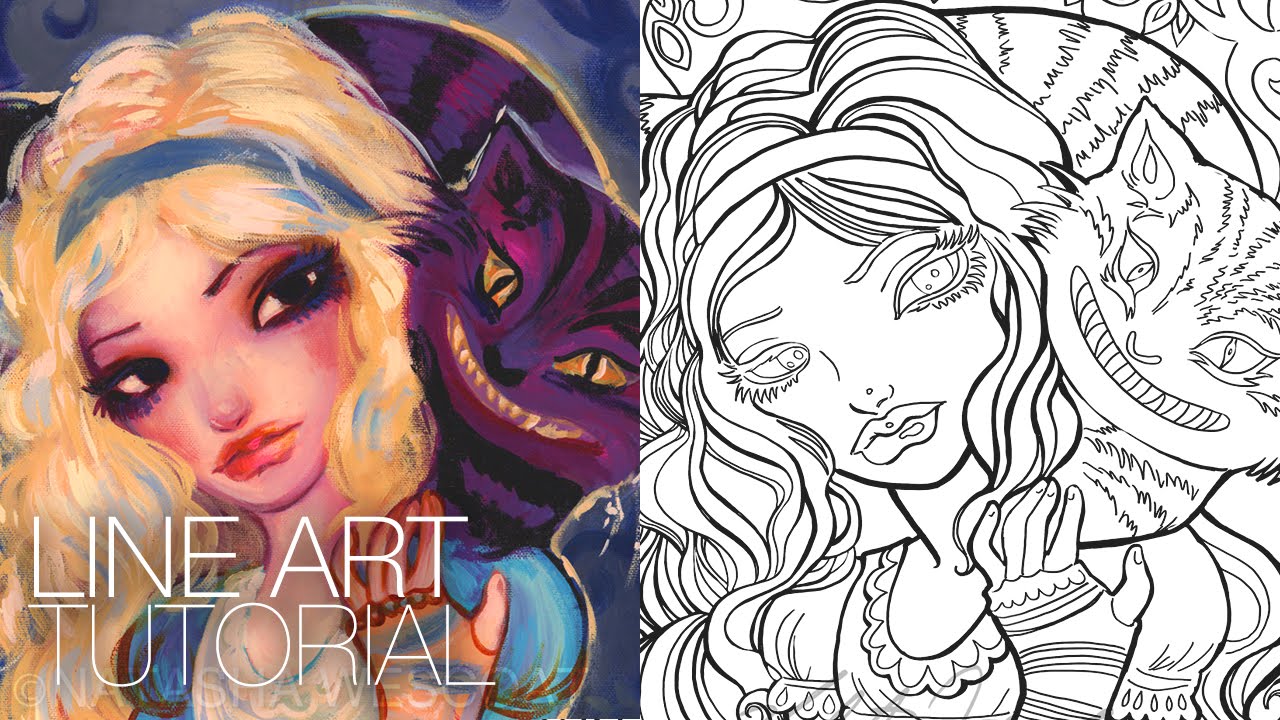
Dynamic Make A Photo Into A Coloring Page Photo Concept
Immerse yourself in the stunning details of this beautiful make a photo into a coloring page wallpaper, designed for a captivating visual experience.
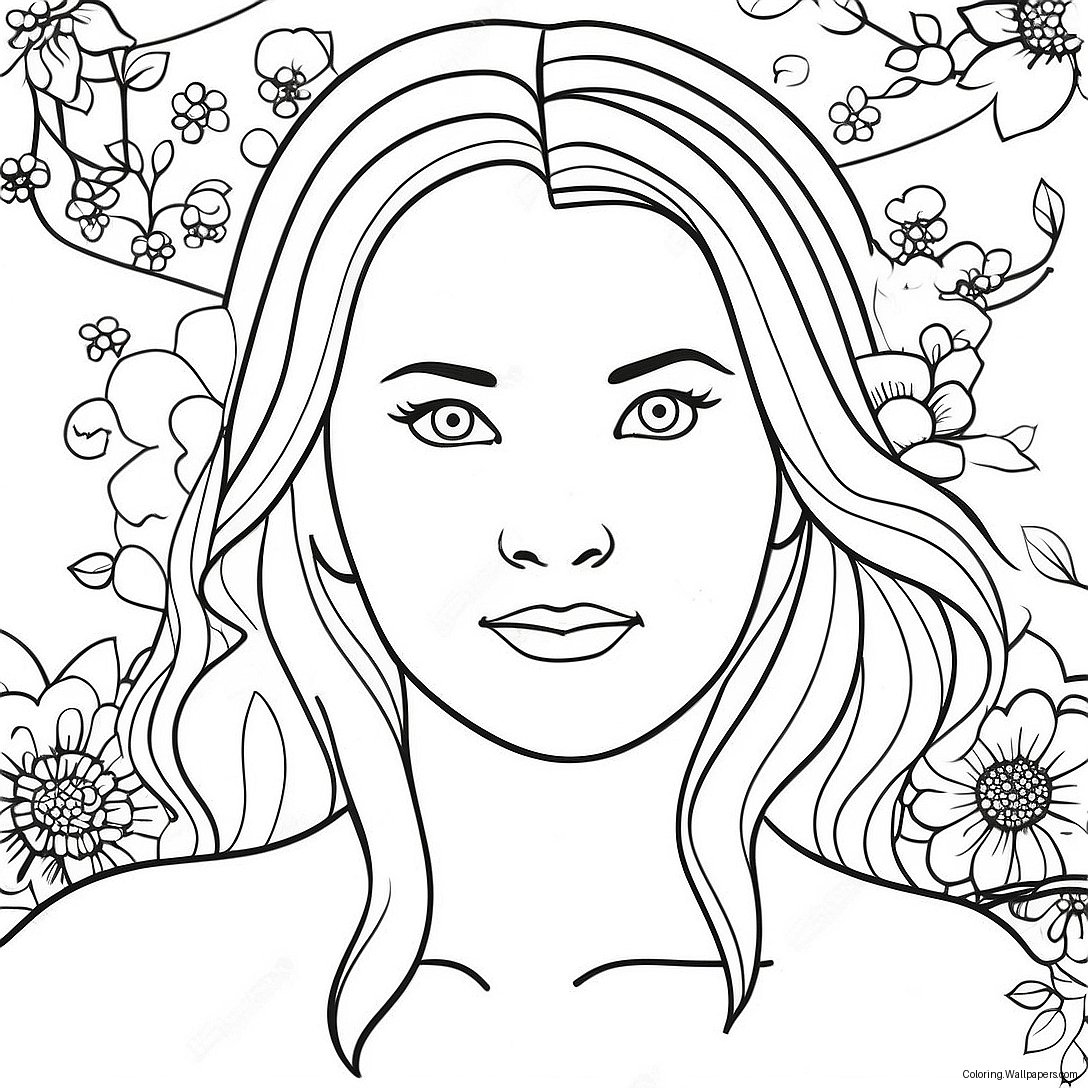
Spectacular Make A Photo Into A Coloring Page Scene in 4K
This gorgeous make a photo into a coloring page photo offers a breathtaking view, making it a perfect choice for your next wallpaper.
Gorgeous Make A Photo Into A Coloring Page Image Art
This gorgeous make a photo into a coloring page photo offers a breathtaking view, making it a perfect choice for your next wallpaper.

Serene Make A Photo Into A Coloring Page Scene Concept
Discover an amazing make a photo into a coloring page background image, ideal for personalizing your devices with vibrant colors and intricate designs.
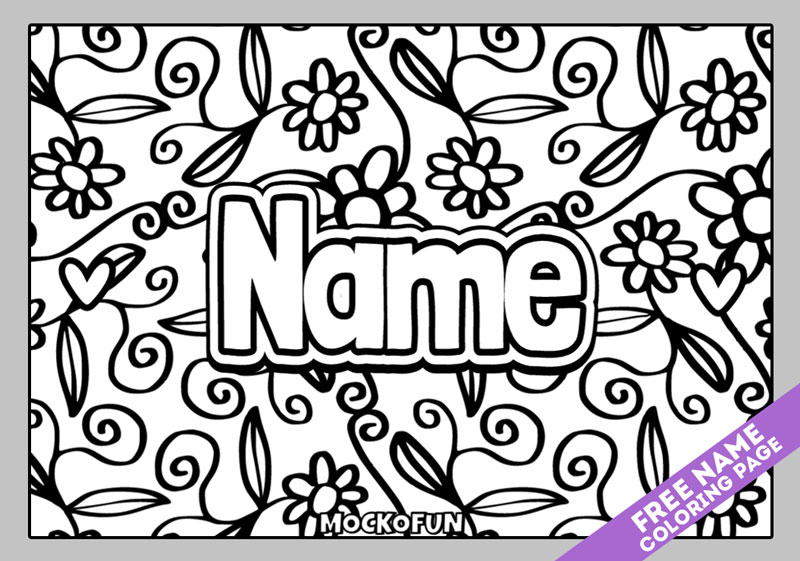
Exquisite Make A Photo Into A Coloring Page Abstract Photography
Immerse yourself in the stunning details of this beautiful make a photo into a coloring page wallpaper, designed for a captivating visual experience.

Dynamic Make A Photo Into A Coloring Page Picture Digital Art
This gorgeous make a photo into a coloring page photo offers a breathtaking view, making it a perfect choice for your next wallpaper.

Spectacular Make A Photo Into A Coloring Page Scene for Your Screen
A captivating make a photo into a coloring page scene that brings tranquility and beauty to any device.
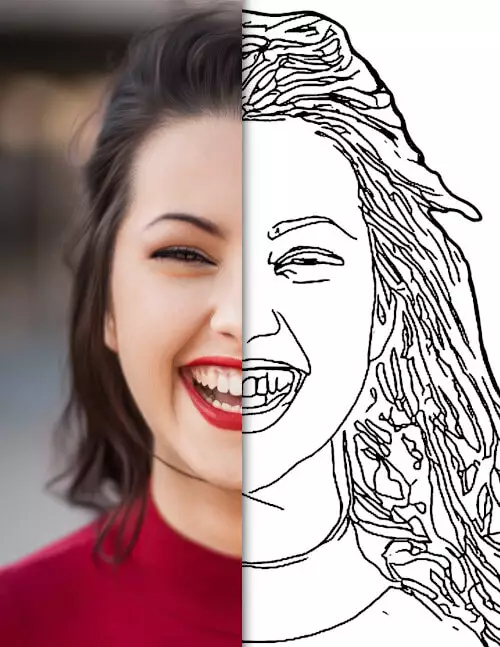
Crisp Make A Photo Into A Coloring Page Landscape Nature
A captivating make a photo into a coloring page scene that brings tranquility and beauty to any device.
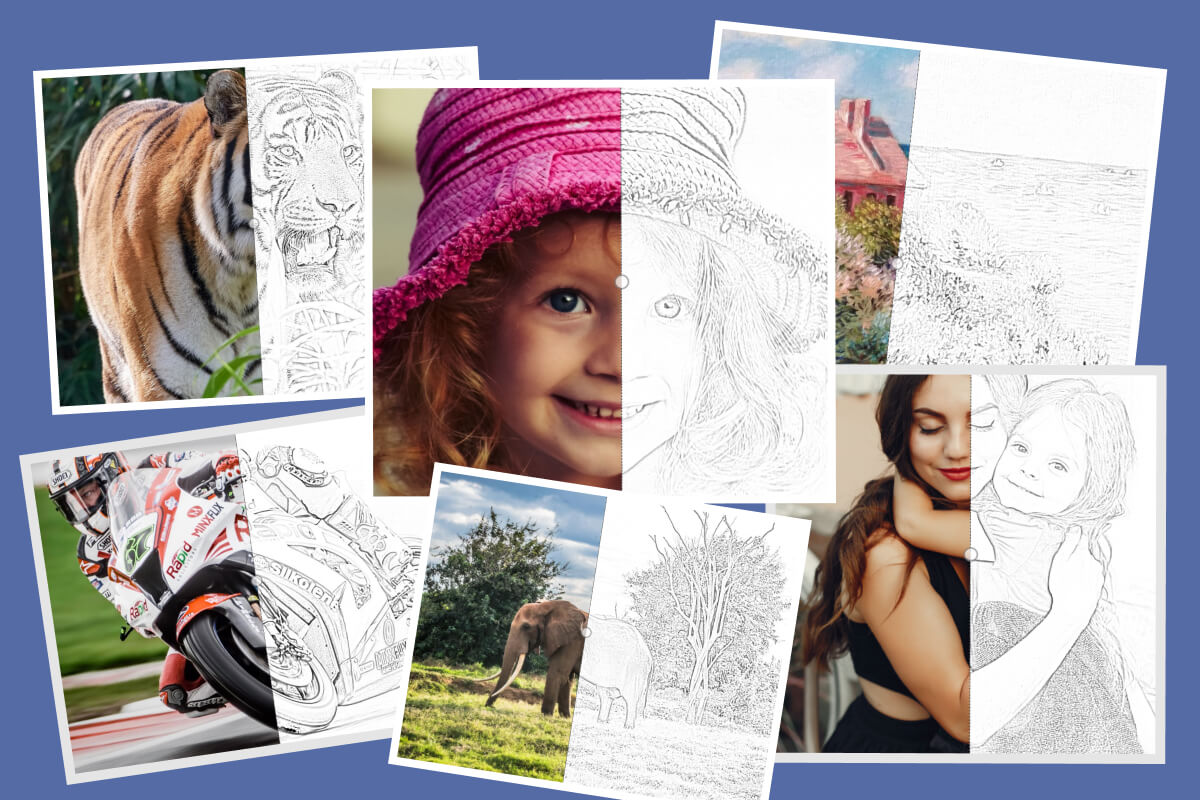
Vivid Make A Photo Into A Coloring Page Scene Photography
Transform your screen with this vivid make a photo into a coloring page artwork, a true masterpiece of digital design.

Mesmerizing Make A Photo Into A Coloring Page Moment for Desktop
Experience the crisp clarity of this stunning make a photo into a coloring page image, available in high resolution for all your screens.
Download these make a photo into a coloring page wallpapers for free and use them on your desktop or mobile devices.