Create Coloring Page From Photo Free
Create Coloring Page From Photo Free: The Ultimate Guide
Are you looking for a fun, personalized, and completely free way to transform your favorite photographs into beautiful black-and-white coloring pages? Maybe you want a unique gift, a personalized activity for a party, or just a relaxing craft project. Well, you've come to the right place! Learning how to create coloring page from photo free is much easier than you might think.
This comprehensive guide will walk you through the best methods—from lightning-fast online converters to professional desktop software—ensuring you can turn any cherished memory into a ready-to-color masterpiece without spending a dime. Let's dive in and unlock your inner artist!
Why Create a Coloring Page from Your Photos?
There are countless reasons why people love the idea of customizing their own coloring books. It adds a deep layer of personalization that mass-produced coloring pages simply cannot offer. Imagine coloring a portrait of your own pet or a beloved family vacation photo!
First off, personalized coloring pages make incredible gifts. A wedding photo converted into a line drawing is a perfect anniversary present. Additionally, this is a fantastic educational tool for children, helping them recognize familiar objects and faces while developing fine motor skills.
Furthermore, turning a photograph into a coloring page is a superb way to practice mindfulness and relaxation. The process of creating the page and then coloring it provides a double dose of stress relief. So, let's explore the simple steps you can take to create coloring page from photo free today.
Top Methods to Create Coloring Page From Photo Free
When you want to create coloring page from photo free, you generally have three main routes. The best option for you depends on how much control you want over the final image and how much time you are willing to spend.
Using Online Tools (Quick and Easy)
For those who need results fast, online coloring page generators are the ideal solution. These tools handle all the technical heavy lifting, usually requiring just a few clicks. They work by applying filters that detect edges and convert the color information into stark black-and-white lines.
Steps for Using an Online Converter:
- **Select Your Tool:** Search for a free "photo to coloring page converter" or "sketch photo online."
- **Upload:** Click the upload button and select the photo you wish to transform.
- **Adjust Settings:** Most tools offer sliders to control the amount of detail (threshold) or line thickness. Play around with these settings until the image looks clearly definable for coloring.
- **Convert and Download:** Hit the "Convert" or "Generate" button, and then download your new coloring page, typically as a JPG or PNG file.
This method is superb for beginners because it requires no software installation and the results are immediate. However, be aware that you often have less control over the fine details compared to desktop software.
Leveraging Free Desktop Software (More Control)
If you want a truly professional and clean line drawing, using free image editing software like GIMP or Inkscape gives you superior control. These tools allow you to manually adjust curves, contrast, and edge detection algorithms to achieve the perfect look.
The core principle here is separating the image into distinct areas of light and shadow, and then turning those borders into clean lines. Here's a generalized workflow:
- **Grayscale Conversion:** Convert the photo to black and white first to eliminate color distractions.
- **Increase Contrast:** Boost the contrast significantly to sharpen the definition between features.
- **Posterize/Threshold:** This step reduces the number of color values to just black and white, eliminating shading. This is crucial for creating clear, colorable areas.
- **Edge Detection Filter:** Apply a filter (like "Edge Detect" or "Unsharp Mask" followed by inversion) to trace the outlines of the newly defined areas.
- **Clean Up:** Use an eraser or brush tool to remove any noisy spots or unwanted background details that the filter picked up.
While this method takes a little longer, it guarantees a high-resolution, professional result every time you create coloring page from photo free.
Smartphone Apps for On-the-Go Conversion
Need to turn a photo into a coloring page while waiting in line or riding the bus? There are numerous free smartphone apps designed specifically for turning pictures into sketches or cartoon drawings. Search your app store for terms like "photo sketch editor" or "pencil drawing filters."
These apps typically automate the process by using pre-set filters. They are incredibly convenient, though sometimes the free versions might include watermarks. Always check the app permissions and reviews before downloading!
Best Practices for High-Quality Coloring Pages
The success of your coloring page starts long before you hit the "Convert" button. A poorly chosen source photo will result in a messy, uncolorable line drawing, regardless of which tool you use. Follow these essential tips to ensure a beautiful outcome.
Choosing the Right Photo
The ideal photograph for conversion has high contrast, clear subjects, and minimal background clutter. Avoid busy patterns or shadows that can confuse the conversion software.
Focus on photos that meet these criteria:
- **Good Lighting:** Strong, even lighting minimizes confusing shadows and ensures clear separation between objects.
- **High Contrast:** Photos with bright highlights and deep shadows convert better than washed-out or flat images.
- **Simple Backgrounds:** A plain wall or an out-of-focus background ensures the focus stays on the subject you want to color.
- **Clear Subject Edges:** Ensure the subject is sharply in focus, as blurring makes it hard for the software to define outlines.
Understanding Line Weight and Detail
When you create coloring page from photo free, remember that the intended use dictates the level of detail needed. If the coloring page is for a young child, you need thick, simple lines and large, easy-to-fill areas.
Conversely, if the coloring page is for an adult or a skilled artist, you can retain more subtle details. Always test different line weights using the software's settings. Lines that are too thin might break during printing or become hard to color neatly.
Creative Ways to Use Your Personalized Coloring Pages
Now that you know exactly how to create coloring page from photo free, what exciting projects can you start? The possibilities are truly endless once you have a personalized template.
Here are some popular ideas to get your creativity flowing:
- **Personalized Party Favors:** Use a photo of the birthday child or guest of honor to create coloring sheets for a themed party activity.
- **Handmade Greeting Cards:** Print your coloring page onto card stock, color it yourself, and use it as a unique, heartfelt greeting card.
- **Family History Projects:** Convert old photos of ancestors or historic family homes into coloring pages for a fun way to preserve memories.
- **DIY Kids' Activity Books:** Gather several photos of pets, toys, or nature scenes to compile into a unique coloring book for rainy days.
The beauty of this method is that you can print as many copies as you need, making it an extremely cost-effective solution for large events or classroom activities.
Conclusion
Learning how to create coloring page from photo free is a valuable skill that opens up a world of customization, creativity, and thoughtful gift-giving. Whether you opt for the simplicity of an online converter or the precise control of desktop software, the fundamental steps remain the same: choose a high-contrast photo and apply the right filtering techniques to extract the clean outlines.
You no longer need expensive software or complicated artistic skills to turn your favorite photos into engaging coloring pages. Go ahead, experiment with your photo library, and start transforming those digital memories into tangible, artistic projects today!
Frequently Asked Questions (FAQ)
- Is it truly possible to create coloring pages from photos for free?
- Yes, absolutely! There are many high-quality, free online converters (web-based tools) and powerful free desktop programs like GIMP or Inkscape that offer all the functionality needed to convert a photo into a line drawing.
- What file format should my final coloring page be?
- For printing, a PNG or high-resolution JPG file is generally best. PNG is preferred because it handles crisp, hard lines well and often supports transparent backgrounds, which can be useful if you plan to layer the image.
- What kind of photo works best for this conversion?
- Photos with high contrast, strong definition, and minimal clutter work best. Portraits or photos of single objects against a plain background yield the cleanest line art. Avoid complex group shots or foggy landscapes.
- Do I need artistic skills to clean up the resulting image?
- Not necessarily, but basic editing skills help, especially if you use desktop software. Often, online tools provide a relatively clean image. If you need to manually remove specks or stray lines, a simple digital eraser tool is all you need.
- Can I use copyrighted photos to create a coloring page?
- It is always safest to use your own original photographs or photos for which you have explicit usage rights. While converting them for personal use is usually fine, distributing or selling coloring pages based on copyrighted images is illegal.
Create Coloring Page From Photo Free
Create Coloring Page From Photo Free Wallpapers
Collection of create coloring page from photo free wallpapers for your desktop and mobile devices.

Gorgeous Create Coloring Page From Photo Free Picture in HD
This gorgeous create coloring page from photo free photo offers a breathtaking view, making it a perfect choice for your next wallpaper.

Vivid Create Coloring Page From Photo Free Capture Illustration
Explore this high-quality create coloring page from photo free image, perfect for enhancing your desktop or mobile wallpaper.

Amazing Create Coloring Page From Photo Free Design in HD
Explore this high-quality create coloring page from photo free image, perfect for enhancing your desktop or mobile wallpaper.

Vibrant Create Coloring Page From Photo Free Background in HD
Explore this high-quality create coloring page from photo free image, perfect for enhancing your desktop or mobile wallpaper.

Lush Create Coloring Page From Photo Free Landscape for Your Screen
This gorgeous create coloring page from photo free photo offers a breathtaking view, making it a perfect choice for your next wallpaper.
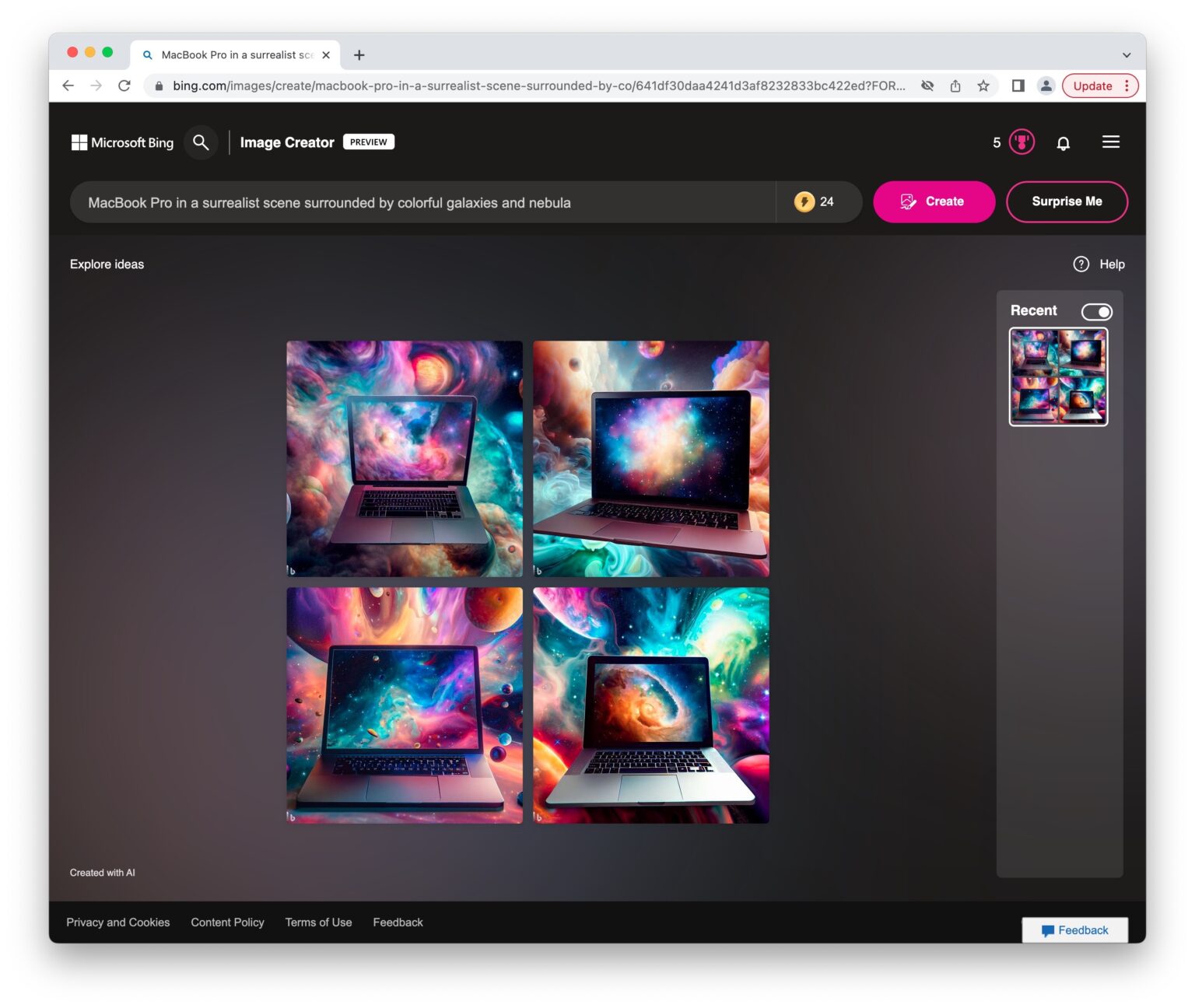
Serene Create Coloring Page From Photo Free Landscape for Your Screen
Discover an amazing create coloring page from photo free background image, ideal for personalizing your devices with vibrant colors and intricate designs.

Dynamic Create Coloring Page From Photo Free Picture Art
A captivating create coloring page from photo free scene that brings tranquility and beauty to any device.

Gorgeous Create Coloring Page From Photo Free Moment for Your Screen
This gorgeous create coloring page from photo free photo offers a breathtaking view, making it a perfect choice for your next wallpaper.
Captivating Create Coloring Page From Photo Free Scene Collection
A captivating create coloring page from photo free scene that brings tranquility and beauty to any device.
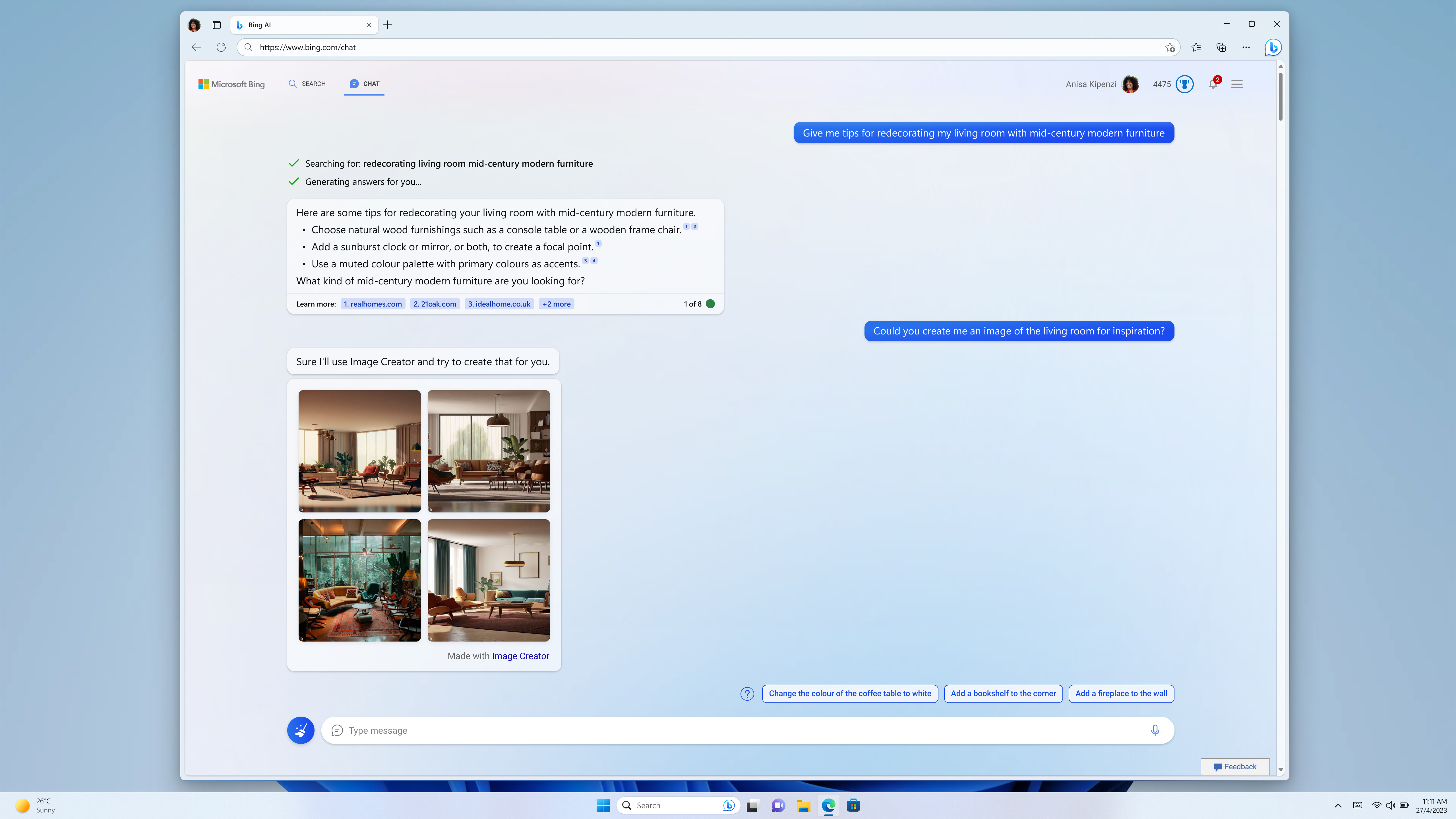
High-Quality Create Coloring Page From Photo Free Abstract in HD
Experience the crisp clarity of this stunning create coloring page from photo free image, available in high resolution for all your screens.

Stunning Create Coloring Page From Photo Free Wallpaper Concept
Immerse yourself in the stunning details of this beautiful create coloring page from photo free wallpaper, designed for a captivating visual experience.

Crisp Create Coloring Page From Photo Free Background in HD
A captivating create coloring page from photo free scene that brings tranquility and beauty to any device.

Lush Create Coloring Page From Photo Free Background Art
Immerse yourself in the stunning details of this beautiful create coloring page from photo free wallpaper, designed for a captivating visual experience.

Dynamic Create Coloring Page From Photo Free Image in HD
A captivating create coloring page from photo free scene that brings tranquility and beauty to any device.

Dynamic Create Coloring Page From Photo Free Moment in HD
Immerse yourself in the stunning details of this beautiful create coloring page from photo free wallpaper, designed for a captivating visual experience.

Vivid Create Coloring Page From Photo Free Capture Illustration
Explore this high-quality create coloring page from photo free image, perfect for enhancing your desktop or mobile wallpaper.

Vibrant Create Coloring Page From Photo Free Image in HD
Transform your screen with this vivid create coloring page from photo free artwork, a true masterpiece of digital design.

Breathtaking Create Coloring Page From Photo Free Wallpaper Art
Experience the crisp clarity of this stunning create coloring page from photo free image, available in high resolution for all your screens.
Detailed Create Coloring Page From Photo Free Photo in 4K
Explore this high-quality create coloring page from photo free image, perfect for enhancing your desktop or mobile wallpaper.
Stunning Create Coloring Page From Photo Free Moment Illustration
This gorgeous create coloring page from photo free photo offers a breathtaking view, making it a perfect choice for your next wallpaper.
Download these create coloring page from photo free wallpapers for free and use them on your desktop or mobile devices.