Best Printer For Printing Coloring Pages
Best Printer For Printing Coloring Pages: Choosing Your Perfect Art Companion
Are you tired of lackluster printouts that just don't do justice to those beautiful coloring page designs? Whether you're a parent keeping the kids busy, a teacher needing mass prints, or an adult finding solace in complex mandalas, having the right equipment is essential. Finding the Best Printer For Printing Coloring Pages isn't just about speed; it's about achieving crisp lines, handling different paper types, and, crucially, keeping your ink costs manageable.
We know the struggle: you download a gorgeous high-resolution design only for your basic home printer to produce blurry lines or run out of black ink after ten sheets. This guide cuts through the noise. We'll explore the must-have features and recommend the top contenders so you can finally print professional-looking outlines ready for markers, pencils, or crayons.
Why Standard Printers Just Won't Cut It for Artists
Many basic printers are designed for text documents or occasional photo prints. However, coloring pages place a unique demand on your hardware. You need sharp, dark black lines that won't smudge when colored over, and you need a printer that can handle heavier paper stocks without jamming.
The biggest pain point usually comes down to running costs. Coloring pages use a lot of black ink, and if you are constantly replacing expensive cartridges, your fun hobby quickly turns into a financial burden. That's why considering total cost of ownership (TCO) is vital when searching for the Best Printer For Printing Coloring Pages.
Key Features to Look For in a Coloring Page Printer
Before you commit to a purchase, review these essential specifications. These features directly impact the quality of the final outline and the cost per print.
- High DPI Resolution: A higher Dots Per Inch (DPI) rating means crisper, finer lines. Look for at least 1200 x 1200 DPI for black and white documents.
- Paper Handling Capabilities: Your printer needs a versatile tray. Coloring pages often look better and stand up to markers better if printed on heavier cardstock (65 lb to 100 lb). Look for a straight paper path if you plan to use thick media.
- Ink Technology: Pigment-based black ink is generally preferred over dye-based ink for outlines, as pigment ink resists smudging and bleeding when watercolors or alcohol markers are applied.
- Low Cost Per Page (CPP): This is non-negotiable for high-volume printing. Tank printers (like EcoTank or MegaTank) excel here.
Inkjet vs. Laser: The Great Coloring Debate
When selecting the Best Printer For Printing Coloring Pages, you face the eternal choice: inkjet or laser? While both can print outlines, they achieve the result in fundamentally different ways, impacting the final quality and durability.
The Case for Inkjet Printers
Modern inkjet printers, especially those using pigment-based black ink, are often the superior choice for hobbyists and artists. Why? They handle thicker, coated, or specialty papers much better than most laser machines. Also, while you usually only print outlines, the ability to print full-color sample pages remains a valuable option.
If you opt for a Continuous Ink Supply System (CISS), commonly known as MegaTank or EcoTank models, you drastically reduce your cost per print, making them incredibly economical for bulk coloring page production.
Why Laser Might Be Overkill (But Good for Bulk Outlines)
Laser printers use toner powder which is fused onto the paper using heat. This results in incredibly sharp, smudge-proof lines right out of the machine. If your primary goal is high-volume printing of basic black-and-white outlines for children using crayons or standard colored pencils, a monochrome laser printer is fantastically fast and cheap to run.
However, laser prints can sometimes present issues when using wet media like markers or watercolors, as the toner sits on top of the paper, potentially chipping or interfering with how the art supplies blend. They also generally struggle with heavy, textured art papers.
Top Contenders: Our Picks for the Best Coloring Page Printers
Based on affordability, ink cost, and print quality, here are the categories of printers that offer the best performance for your coloring needs.
Budget-Friendly Workhorses (Under $150)
If you only print coloring pages occasionally, or if you primarily stick to crayons and colored pencils, you don't need to break the bank. Look for reliable entry-level All-in-One (AIO) devices that use separate black and color cartridges rather than tri-color ones, as replacing only the black cartridge saves money.
- Recommendation Strategy: Focus on models known for decent paper handling and readily available XL black cartridges.
- Pro Tip: Check reviews specifically for how fast they consume black ink.
EcoTank/MegaTank Marvels (The Long-Term Economical Choice)
If you print weekly or run a small business selling coloring books, investing in an ink tank printer (Epson EcoTank, Canon MegaTank, HP Smart Tank) is the smartest decision. While the upfront cost is higher, the sheer volume of prints you get from a single bottle of ink is staggering—often thousands of pages.
These models truly define the Best Printer For Printing Coloring Pages for high-volume users because their cost per page drops to pennies, alleviating all stress regarding ink consumption.
Tips for Achieving Gallery-Worthy Prints
Even the best printer requires the right setup to deliver optimal results. Don't underestimate the role of paper and software settings in your final output.
Choosing the Right Paper Stock
The type of paper you use has a monumental impact, especially when using markers that might bleed through standard copy paper. Here's a quick guide to paper weight for coloring:
- Basic Use (Crayons/Pencils): 20 lb or 24 lb standard copy paper is fine.
- Medium Use (Standard Markers/Gel Pens): Aim for 28 lb to 32 lb bright white paper.
- Advanced Use (Alcohol Markers/Watercolors): You need cardstock, ideally 65 lb or heavier. Look for a matte finish to prevent smudging.
Optimizing Printer Settings for Outlines
Always adjust your print settings within the dialogue box before hitting print. Simply using the "Default" setting rarely yields the best quality.
Key Settings Adjustments:
- Paper Type: Select the correct paper setting (e.g., "Matte Presentation Paper" or "Cardstock") even if you are just printing black lines. This tells the printer how much ink to spray and how slowly to move the paper.
- Print Quality: Always select "High" or "Best" quality, not "Draft." High quality ensures maximum DPI for sharp edges.
- Black Ink Only: If your design is pure black and white, ensure you select the "Grayscale" or "Black Ink Only" option to prevent the printer from mixing color inks to create a composite black.
By taking these steps, you maximize the performance of your hardware and ensure your coloring pages look professionally printed, providing the perfect canvas for your artistic endeavors.
Conclusion: Finding Your Coloring Page Champion
Choosing the Best Printer For Printing Coloring Pages ultimately comes down to balancing initial cost, long-term ink expenditure, and paper versatility. For the dedicated hobbyist or educator, an Ink Tank printer (EcoTank or MegaTank) offers unbeatable economy and high-quality pigment black ink perfect for marker use.
If budget is extremely tight, focus on a standard inkjet that uses separate black cartridges and has a high DPI rating. No matter your choice, remember that the right paper stock is half the battle. Invest wisely in a machine that makes printing coloring pages a joy, not a chore!
Frequently Asked Questions (FAQ)
- What kind of ink is best for printing coloring pages?
- Pigment-based black ink is superior. It is water-resistant, meaning it won't bleed or smudge when you use wet media like markers, watercolors, or brush pens over the printed outlines.
- Is a laser printer better than an inkjet for coloring pages?
- For mass production of basic, durable black lines printed on standard paper, a laser printer is excellent and very economical. However, an inkjet printer (especially a CISS model) using pigment ink is generally better if you plan to use heavier art paper or wet coloring media, as laser toner can sometimes crack or resist blending.
- How heavy should the paper be for marker coloring?
- For alcohol markers like Copics or Sharpies, you should use at least 65 lb cardstock (or 176 gsm) to prevent bleed-through. If you have a rear paper feed, you might even be able to use 90 lb or 100 lb paper.
- Does printer DPI matter for coloring pages?
- Yes, absolutely. High DPI (Dots Per Inch) ensures that intricate details and fine lines in complex coloring designs are rendered sharply and smoothly, avoiding jagged edges. Look for 1200 x 1200 DPI or higher.
Best Printer For Printing Coloring Pages
Best Printer For Printing Coloring Pages Wallpapers
Collection of best printer for printing coloring pages wallpapers for your desktop and mobile devices.
Dynamic Best Printer For Printing Coloring Pages View Art
Immerse yourself in the stunning details of this beautiful best printer for printing coloring pages wallpaper, designed for a captivating visual experience.
High-Quality Best Printer For Printing Coloring Pages Landscape Collection
Discover an amazing best printer for printing coloring pages background image, ideal for personalizing your devices with vibrant colors and intricate designs.

Serene Best Printer For Printing Coloring Pages Wallpaper Art
Explore this high-quality best printer for printing coloring pages image, perfect for enhancing your desktop or mobile wallpaper.
Gorgeous Best Printer For Printing Coloring Pages Image Illustration
This gorgeous best printer for printing coloring pages photo offers a breathtaking view, making it a perfect choice for your next wallpaper.
Amazing Best Printer For Printing Coloring Pages Capture in 4K
Transform your screen with this vivid best printer for printing coloring pages artwork, a true masterpiece of digital design.

Vivid Best Printer For Printing Coloring Pages Capture Digital Art
Explore this high-quality best printer for printing coloring pages image, perfect for enhancing your desktop or mobile wallpaper.
Vivid Best Printer For Printing Coloring Pages Artwork Photography
Explore this high-quality best printer for printing coloring pages image, perfect for enhancing your desktop or mobile wallpaper.
Detailed Best Printer For Printing Coloring Pages Artwork Art
Transform your screen with this vivid best printer for printing coloring pages artwork, a true masterpiece of digital design.

Captivating Best Printer For Printing Coloring Pages Image Collection
Immerse yourself in the stunning details of this beautiful best printer for printing coloring pages wallpaper, designed for a captivating visual experience.
Artistic Best Printer For Printing Coloring Pages Background in 4K
Immerse yourself in the stunning details of this beautiful best printer for printing coloring pages wallpaper, designed for a captivating visual experience.
Detailed Best Printer For Printing Coloring Pages Capture Digital Art
Experience the crisp clarity of this stunning best printer for printing coloring pages image, available in high resolution for all your screens.
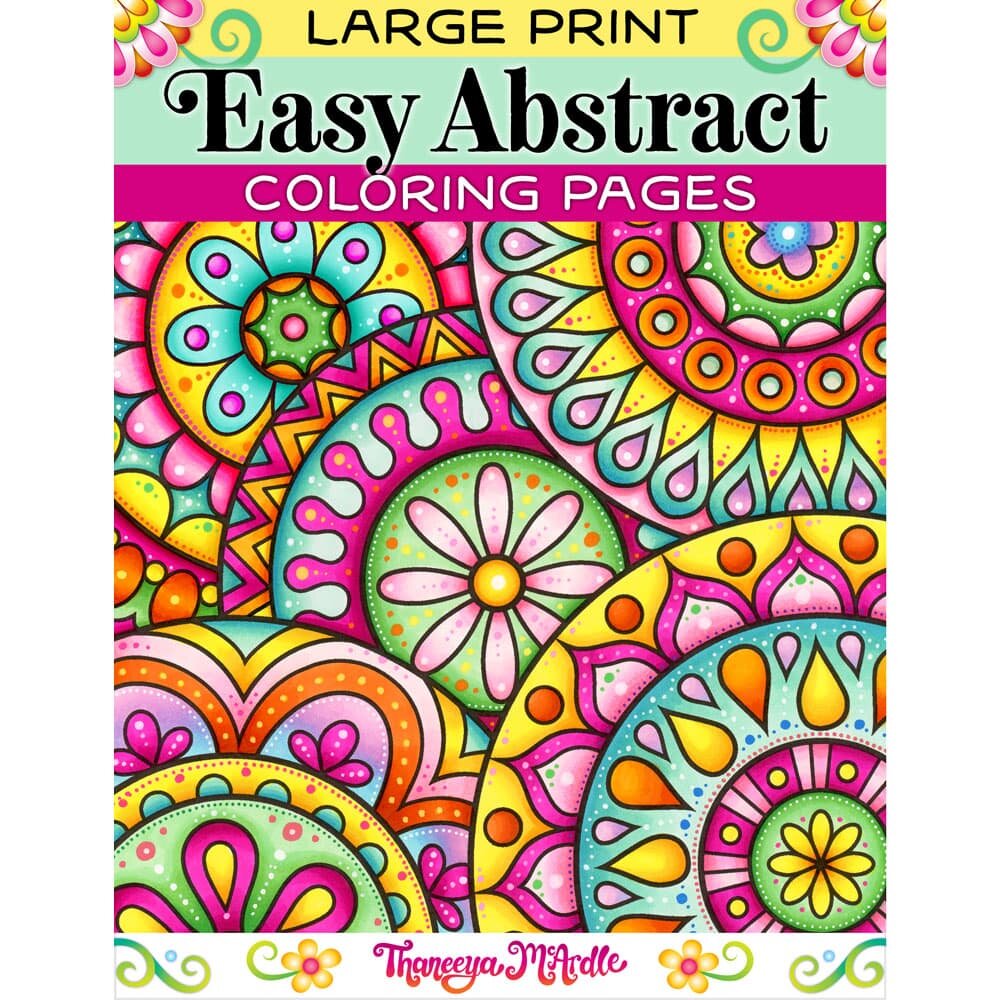
Crisp Best Printer For Printing Coloring Pages Photo Nature
This gorgeous best printer for printing coloring pages photo offers a breathtaking view, making it a perfect choice for your next wallpaper.
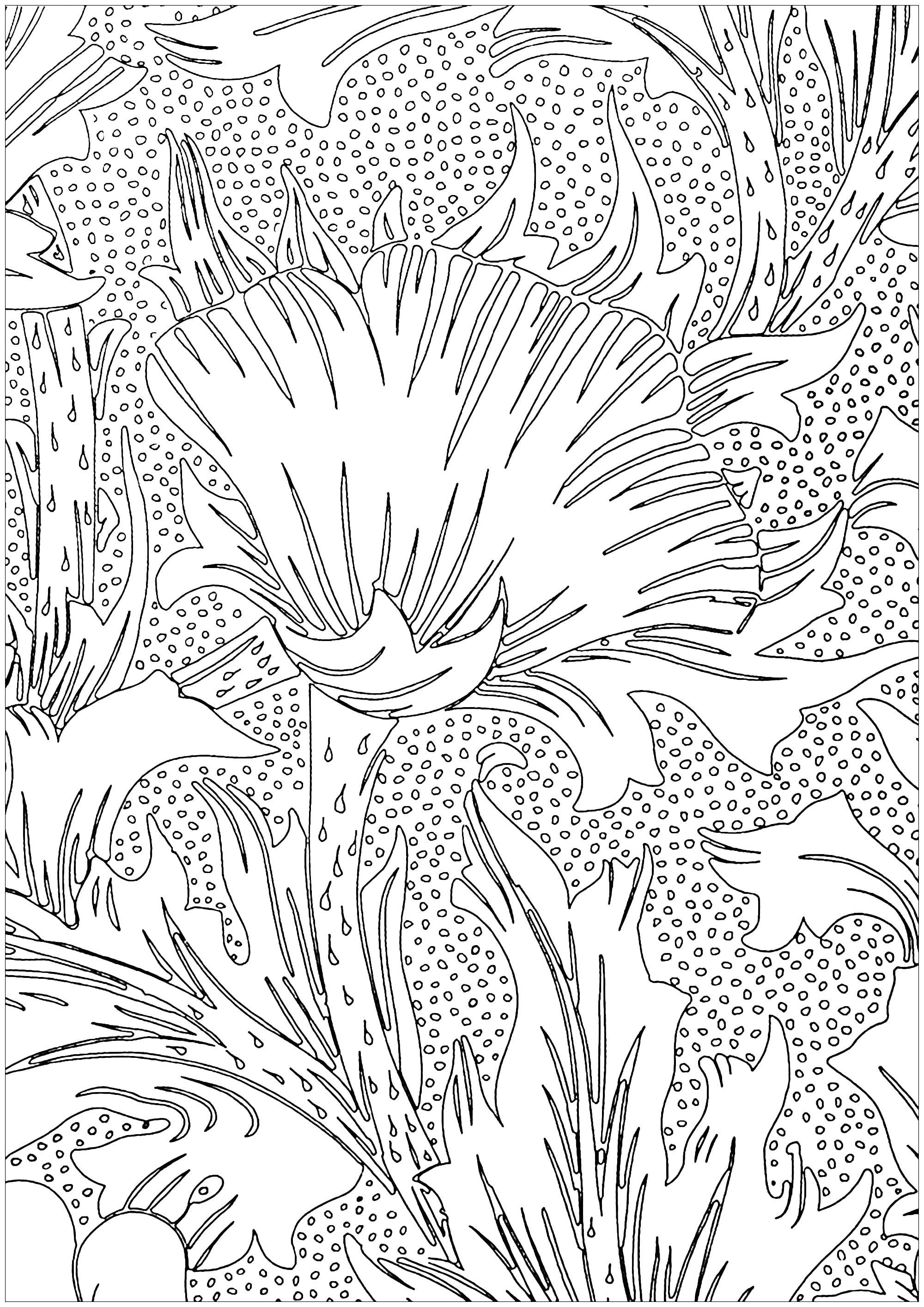
Spectacular Best Printer For Printing Coloring Pages Wallpaper for Mobile
Immerse yourself in the stunning details of this beautiful best printer for printing coloring pages wallpaper, designed for a captivating visual experience.
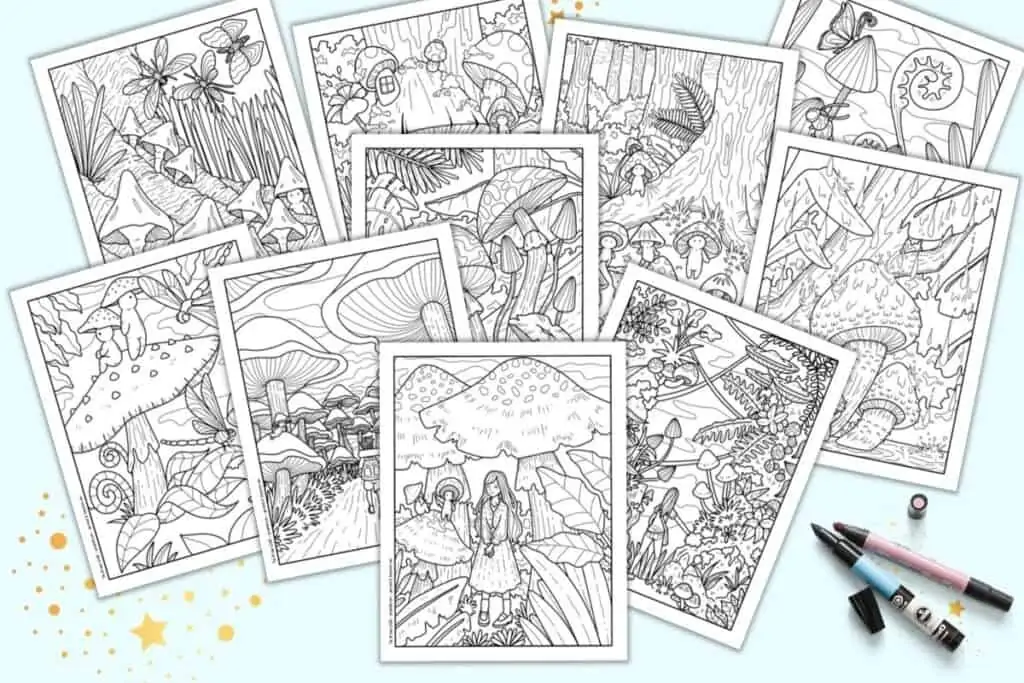
Amazing Best Printer For Printing Coloring Pages Photo Art
Transform your screen with this vivid best printer for printing coloring pages artwork, a true masterpiece of digital design.
Serene Best Printer For Printing Coloring Pages View for Mobile
Experience the crisp clarity of this stunning best printer for printing coloring pages image, available in high resolution for all your screens.
Amazing Best Printer For Printing Coloring Pages Wallpaper for Your Screen
Discover an amazing best printer for printing coloring pages background image, ideal for personalizing your devices with vibrant colors and intricate designs.
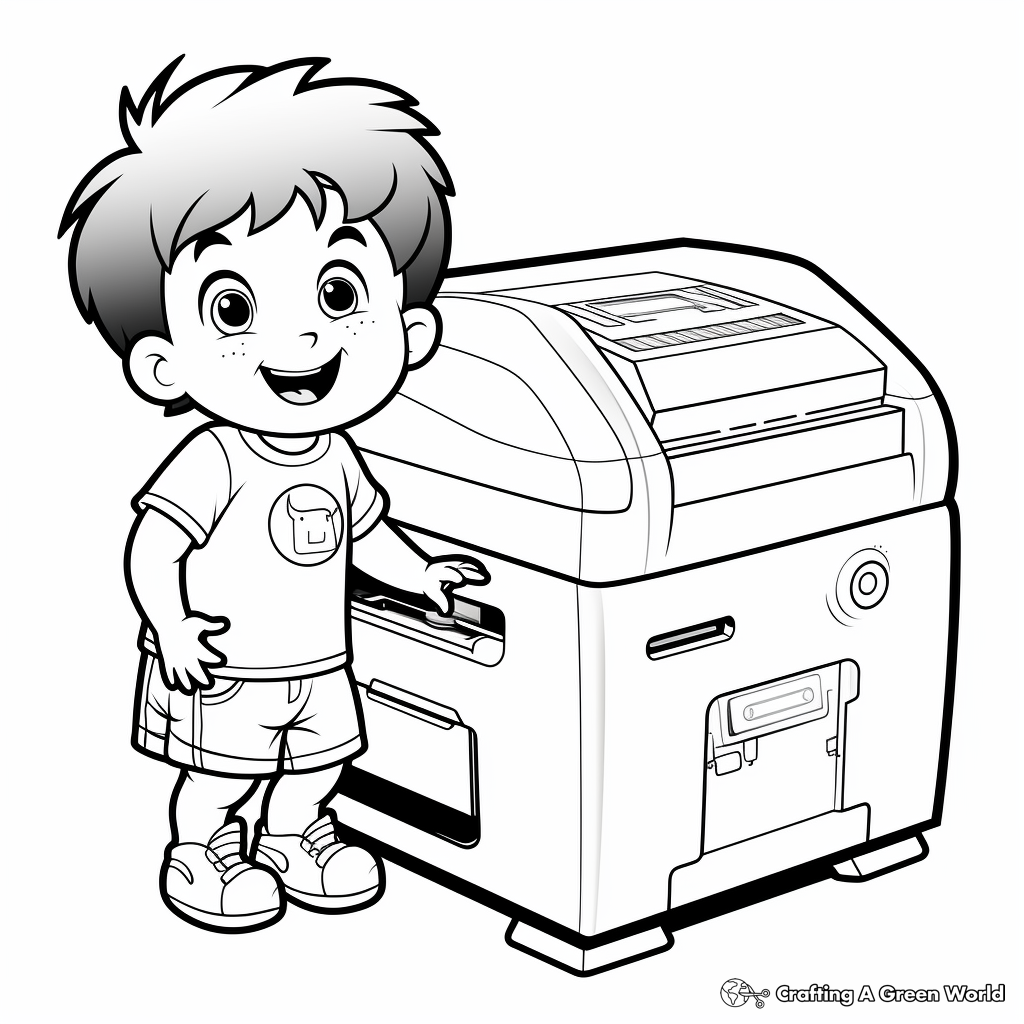
High-Quality Best Printer For Printing Coloring Pages Picture for Mobile
Explore this high-quality best printer for printing coloring pages image, perfect for enhancing your desktop or mobile wallpaper.

Breathtaking Best Printer For Printing Coloring Pages Landscape for Your Screen
Experience the crisp clarity of this stunning best printer for printing coloring pages image, available in high resolution for all your screens.

High-Quality Best Printer For Printing Coloring Pages Capture Photography
Transform your screen with this vivid best printer for printing coloring pages artwork, a true masterpiece of digital design.
Vibrant Best Printer For Printing Coloring Pages Image Nature
Discover an amazing best printer for printing coloring pages background image, ideal for personalizing your devices with vibrant colors and intricate designs.
Download these best printer for printing coloring pages wallpapers for free and use them on your desktop or mobile devices.